How to Use GPT Image 2 for Dark Fantasy Key Visuals — A Step-by-Step Guide with a Real Aethermoor World
Six steps to banner-ready dark fantasy key visuals with GPT Image 2 — prompts, model comparisons, and troubleshooting, proven on thirty real works from the Aethermoor: The Waning Light world.
How to Use GPT Image 2 for Dark Fantasy Key Visuals
A practical, step-by-step guide to generating banner-ready dark fantasy key visuals with GPT Image 2 — using thirty real works published from the Aethermoor: The Waning Light world on Neta Studio. You will learn the prompt anatomy, the two-model comparison workflow, and how to keep every poster on-canon.
What You Need
- A world seed — fork Aethermoor: The Waning Light or write a one-sentence dark fantasy brief.
- A scene — a city, a character, a faction, and a moment worth a poster.
- A model pair — GPT Image 2 for detail, Krea 2 for atmosphere.
- Thirty minutes — thirty posters in one session, published as works.
Step 1 — Choose the Scene
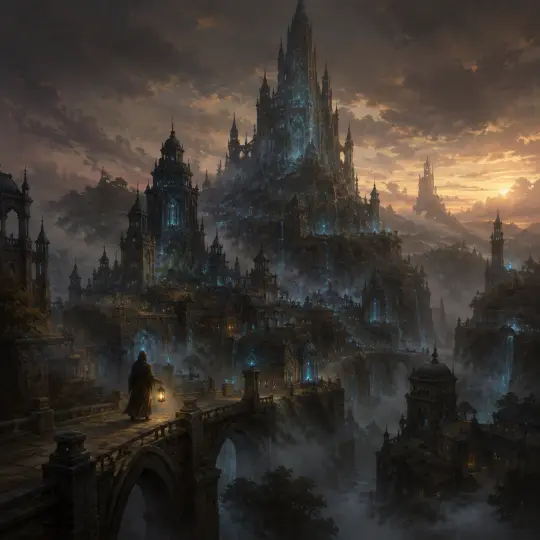
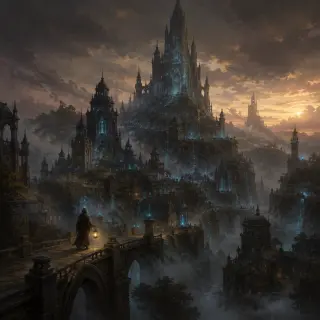
Start with a scene that has visual conflict. Aethermoor offers six: Lumenhold, whose light fails one shade every year; Duskhollow, where smuggled aether keeps the lamps burning; the Sighing Mire, whose fog whispers with given memories. A city with a dying light is a poster before you write a word.
Step 2 — Cast the Subject
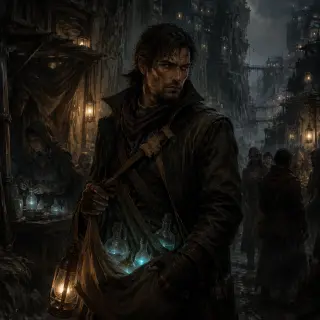
Name the hero and their moment. A hooded lantern-bearer on the bridge gives the city scale; a scarred vein-runner with a satchel of aether-flasks gives the market a story. The subject is what makes a world poster into a character poster — and a character poster is what players remember.
Prompt template: "[a subject] in [a place], [a moment], [an elemental accent], [a light]. Semi-realistic painterly, rich earth tones, visible brushwork, no text."
Step 3 — Set the Mood with Light
Light is the fastest way to make a key visual read as key art. Dying dusk sells the Waning; smuggler's firelight sells Duskhollow; the pale blue of overdraw sells the magic itself. State the light in the prompt and the mood lands without extra words.
Step 4 — Run Both Models
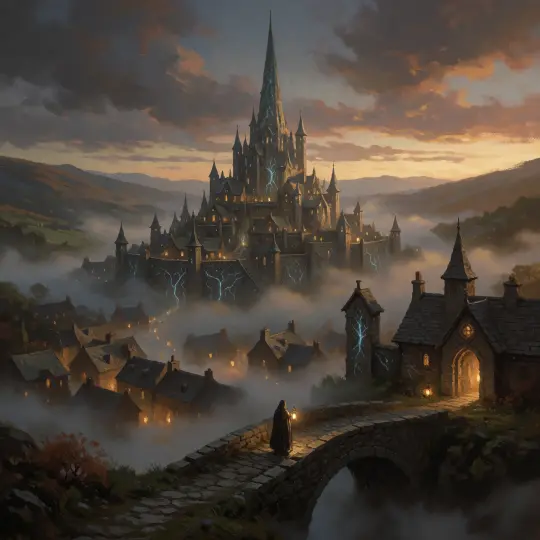
Run the exact same prompt through GPT Image 2 and Krea 2. On Neta Studio both renders publish as works of the same world, so the comparison is forkable — you are not choosing between two loose images, you are choosing between two canon assets.
Step 5 — Compare and Choose
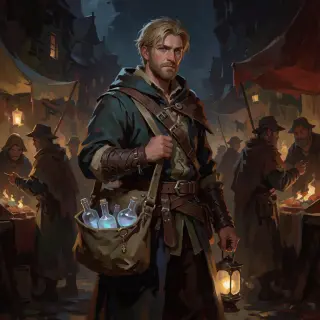
Compare the pair against your art direction. Detail-first suits banners, title screens, and anything that will be cropped; glow-first suits mood pieces, thumbnails, and social frames. Keep the loser — the second poster is often the one that fits the next scene.
Step 6 — Publish and Iterate
Every render publishes as a shareable work of the world. Iterate by re-prompting the same scene, forking the world to change the canon, or building the next work from the same atoms — a game scene in Duskhollow, a Hollow Tide video, a character card for Nym Averil.
Write
Prompt the scene, subject, and light in one sentence.
Render
Run GPT Image 2 and Krea 2 on the same brief.
Compare
Publish both as works; compare against your direction.
Iterate
Re-prompt, fork, or build the next work from the same world.
Prompt Recipes That Work
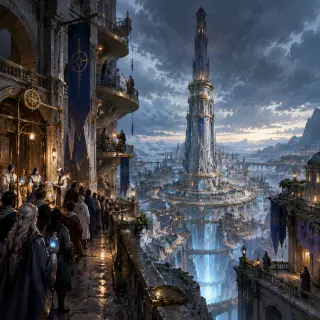
- Dying city — "the great spire-city of Lumenhold rising above a fog-choked valley at dusk, veins of dying aether-light glowing through stone, a hooded figure with a lantern crossing a stone bridge, the light dimming one shade further every year".
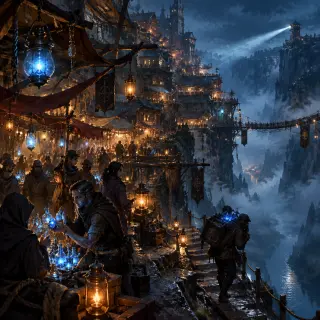
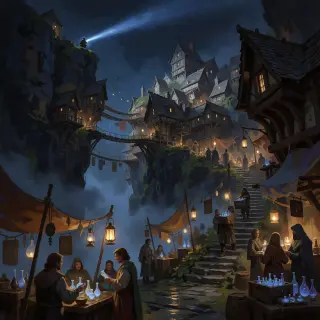
- Night market — "a scarred vein-runner with a satchel of glowing aether-flasks in Duskhollow's cliff-hung night market, smuggler's lantern glow, unregistered vendors in the shadows".
- Whispering fog — "a drowned lowland where leaked aether pools in fog that whispers with the voices of given memories, a pale figure walking the mist".
- The Vessel — "an eleven-year-old lamplighter's daughter whose dreams come true, standing in a circle of chalk-signs, the Hollow Choir's light gathering behind her".
Troubleshooting
- Texture artifacts — add clearer style cues: "semi-realistic painterly, clean line work, no photorealistic capture".
- Accidental text — add "no text, no watermark, no typography" and keep titles out of the prompt.
- Wrong palette — restate the world's colors: "rich earth tones with pale-blue aether accents".
- Too busy — cut one element; a key visual with two subjects reads better than one with five.
- Model drift — re-anchor on the world seed: fork the world instead of re-typing style notes.
What's Next After the Poster
The thirty key visuals in this guide are public works of the Aethermoor: The Waning Light world. Use them as the storefront, then fork the world and build the rest of the pipeline: a playable scene, a video sequence, or a full character card set — all from the same 25 atoms.
Step 7 — Render the World's Worst Night
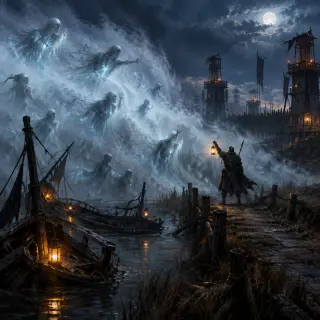
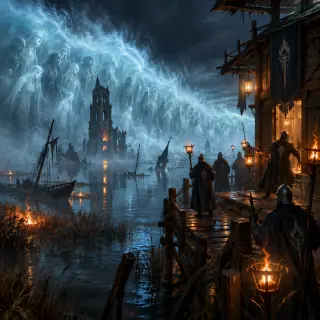
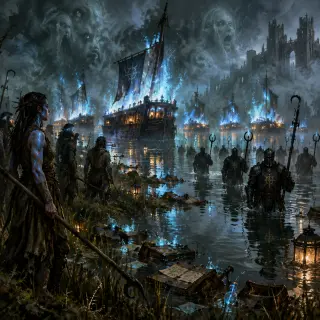
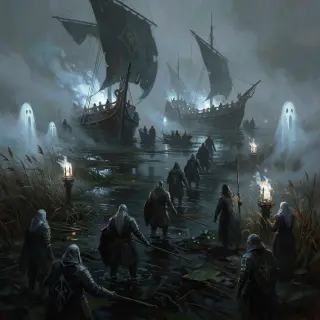
Once the steps are second nature, stress-test them on an event: the Hollow Tide over the Sighing Mire. An event key visual must hold scale (a wall of fog), stakes (the warden with the lantern), and canon (the drowned who carry memories) in a single frame. The pair below came from one prompt on GPT Image 2 and Krea 2 — same world, same night, two art directions.
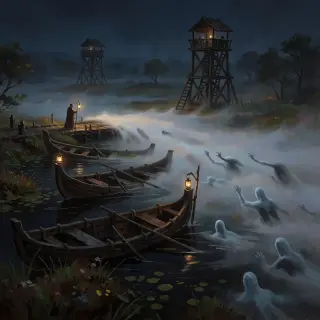
The God-Sundering — GPT Image 2 vs Krea 2
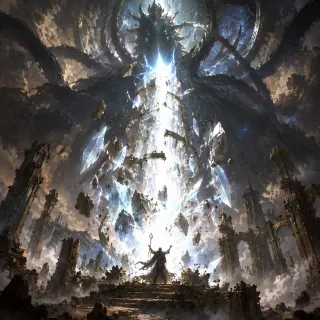
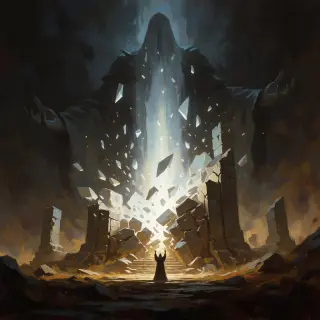
Cradlevein Deep — GPT Image 2 vs Krea 2
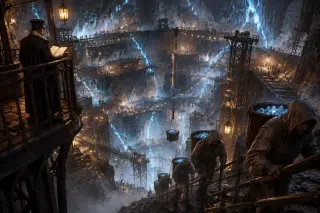
The latest pair pushes the same comparison underground. Cradlevein Deep is the terraced mine-city cut into the old Aetherwell’s mother-lode, where raw aether is hewn like coal and a Concord overseer keeps the ledger on a high iron balcony. GPT Image 2 builds the shafts and gantries with crisp, legible structure; Krea 2 floods the same pit with lantern-warm haze and cold aether shimmer — a place already half-buried in memory.
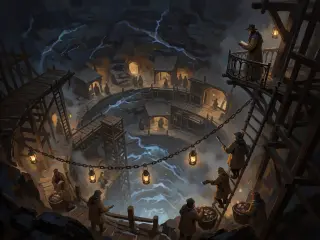
The Sundered Stair — GPT Image 2 vs Krea 2
The newest pair descends all the way to the wound. The Sundered Stair is the mile-wide ruin of stone steps spiralling into the abyss where Ghorvan shattered the Aetherwell a thousand years ago — broken treads, leaning ribs of the old Well tower, and votive lanterns marking the last safe steps, while Ghorvan the Unwound hangs mid-death on a shard of stair below. GPT Image 2 builds the descent with crisp, legible structure and a cold aether glow; Krea 2 answers with looser brushwork, looking straight down the great spiral into the blue-black dark.
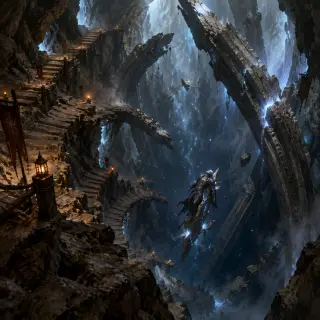
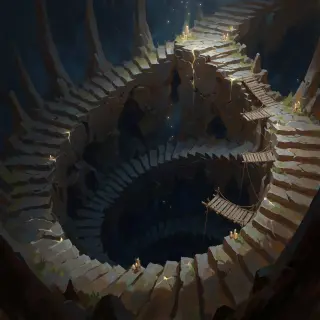
Seraphine Vael — GPT Image 2 vs Krea 2
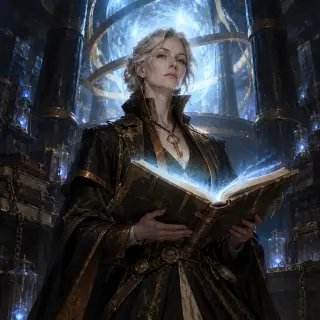
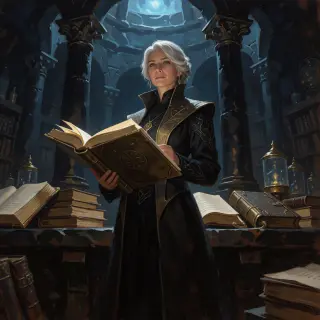
Mirelle of the Ninth Echo — GPT Image 2 vs Krea 2
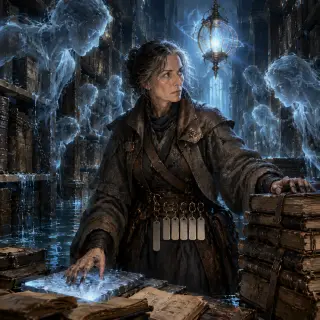
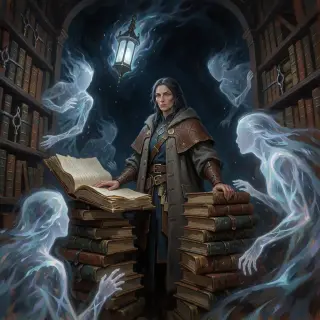
Drev Reuel, the Choirfather — GPT Image 2 vs Krea 2
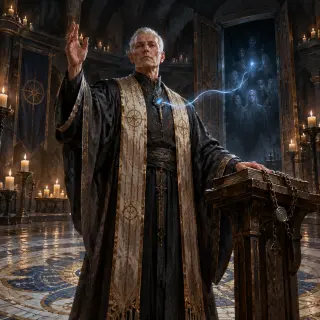
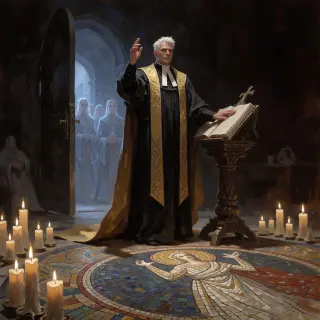
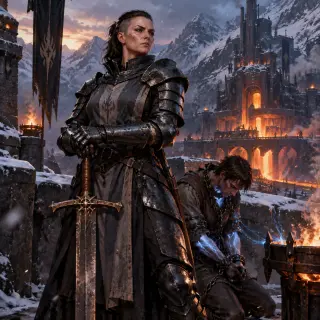
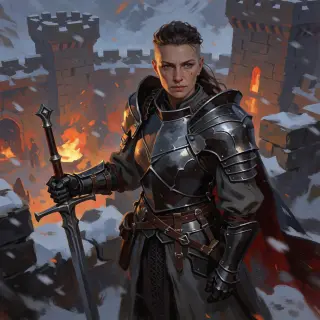
Idra Kolgrim, Warden-Commander — GPT Image 2 vs Krea 2
Duskhollow, the Tithe-Line Market — GPT Image 2 vs Krea 2
Lumenhold, the Last Spire — GPT Image 2 vs Krea 2
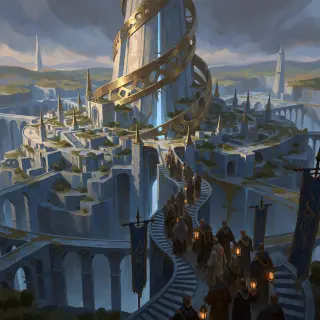
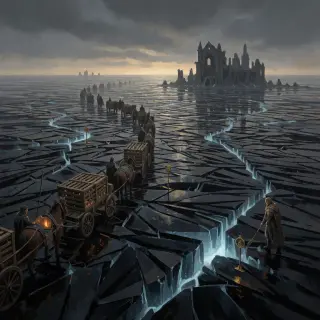
The Glasswaste, the Mirror-Sea — GPT Image 2 vs Krea 2
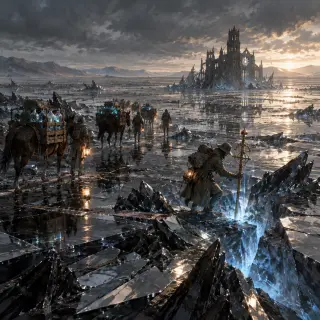
The First Hollow Tide — Warden Outpost — GPT Image 2 vs Krea 2
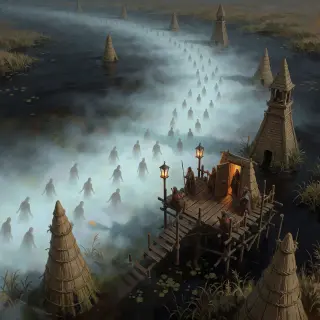
Hollow Vhorune, the Murdered God — GPT Image 2 vs Krea 2
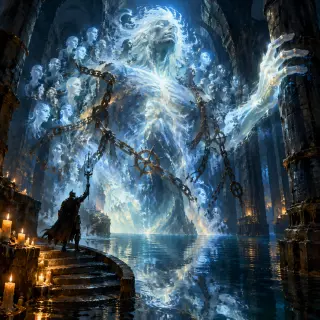
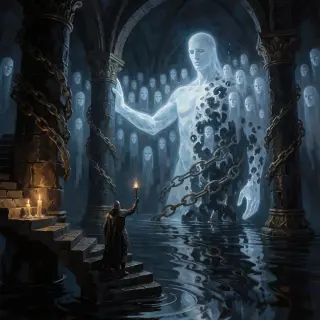
The Tithe Wars — GPT Image 2 vs Krea 2
Start Your Key Visual
Follow the six steps with GPT Image 2 — your dark fantasy key visual is one prompt away.