How to Use GPT Image 2 for Gacha Key Visuals — A Step-by-Step Guide with a Real Genshin Impact World
Learn the full workflow — from a one-sentence scene brief to published gacha splash art — using the Genshin Impact: The Seven Realms world as the worked example.
How to Use GPT Image 2 for Gacha Key Visuals
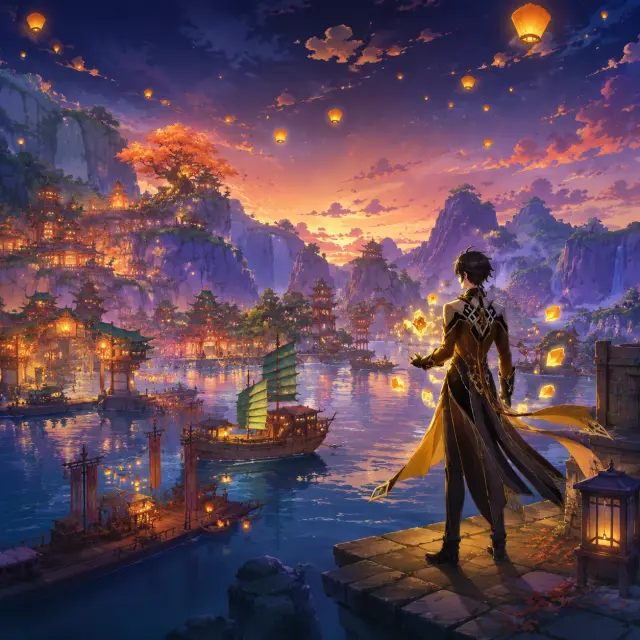
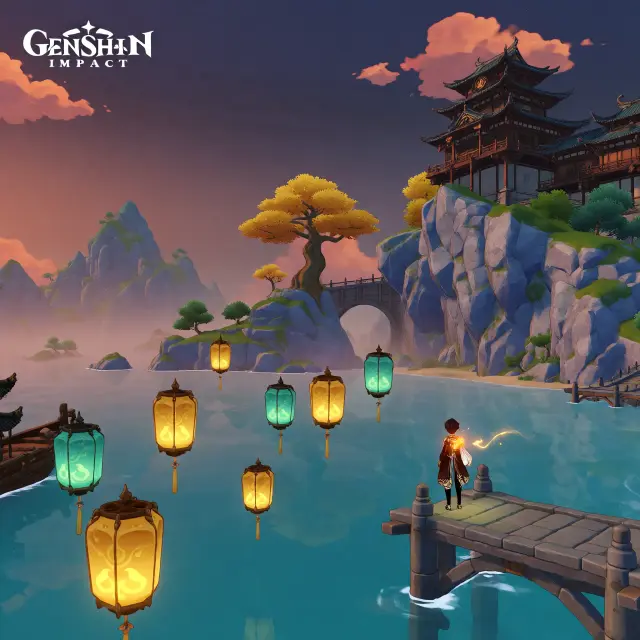
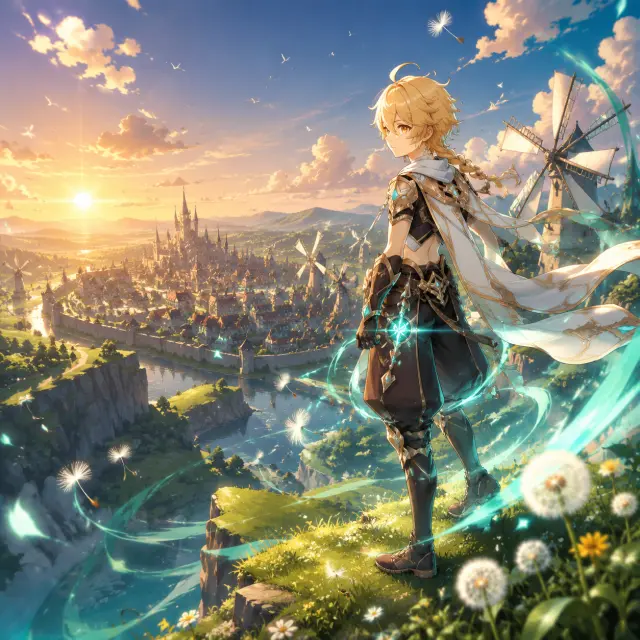
This guide walks the full workflow — from a one-sentence scene brief to a published gacha key visual — using the Genshin Impact: The Seven Realms world as the worked example. Every image shown here is real: four key visuals, two prompts, two models, all published as shareable works of the same world on Neta Studio.
What You Need
- A Neta Studio account (neta.art)
- Access to the GPT Image 2 model (and Krea 2, for comparison)
- One scene brief — hero, nation, time of day, elemental accent
- Optional: a world seed like Genshin Impact: The Seven Realms to keep style consistent
Step 1 — Pick the Hero, the Nation, and the Moment
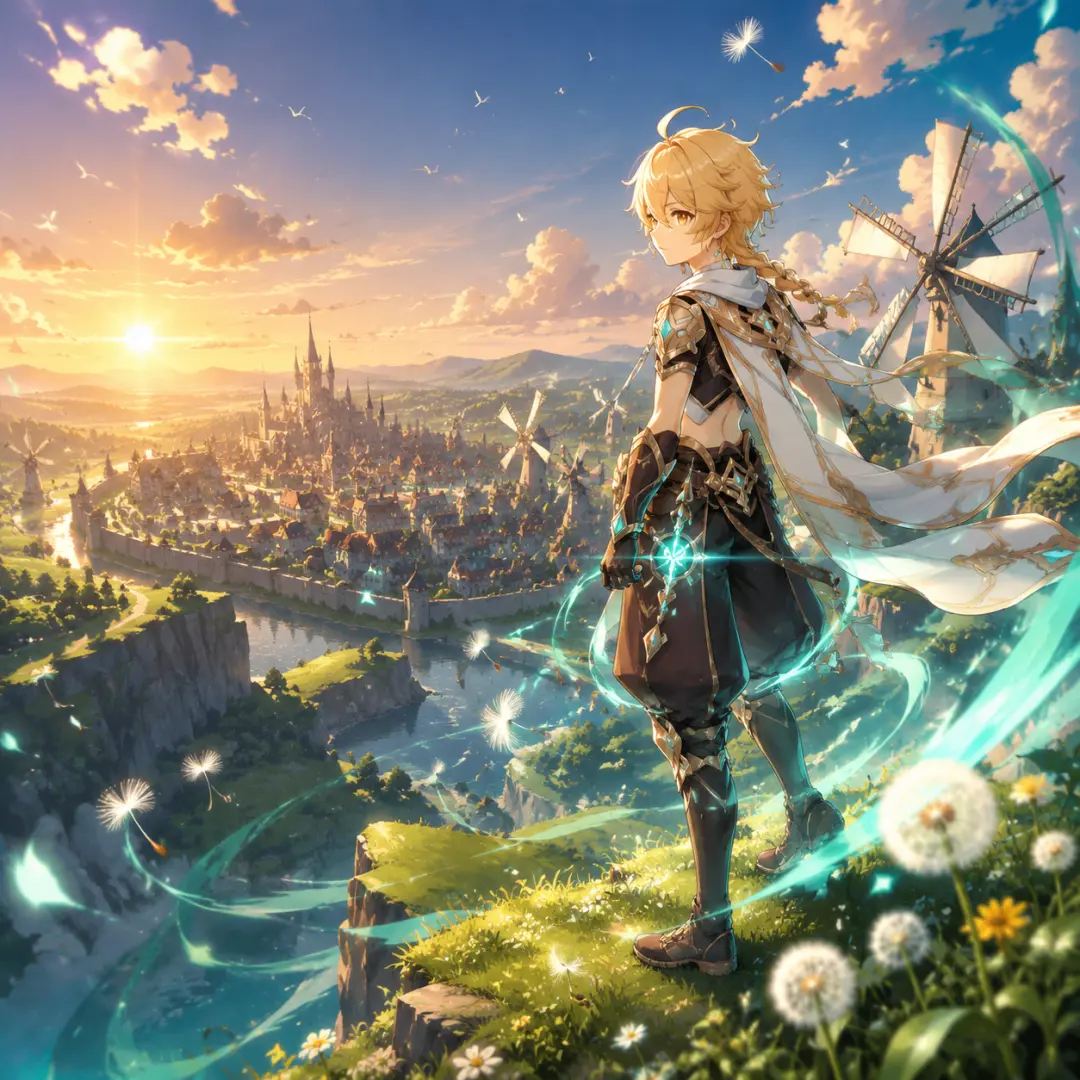
A gacha key visual needs a hero, a place, and a moment. The brief for the Mondstadt poster was: 'the Traveler above Mondstadt at golden hour, Anemo energy swirling, dandelion seeds in the wind.' The place anchors the composition; the moment gives the light a reason to be dramatic.
Step 2 — Add the Elemental Accent
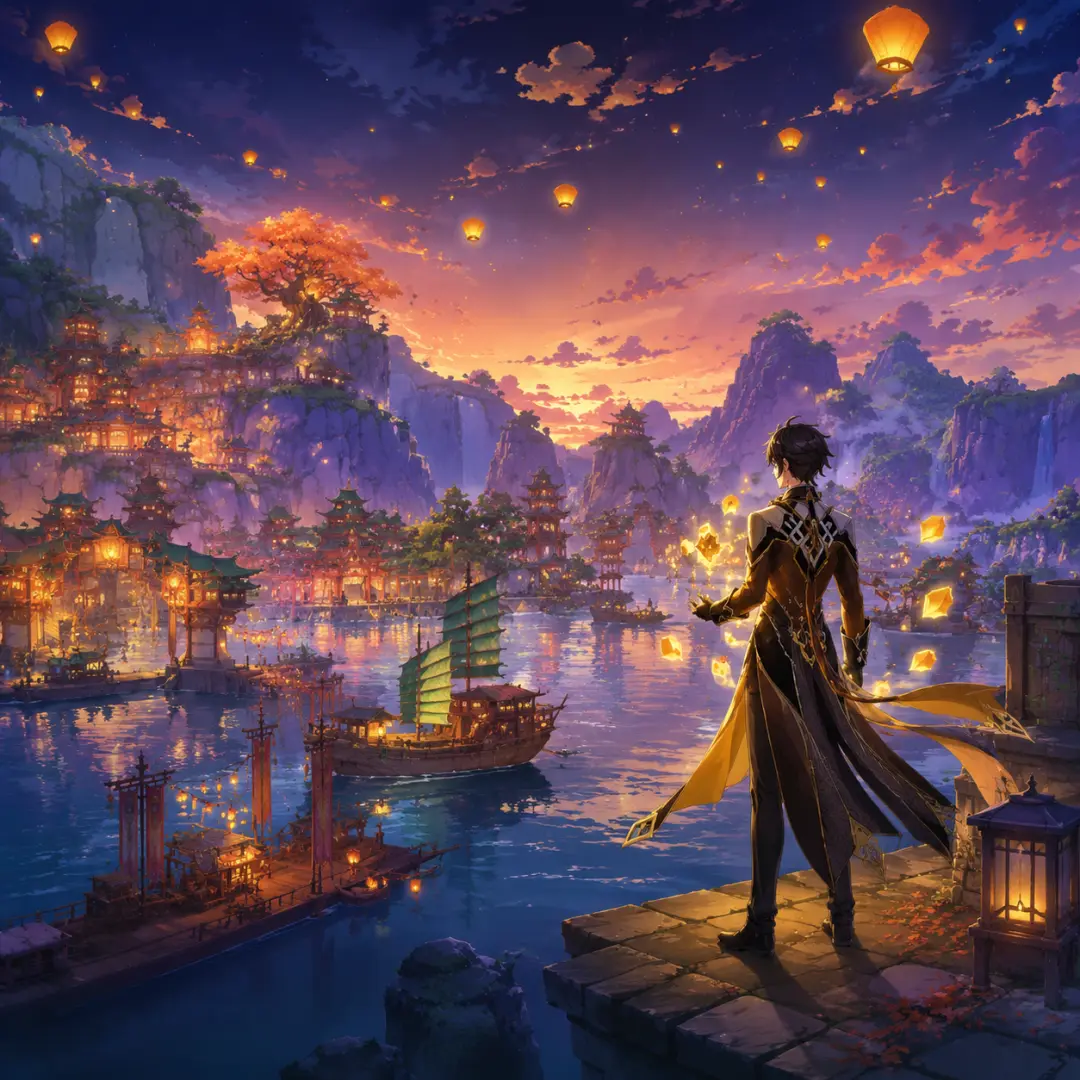
Elemental energy is what makes a gacha frame read instantly. We specified 'glowing Anemo Vision' and 'teal energy swirling' for Mondstadt, and 'golden Geo shards and sky lanterns' for Liyue. Name the element, the color, and where it appears — on the hero, in the air, or both.
Step 3 — Set the Light and Composition
Light drives the mood: golden hour for heroism, dusk for mystery, storm for tension, festival night for wonder. Composition cues — 'cinematic wide composition, gacha splash art, high detail' — tell the model to think like a poster artist, not a wallpaper generator.
Step 4 — Run the Prompt Through GPT Image 2
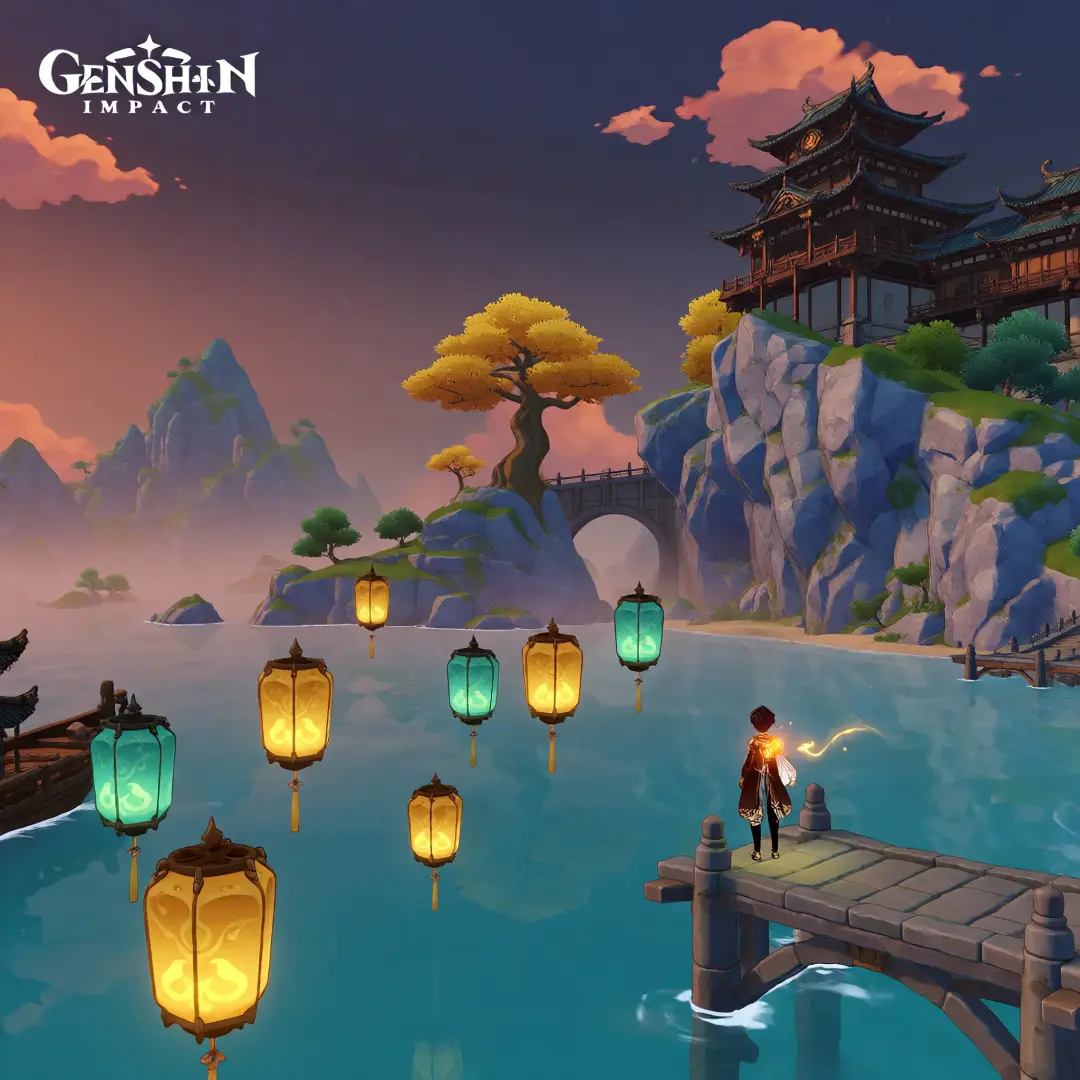
With the world selected on Neta Studio, GPT Image 2 renders the poster from the world's seed prompt and visual style, so the output stays on-canon. The Mondstadt cover came back with crisp armor, a readable cathedral, and layered golden-hour light in a single pass.
Step 5 — Run the Same Prompt Through Krea 2
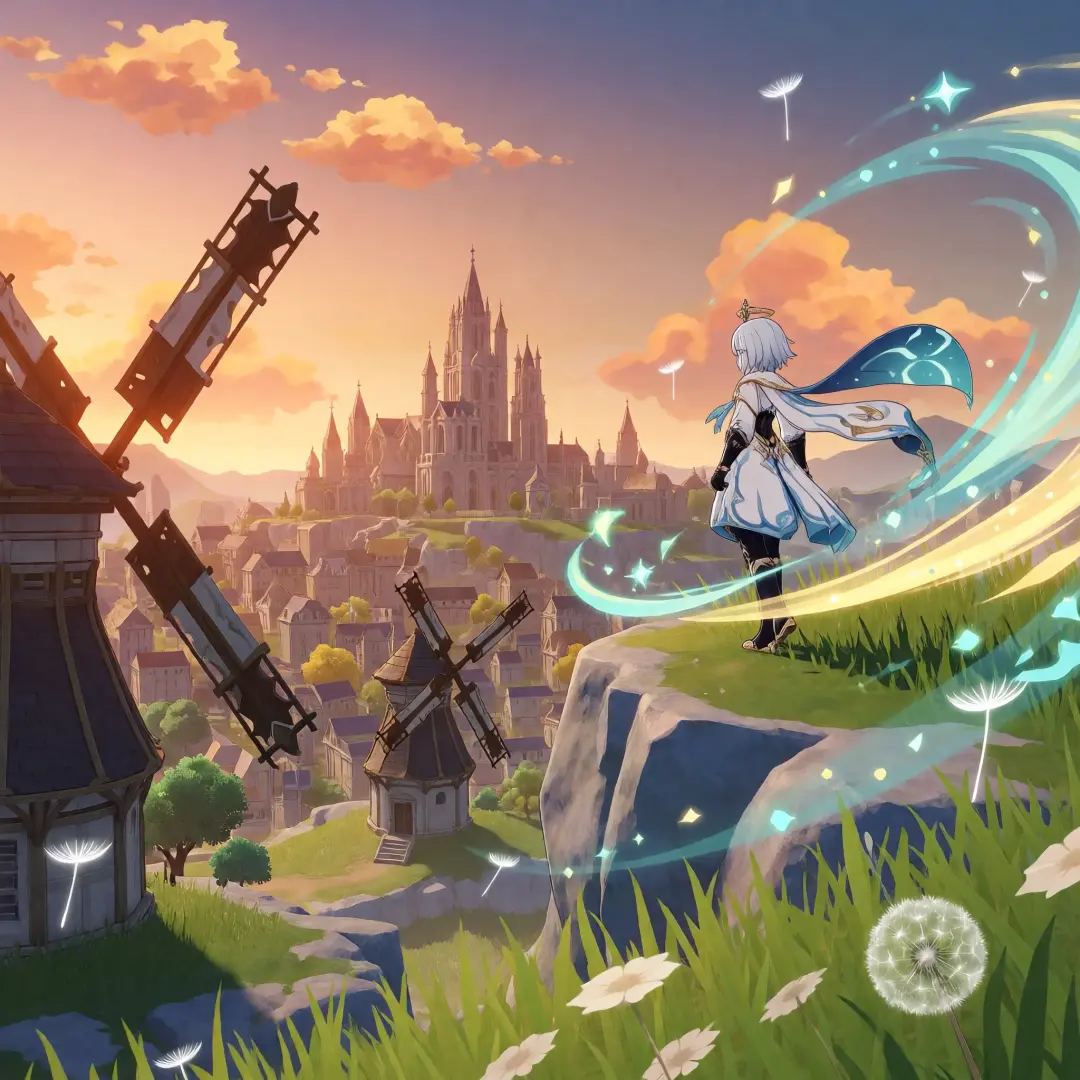
The same words, the same world, a second model: Krea 2 returned a painterly, glow-first Mondstadt — turquoise ribbons, dreamier wind, softer light. The comparison is the fastest way to learn which style your project needs, and both outputs are yours.
Step 6 — Publish and Compare
Each render publishes as a shareable work with a public URL, linked to the world it came from. Now you have four posters: Mondstadt and Liyue, each in two styles. Compare them side by side, pick the direction, and re-prompt the loser with new cues.
Prompts That Worked
- Mondstadt — 'the Traveler in a white outfit with a glowing Anemo vision standing on a windswept cliff above Mondstadt at golden hour, giant windmills and a medieval city with a cathedral below, teal and gold energy swirling, floating dandelion seeds in the wind, cinematic wide composition, gacha game splash art, vibrant colors, high detail.'
- Liyue Harbor — 'a panoramic view of Liyue Harbor at dusk, golden and teal lanterns floating over the harbor, traditional Chinese architecture on towering cliffs, the great tree and mountains in the misty distance, a lone traveler with glowing Geo energy standing on a stone pier, cinematic wide composition, gacha game splash art, vibrant colors, high detail.'
Troubleshooting
- Textures look noisy — add clearer style cues: 'clean cel-shading, smooth gradients, no texture noise.'
- The hero disappears into the background — state the composition: 'hero in the foreground, city behind, clear silhouette.'
- Elemental effects look weak — name the color and motion: 'glowing teal ribbons swirling around the hero.'
- Style drifts between posters — always render from the same world seed and visual style.
Beyond the Poster
Once you have a key visual you love, the world behind it does the rest: the same atoms that produced the poster can produce a playable game, an anime opening, a lore archive, or a visual novel. The poster is the storefront; the world is the store.
Go Create Your Key Visual
Six steps, two models, four posters, one world — that is the GPT Image 2 gacha key visual pipeline. The City of Freedom was rendered from one sentence; yours can be too.
Follow the six steps with GPT Image 2 — <span class="ml-highlight">your gacha key visual</span> is one prompt away
Write the brief, pick the model, publish the poster — and keep the world that made it.