How to Use GPT Image 2 for Hand-Drawn Animation Key Visuals — Niu Lai (牛来) Guide
Six steps from visual-style brief to published key visual, demonstrated in the Niu Lai world.
How to Use GPT Image 2 for Hand-Drawn Animation Key Visuals
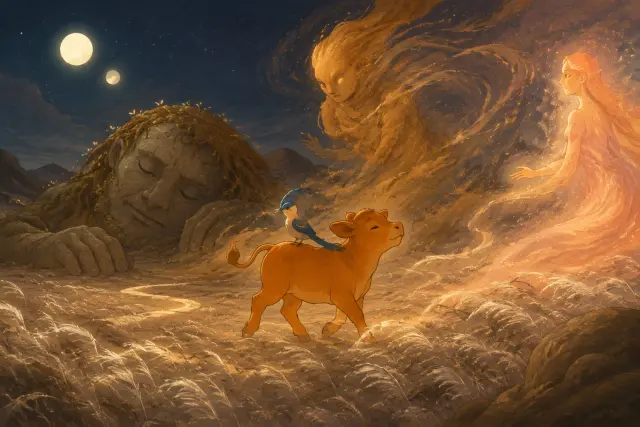
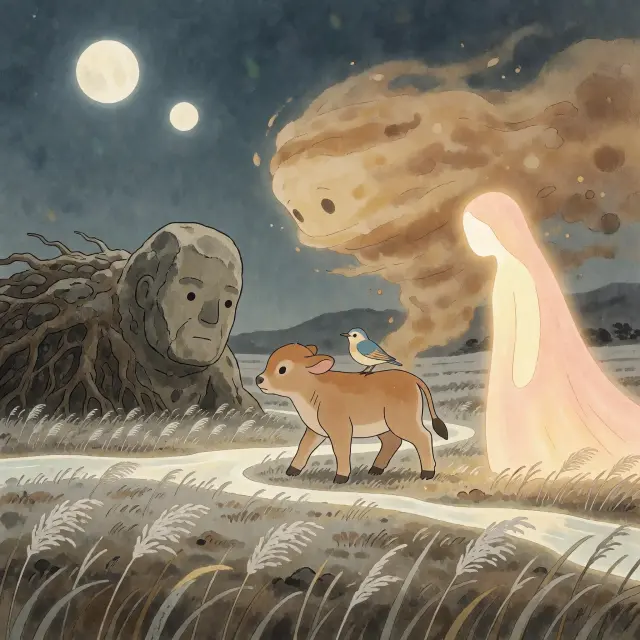
This guide walks the full workflow for generating hand-drawn 2D animation key visuals with GPT Image 2 — from freezing a visual-style brief to publishing a shareable key visual. Every step is demonstrated with real output from the Niu Lai (牛来) world, where GPT Image 2 rendered the world key visual and the Dream Plain key visual from the same prompts given to Krea 2.
What you will learn: Step 1 lock the style brief · Step 2 write the scene in one sentence · Step 3 choose size and composition · Step 4 run and review · Step 5 compare with a second model · Step 6 iterate and publish. Total time for a first frame: about ten minutes.
Step 1 — Lock the Visual Brief
The visual brief is the contract between you and the model. It names the palette, the texture, the composition rule, and the constraints. The Niu Lai world ships with a brief that is proven to work — reuse it verbatim.
Hand-crafted 2D Chinese animation, warm earthy palette of sand, dun, ochre, terracotta, amber and dust-rose, vast desert dunes and an enormous sky, a small calf against overwhelming nature, soft ink-wash textures, painterly backgrounds, soft canvas grain, rounded gentle shapes, no text, no watermark
Three things make this brief effective: it names concrete colors (not 'warm' but sand, ochre, terracotta), it names the texture language (ink-wash, canvas grain), and it states the composition rule (a small creature against overwhelming nature) that carries the story's theme.
Step 2 — Write the Scene in One Sentence
Key visuals work best with a single sentence of scene: subject, scale, and action. The Niu Lai world key visual used exactly one sentence before the style block.
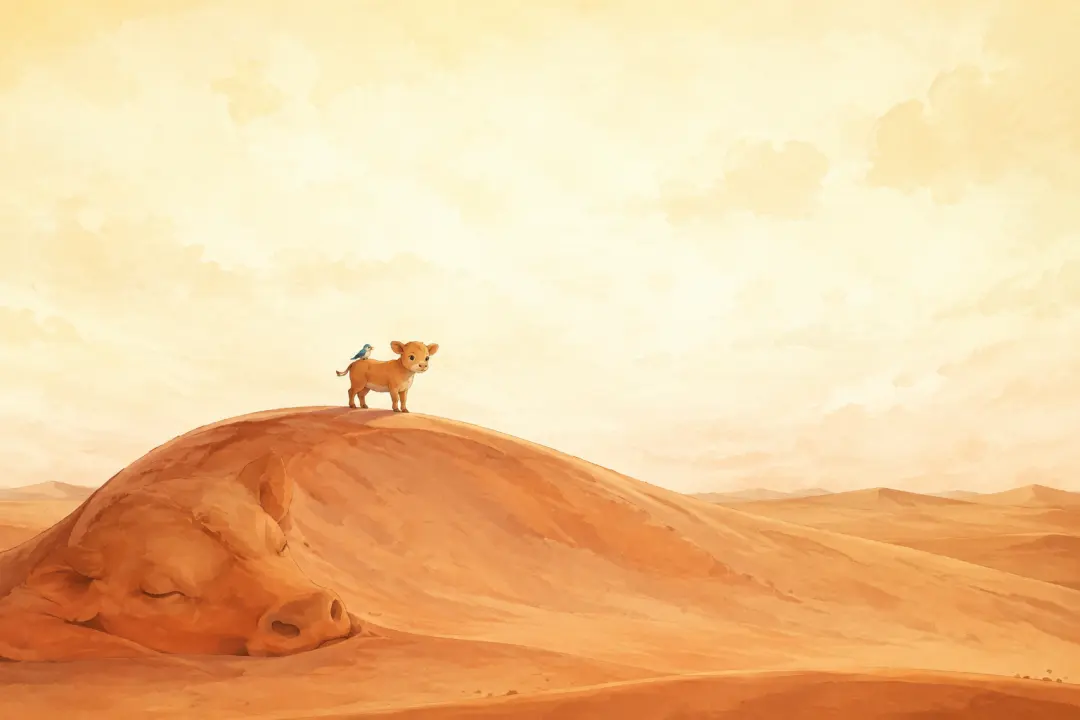
Key visual of the hand-crafted 2D Chinese animated world "Niu Lai" (牛来). A tiny newborn tawny calf with big gentle eyes stands atop a vast solitary sand dune shaped like a sleeping calf, carrying a small blue-and-cream lark with a broken wing on his back. Around them an enormous white-hot sky fills two-thirds of the frame, warm earthy palette of sand, dun, ochre, terracotta, amber and dust-rose, soft ink-wash textures, painterly backgrounds, soft canvas grain, rounded gentle shapes, a small creature against overwhelming nature, cinematic wide composition, no text, no watermark.
If your scene needs two sentences, make two works. A crowded prompt produces a crowded frame; the brief's scale rule — small against overwhelming — needs room to breathe.
Step 3 — Choose Size and Composition
For wasteland horizons and enormous skies, use a wide canvas — the Niu Lai world key visuals were generated at a 3:2 frame. For character hero frames and covers, a square frame concentrates attention on the subject. Keep the composition rule in mind: the calf should stay small in the frame, the sky should dominate, and the dune should lead the eye.
Step 4 — Run and Review Against the Brief
Run the prompt, then review the output against the brief, not against your memory of the film. Check four things: palette — is it sand, ochre, terracotta, dust-rose? texture — ink-wash and canvas grain, or plastic? scale — is the calf small against the world? constraints — any stray text or watermark? Regenerate once or twice before you accept a frame; texture artifacts are the usual culprit in stylized outputs.
Step 5 — Compare With a Second Model
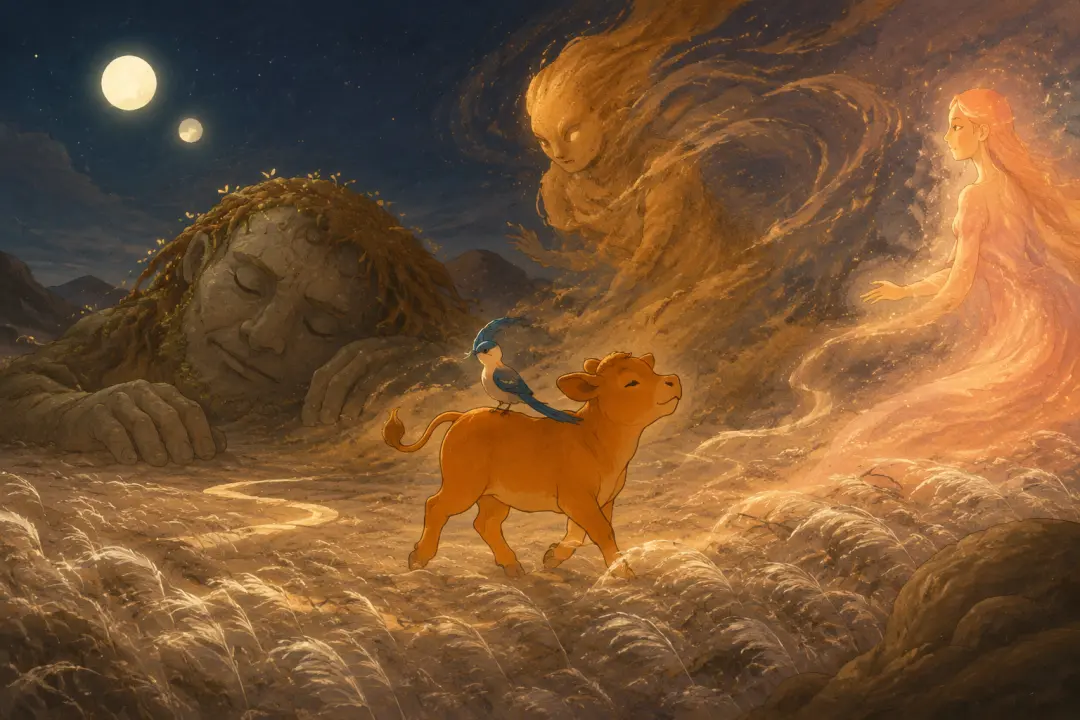
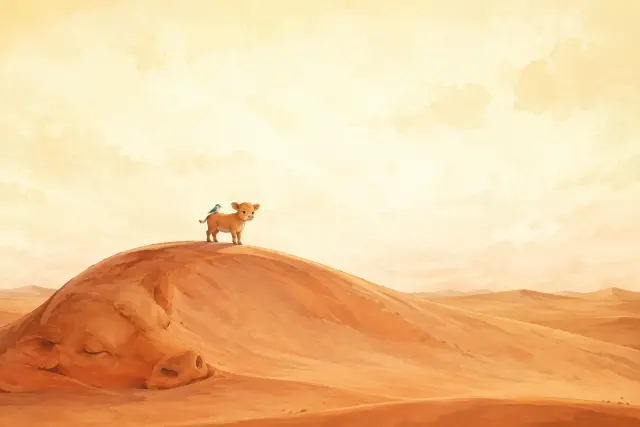
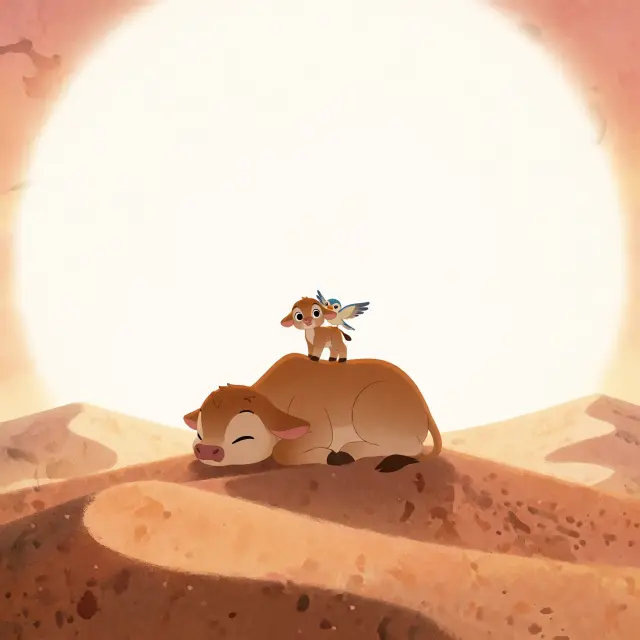
The cheapest way to see your own brief from outside is to run the identical prompt on a second model. The Niu Lai works are a comparison pair: GPT Image 2 and Krea 2 received the same prompts, and each produced a valid key visual — one fidelity, one expression. Publish both; the comparison is the feature.
Step 6 — Iterate on the Weak Spots
The Niu Lai Example, End to End
Here is the complete pipeline that produced the world's published works:
1. The world was built with 30 atoms and a visual-style brief.
2. Two prompts were written — the world key visual and the Dream Plain key visual — each one sentence of scene plus the brief.
3. Each prompt was run on GPT Image 2 and on Krea 2, producing four works.
4. All four outputs passed the brief review: earthy palette, ink-wash texture, small calf, no text.
5. The works were published inside the world as shareable assets — open them in the studio any time.
Troubleshooting
Pro Tips
Keep Creating
You now have the full recipe: freeze the brief, write one sentence of scene, choose a wide canvas, run GPT Image 2, review against the brief, compare with Krea 2, and publish the pair. The Niu Lai world is open for you to fork — the calf comes wherever he is needed, and the first frame is yours.
Put the workflow to work in the Niu Lai world
Fork the world, reuse the brief and prompts, and publish your own key-visual pair.
How to use GPT Image 2 for hand-drawn animation key visuals — six steps, two prompts, four published works, and one wasteland that dreamed, all in the Niu Lai (牛来) world.