
GPT Image 2 Anime Key Visual Generator, One Prompt
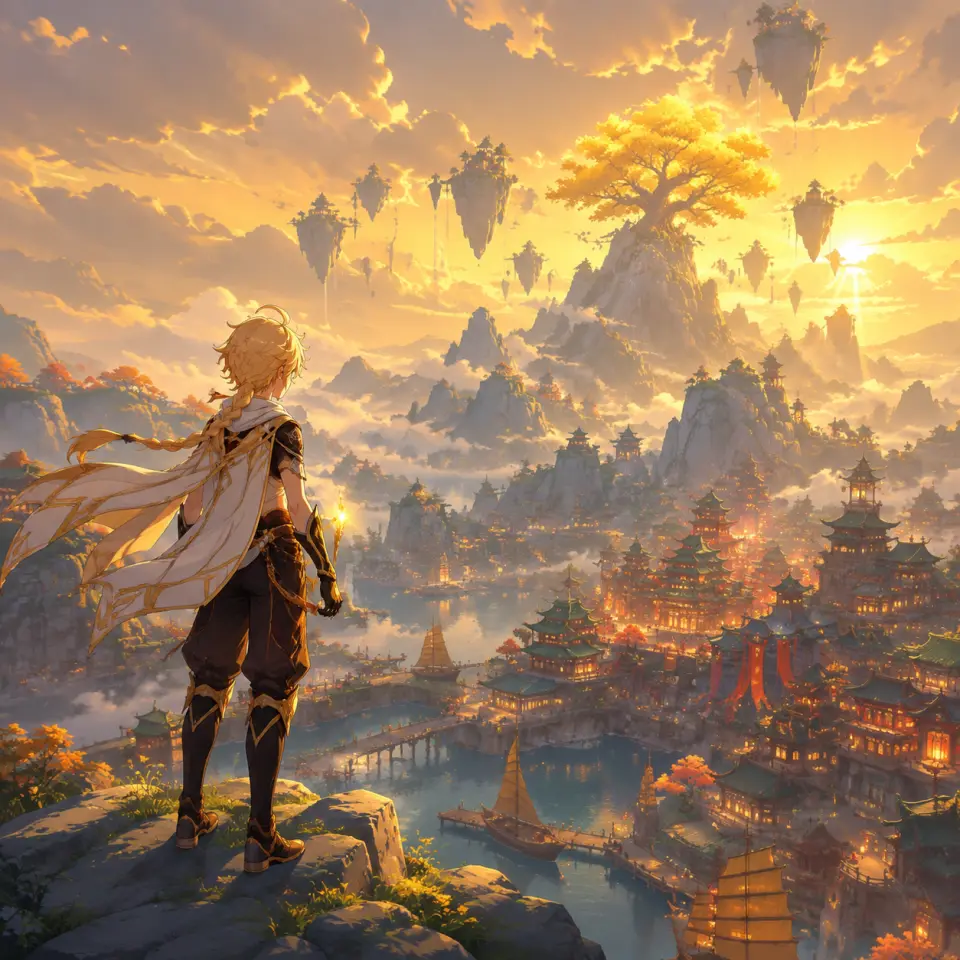
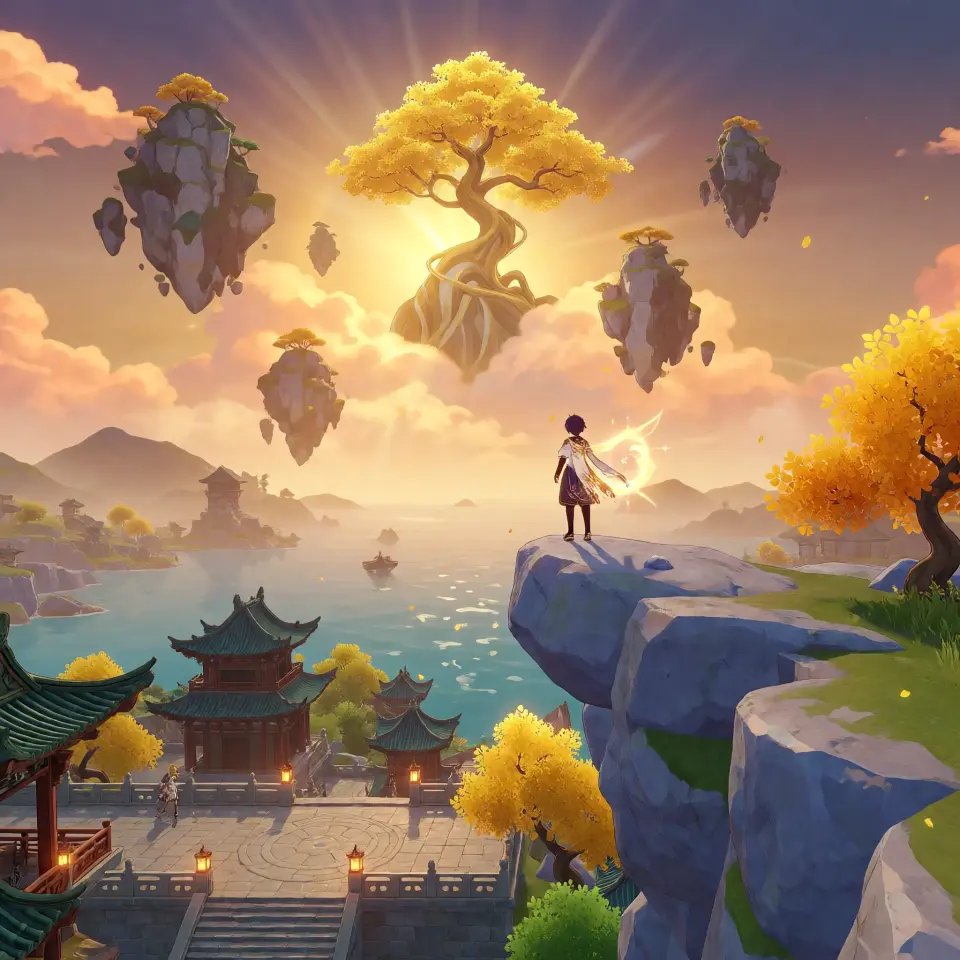
Prompt lists give you a hundred lines and one lucky hit. In Studio, the same cast stays consistent in the next image — one prompt, one wide key visual, drawn by GPT Image 2.
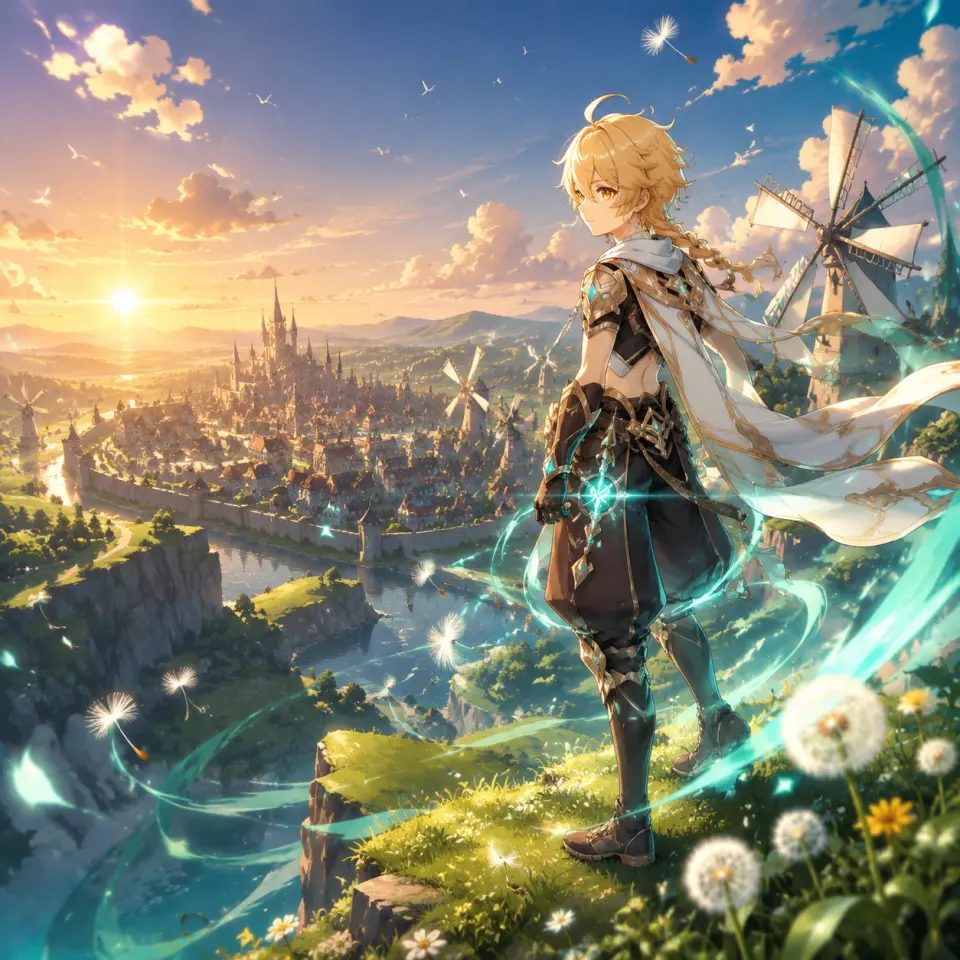
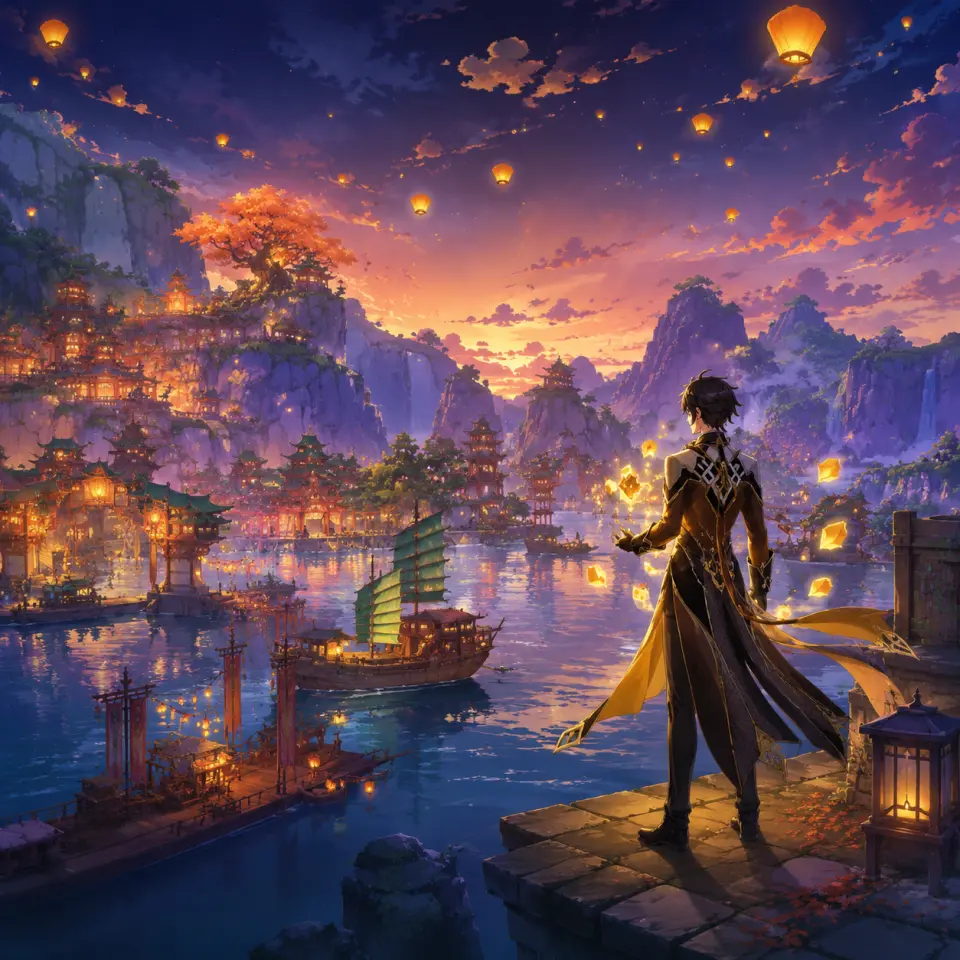
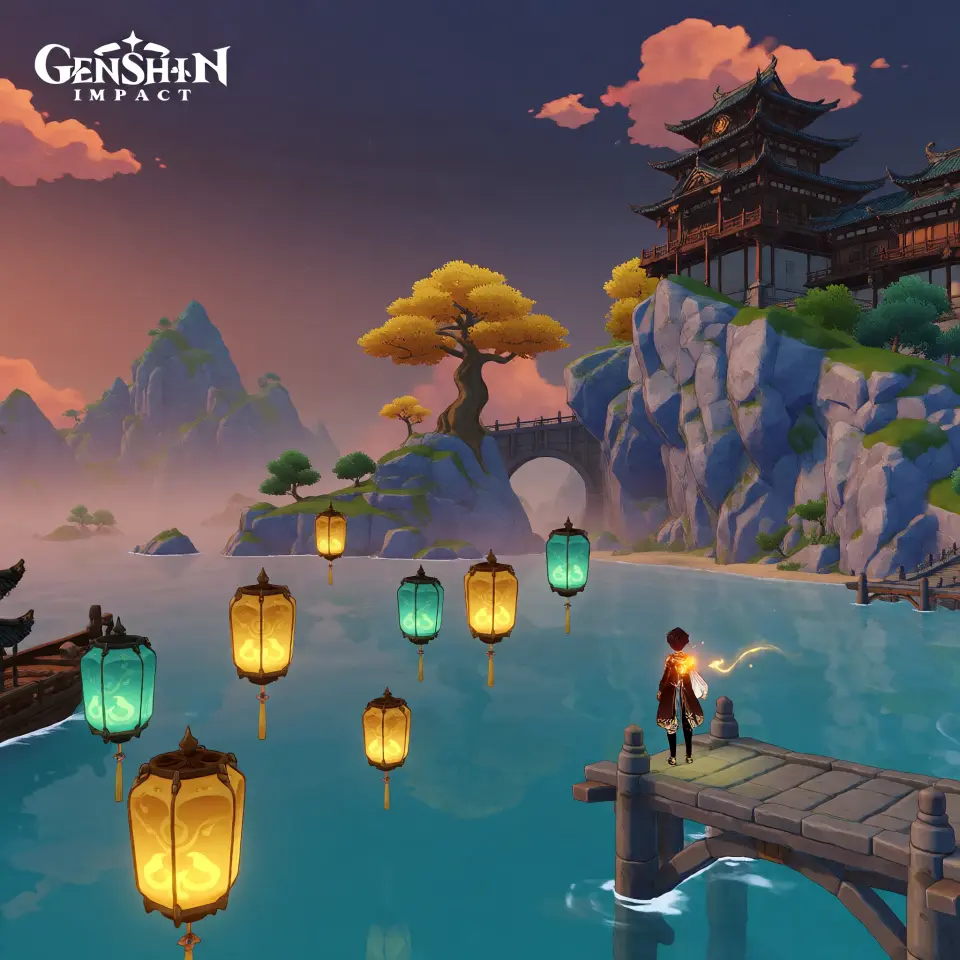
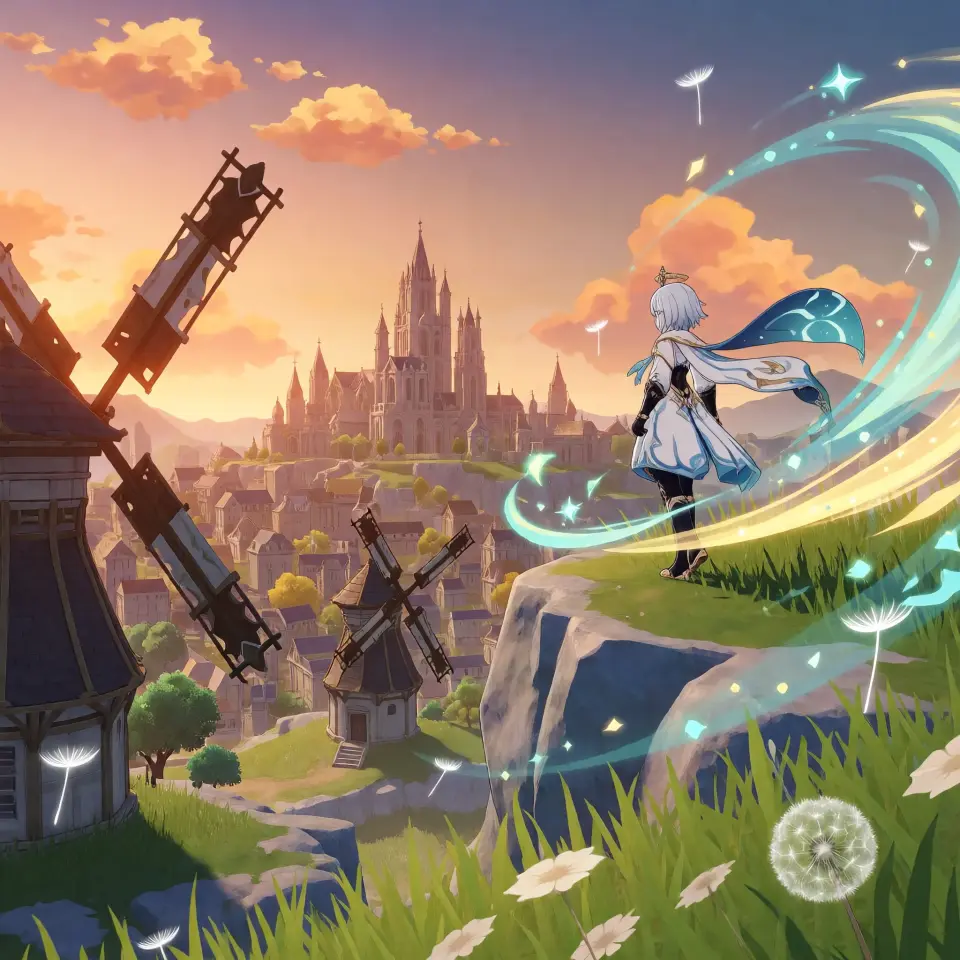
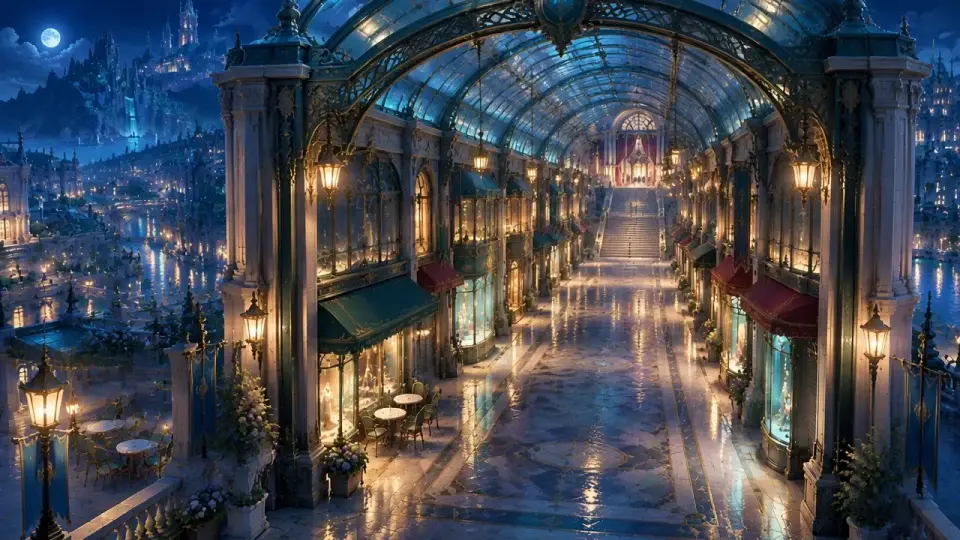
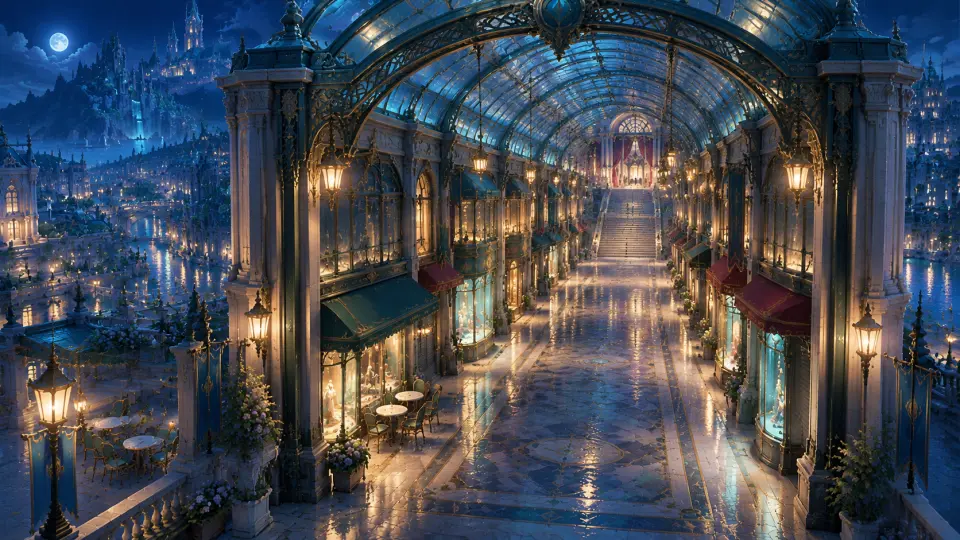
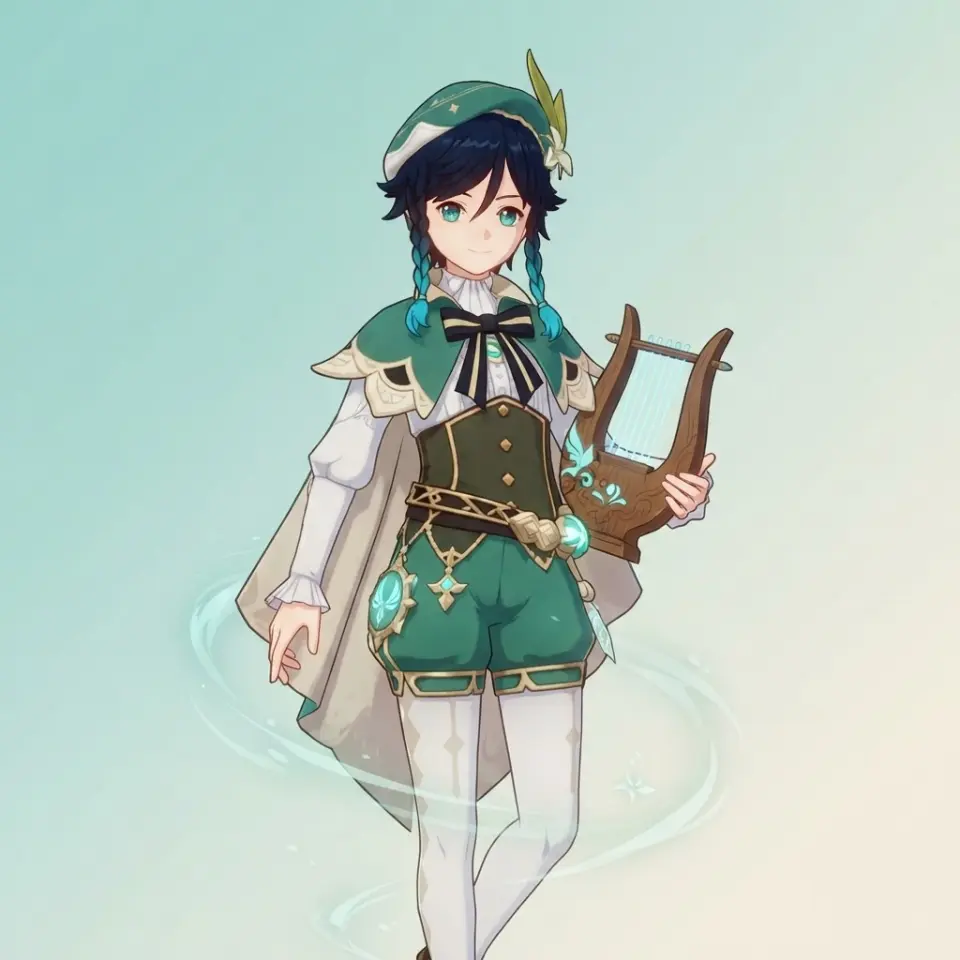
What Studio adds to GPT Image 2
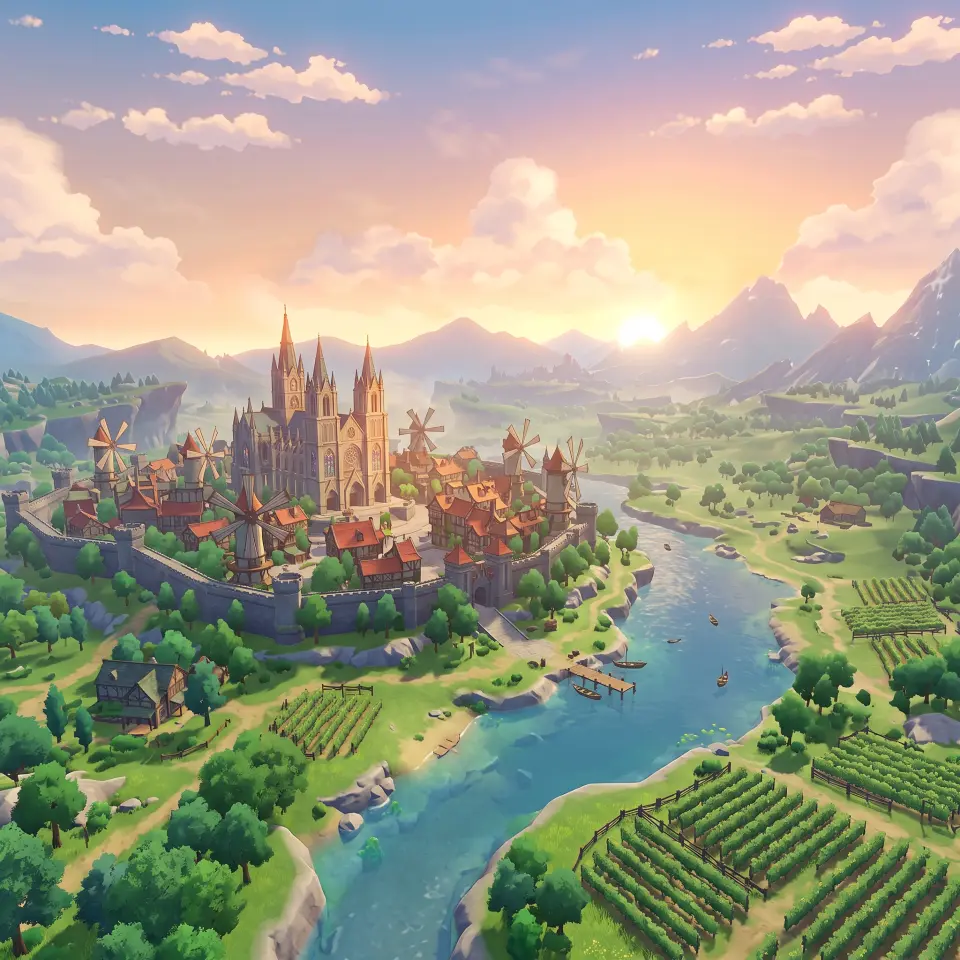
GPT Image 2 draws the image. The world makes sure the next one matches: it retains the cast, locations, palette, and title style, so today's key visual is not a one-off. The image appears as a work with its own page, alongside the characters it comes from — not as a file in a downloads folder.
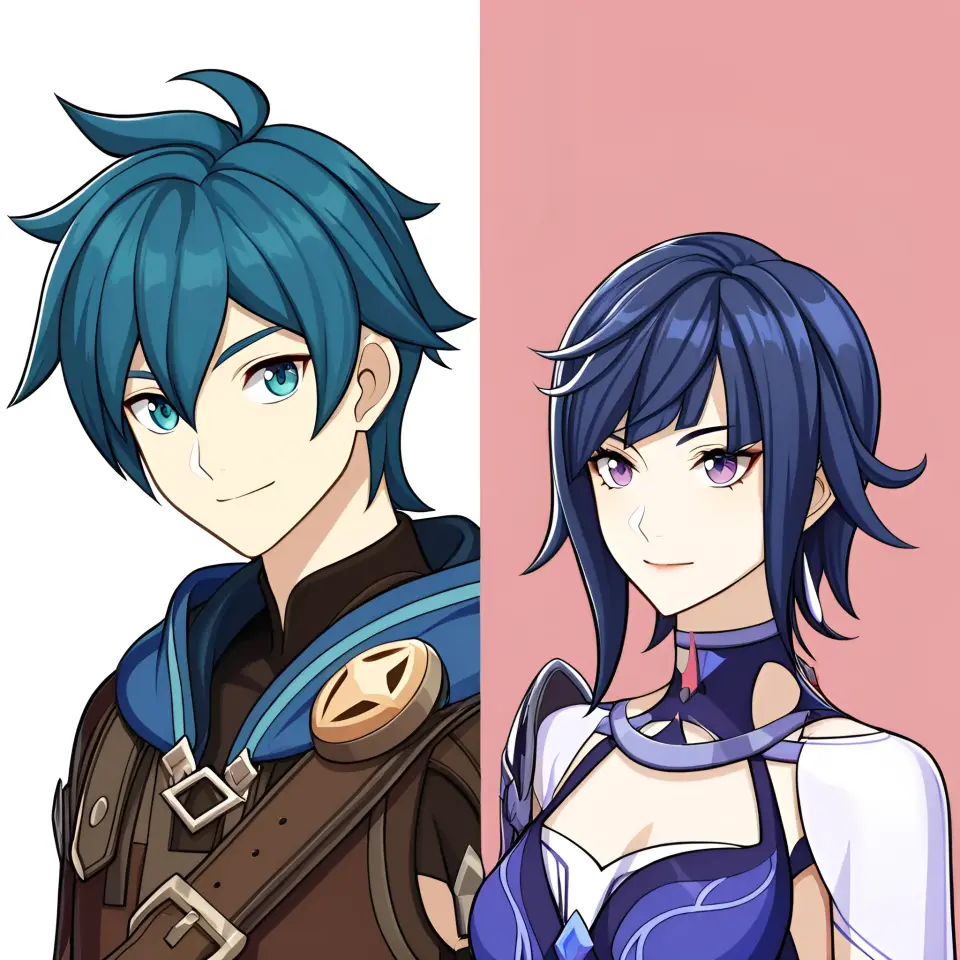
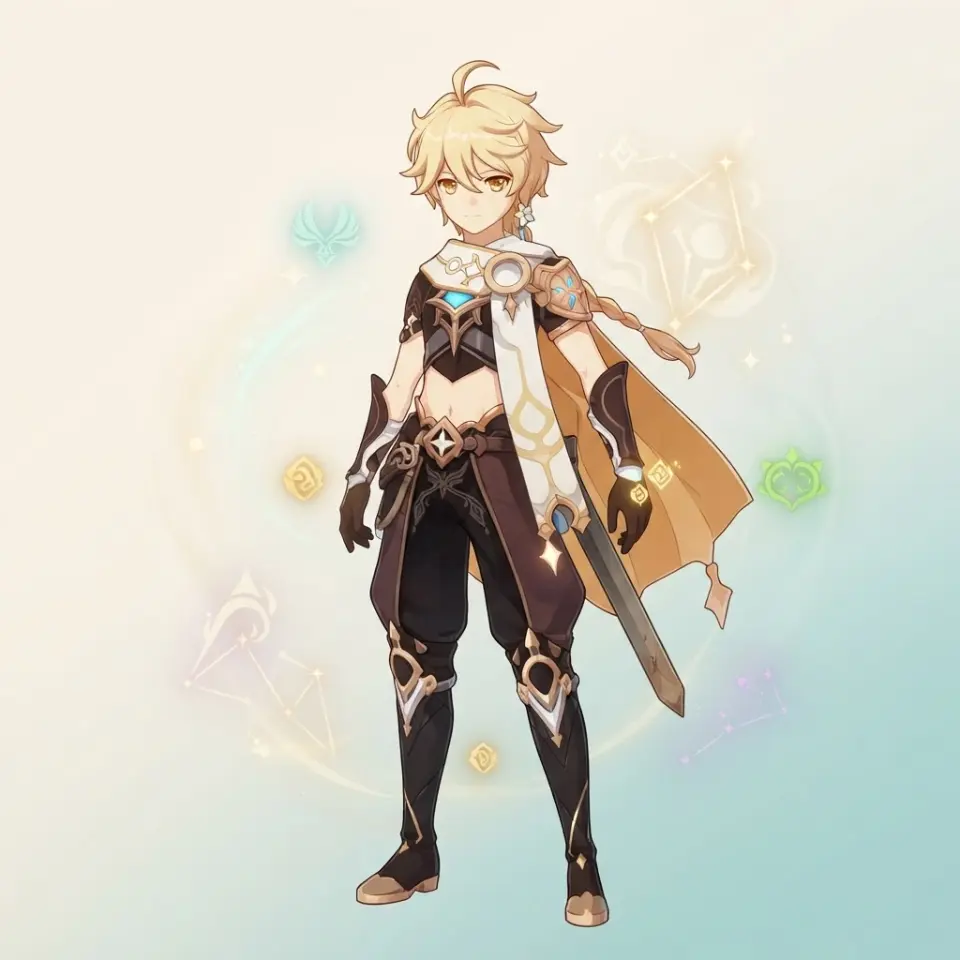
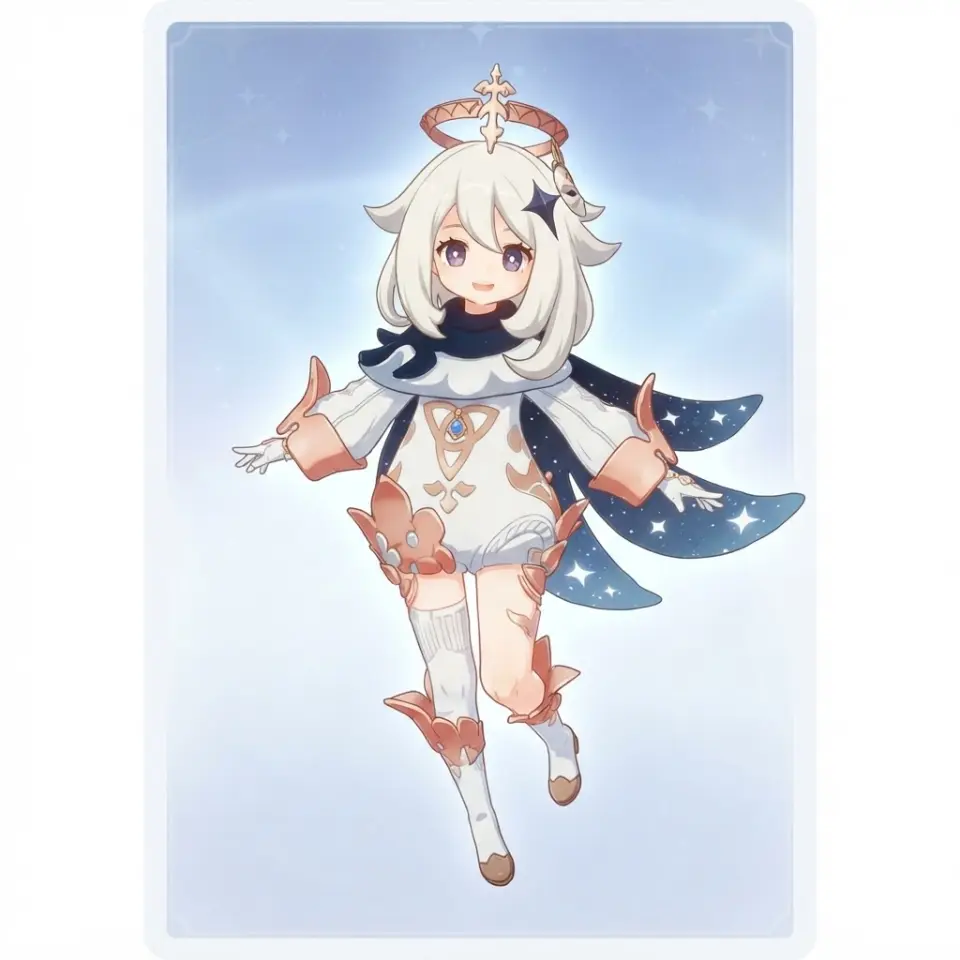
- A cast that stays on model — each character is a material with a cover image, and the next prompt uses that face as a reference.
- Places you can name — locations and factions keep landmarks true to the setting — Shibuya stays Shibuya, Mondstadt keeps its windmills.
- From image to work in one run — the image is published alongside its world, with a URL for a shop page, trailer card, or poster wall.
Questions before you draw
Do I get one image or a set?
One wide key visual per run, saved as a work in the world. For the whole cast, run the next name: the palette and characters stay in the world, and the second image belongs with the first.
Do I have to write the GPT Image 2 prompt myself?
No. The button carries the prompt — format, pose, landmark, accent color, empty title strip. You change the subject, not the recipe.
Why is there empty space at the top?
For a title. No text is generated; the strip stays uncluttered, and you can add lettering without fighting the image.
Will the character look the same in the next image?
If they live in the world, yes — their cover image is the reference every time. For your own characters, attach a sheet, and the prompt follows their face, hair, and costume.
How long does an image take?
About a minute in high quality with GPT Image 2. A wide, detailed image takes longer than a square and comes back cleaner — for a poster, it's worth the wait.
Can I make a portrait poster or a square icon too?
Say what shape you need. Wide for a key visual, 2:3 for a movie poster, 3:4 for a shop tile, 1:1 for an icon — the brief accepts the size.
What if the model drifts?
Attach the sheet again and keep one reference per character. Use two references for the same face in one world, and the cast can suddenly look like two different people.
What if I don't have a world yet?
Start with a sentence. Studio builds the cast and locations from it, then the first key visual; every subsequent image inherits them.
Draw your world's first key visual.
One prompt, one wide image, published alongside the cast it comes from.