
GPT Image 2 Dark Fantasy Key Visual Generator — Gothic Splash Art from One Prompt
The GPT Image 2 dark fantasy key visual generator renders banner-ready gothic splash art — proven on a real Aethermoor world with thirty published key visuals on Neta Studio.
Generate a Dark Fantasy Key Visual
From one prompt to a banner-ready dark fantasy key visual — dying aether-light, gothic spires, and a world running out of memory, rendered by GPT Image 2
What Is the GPT Image 2 Dark Fantasy Key Visual Generator?
The GPT Image 2 dark fantasy key visual generator is the detail-first image model on Neta Studio: give it one prompt about a city, a character, and a moment, and it renders a gothic splash-art poster with crisp stonework, readable architecture, and cinematic light — the kind of frame that works as a title screen, a banner, or a cover.
What Makes It the Right Tool for Dark Fantasy Key Visuals
- High-detail rendering — fine textures, crisp line work, sophisticated layouts that survive a banner crop.
- World-grounded prompts — the Aethermoor: The Waning Light seed keeps every poster on-canon.
- Cinematic light — dying dusk, smuggler's firelight, and pale-blue aether glow land cleanly.
- Elemental storytelling — aether-veins, blood-tithes, and echo-wights render with weight.
- Pipeline-ready — every output publishes as a shareable work of the same world.
See It Render a Key Visual
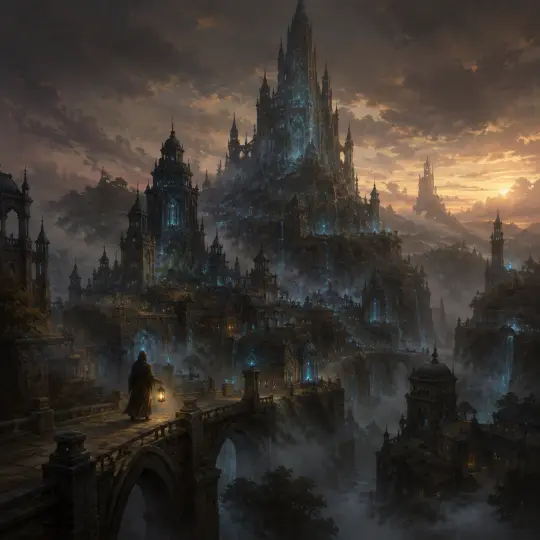
How It Generates a Key Visual
GPT Image 2 reads the full scene brief — city, character, time of day, and the elemental accent — and resolves it into one coherent painterly frame. Because it is anchored to the world seed, the palette and style stay consistent with the characters, locations, and events already published from the same atoms.
Describe the scene
Pick the hero, the place (Lumenhold, Duskhollow, the Sighing Mire), and the moment.
Add the element
Include the elemental accent — aether-flasks, blood-tithe spark, an echo-wight in the fog.
Set the mood
State the light — dying dusk, smuggler's firelight, or the pale blue of overdraw.
Render and publish
GPT Image 2 renders the poster; the studio publishes it as a shareable work.
Iterate
Compare with a Krea 2 pass, re-prompt, or fork the world and start again.
The Detail Advantage
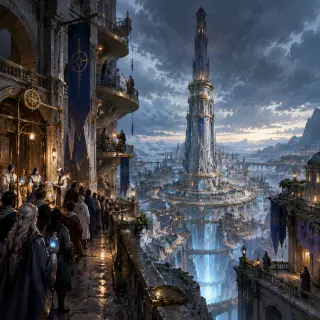
Where GPT Image 2 shines is density without noise. The Lumenhold poster keeps the architecture readable — spires, bridges, rooftop lanterns — while the aether-veins glow through the stone at a consistent intensity. That control is exactly what a storefront image needs: it holds up at banner size, at thumbnail size, and on a title screen.
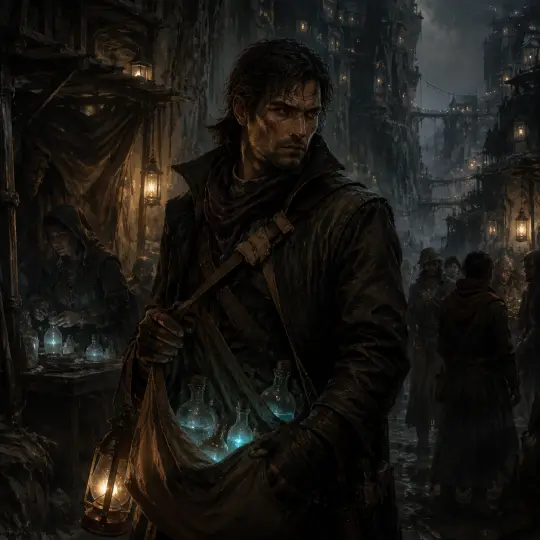
Real Outputs from a Real World
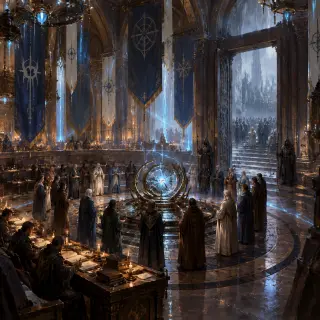
- Lumenhold — The Waning Light — the world cover, rendered detail-first: spire-city at dusk, aether-veins through stone.
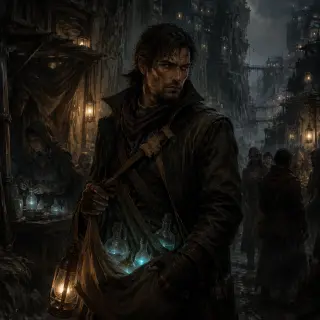
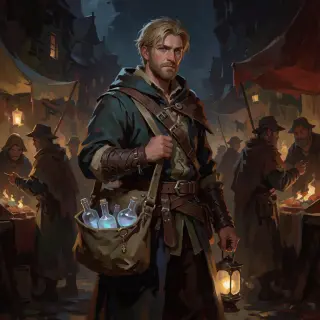
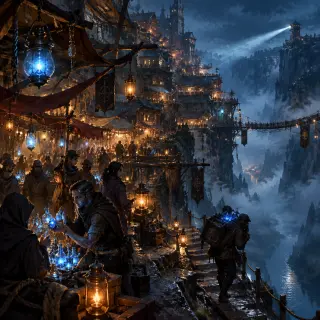
- Kael Duskepper — The Vein-Runner — a character poster from the Duskhollow night market, costume and satchel fully resolved.
- Two-model comparison — the same briefs run through Krea 2, published alongside for side-by-side direction.
GPT Image 2 vs Krea 2 — Which Should You Use?
GPT Image 2 for banner-ready detail: crisp costumes, readable architecture, controlled texture. Krea 2 for atmosphere: looser brushwork, warmer light, faster renders. The strongest dark fantasy workflow runs the same brief through both and picks the direction — detail for storefronts, glow for mood.
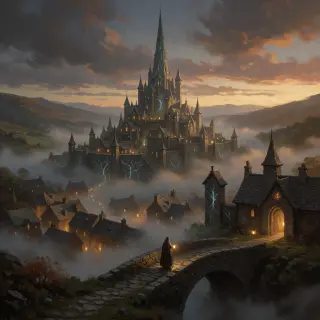
Event Scenes: The Hollow Tide
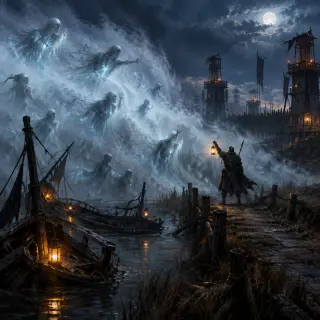
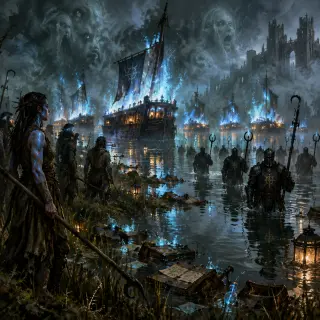
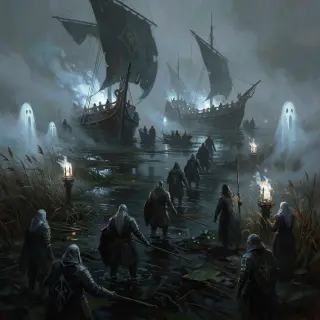
Worlds are not only cities and characters — they are nights when the canon breaks. We ran the Hollow Tide brief — the Sighing Mire walking, the drowned reaching out of the fog — through GPT Image 2 and got a banner-ready event poster: the warden on the causeway, lantern raised, every wight readable at thumbnail size. One prompt gives you an instant key frame for a cinematic, a chapter cover, or a storefront capsule.
Prompts That Work
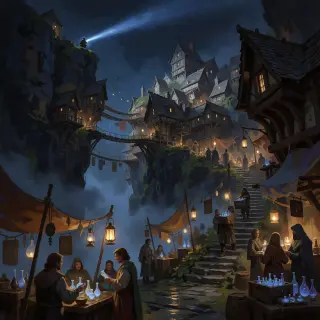
- Hero + place + moment — "a scarred vein-runner with a satchel of glowing aether-flasks in Duskhollow's night market, smuggler's lantern glow".
- Light as plot — "the light dimming one shade further every year" turns a skyline into a countdown.
- Style cues — "semi-realistic painterly, rich earth tones, pale-blue aether accents, visible brushwork, no text".
- Scale cues — "epic scale, cinematic composition" for world posters; "vertical hero composition" for character cards.
From Poster to Pipeline
A key visual is rarely the end — it is the storefront. The same Aethermoor posters can be forked into a game cover, a video thumbnail, or a character card, because every render stays attached to the world it came from and inherits the same atoms, style, and secrets.
Who Is It For?
Indie game developers who need dark fantasy banner art fast. World-builders who want canon-consistent key visuals without a concept team. Writers, TTRPG designers, and anyone running a gothic campaign who needs a poster for the city their players are about to enter. If you need detail-dense, publishable key art from a one-line brief, GPT Image 2 on Neta Studio is the tool.
Limitations to Know
GPT Image 2 is slower than lightweight models and favors detail over speed — expect a couple of minutes per render. Non-photorealistic styles can occasionally develop fine-grained texture artifacts; a clearer style cue ("semi-realistic painterly, clean line work") or a re-prompt fixes most cases. For fastest validation, run the Krea 2 pass in parallel and compare.
Start Generating
Fork the Aethermoor: The Waning Light world or start from your own one-sentence dark fantasy brief. The world ships with its atoms, its visual style, and thirty published key visuals — your next poster is one prompt away.
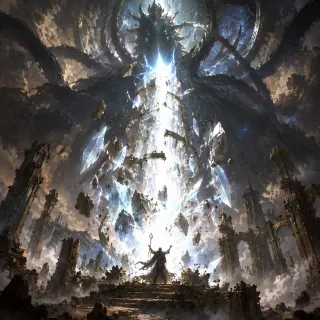
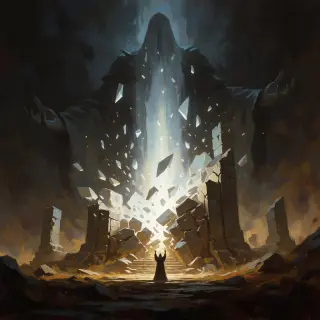
The God-Sundering — GPT Image 2 vs Krea 2
Cradlevein Deep — GPT Image 2 vs Krea 2
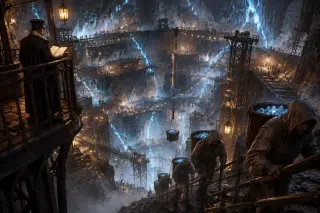
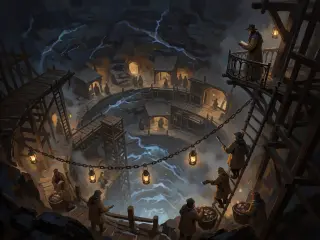
The latest pair pushes the same comparison underground. Cradlevein Deep is the terraced mine-city cut into the old Aetherwell’s mother-lode, where raw aether is hewn like coal and a Concord overseer keeps the ledger on a high iron balcony. GPT Image 2 builds the shafts and gantries with crisp, legible structure; Krea 2 floods the same pit with lantern-warm haze and cold aether shimmer — a place already half-buried in memory.
The Sundered Stair — GPT Image 2 vs Krea 2
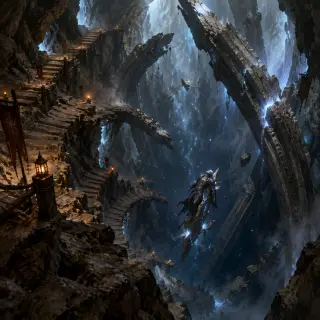
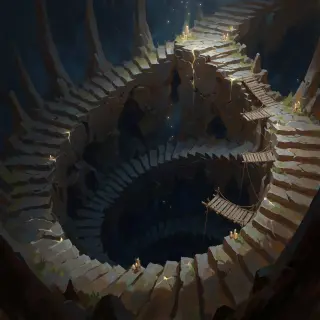
The newest pair descends all the way to the wound. The Sundered Stair is the mile-wide ruin of stone steps spiralling into the abyss where Ghorvan shattered the Aetherwell a thousand years ago — broken treads, leaning ribs of the old Well tower, and votive lanterns marking the last safe steps, while Ghorvan the Unwound hangs mid-death on a shard of stair below. GPT Image 2 builds the descent with crisp, legible structure and a cold aether glow; Krea 2 answers with looser brushwork, looking straight down the great spiral into the blue-black dark.
Seraphine Vael — GPT Image 2 vs Krea 2
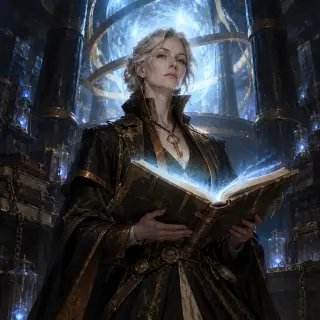
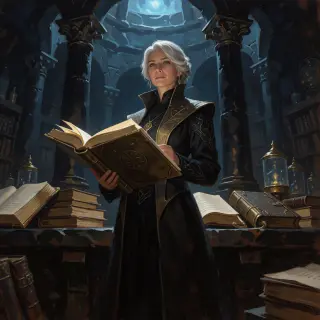
Mirelle of the Ninth Echo — GPT Image 2 vs Krea 2
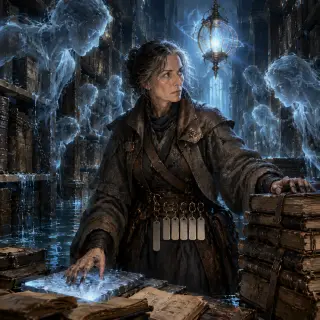
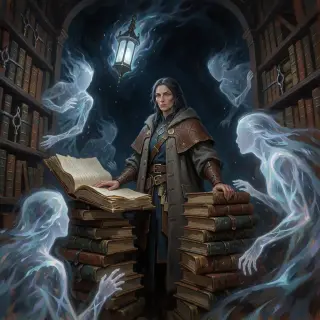
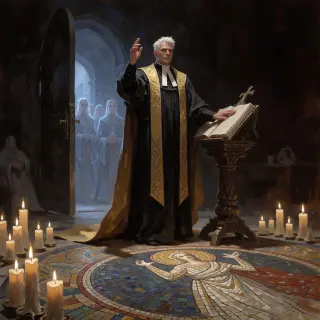
Drev Reuel, the Choirfather — GPT Image 2 vs Krea 2
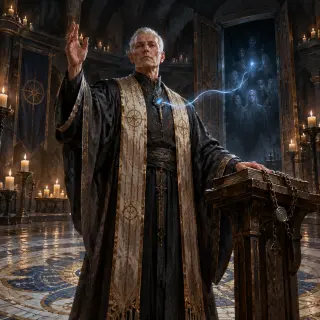
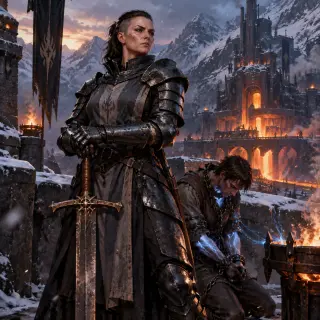
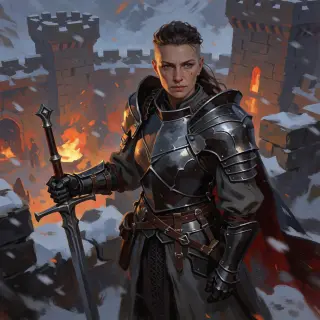
Idra Kolgrim, Warden-Commander — GPT Image 2 vs Krea 2
Duskhollow, the Tithe-Line Market — GPT Image 2 vs Krea 2
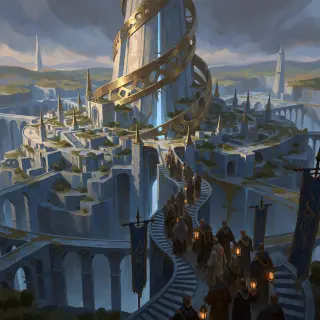
Lumenhold, the Last Spire — GPT Image 2 vs Krea 2
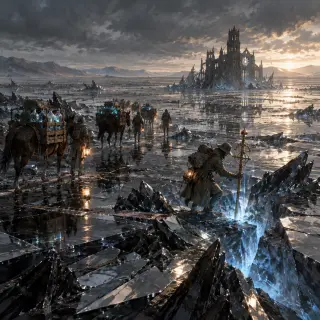
The Glasswaste, the Mirror-Sea — GPT Image 2 vs Krea 2
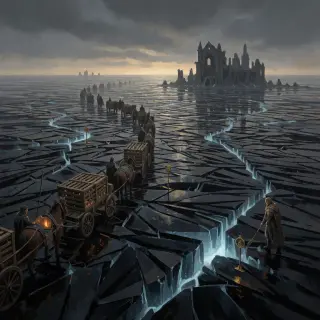
The First Hollow Tide — Warden Outpost — GPT Image 2 vs Krea 2
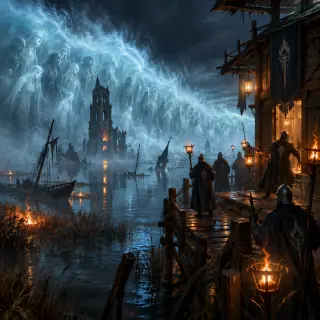
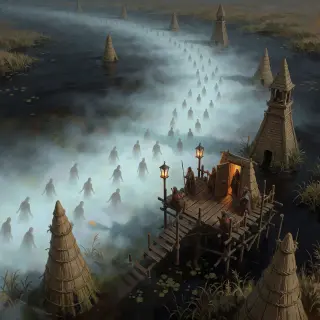
Hollow Vhorune, the Murdered God — GPT Image 2 vs Krea 2
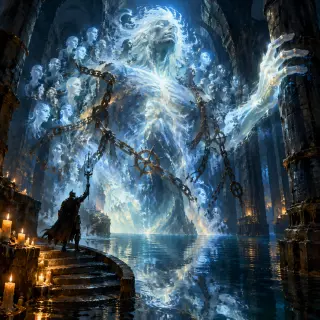
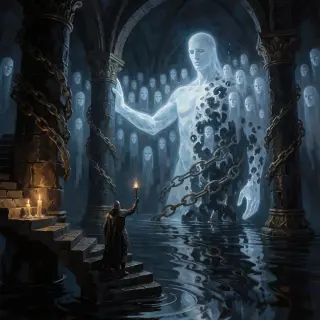
The Tithe Wars — GPT Image 2 vs Krea 2
Generate your first <span class="ml-highlight">dark fantasy key visual</span> with GPT Image 2
Thirty posters in one session — rendered, published, and remixable.