
GPT Image 2 Pixel Art Generator — 16-Bit Sprites & Scenes
Write one line and get a 16-bit frame — a sprite, a room, a harbour — with hard pixels, a fixed palette and a light source you can actually see.
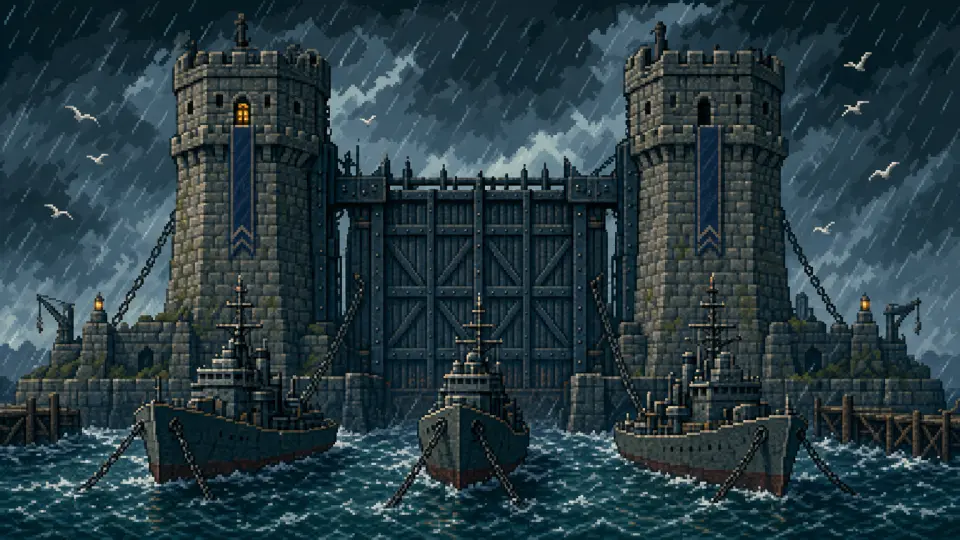
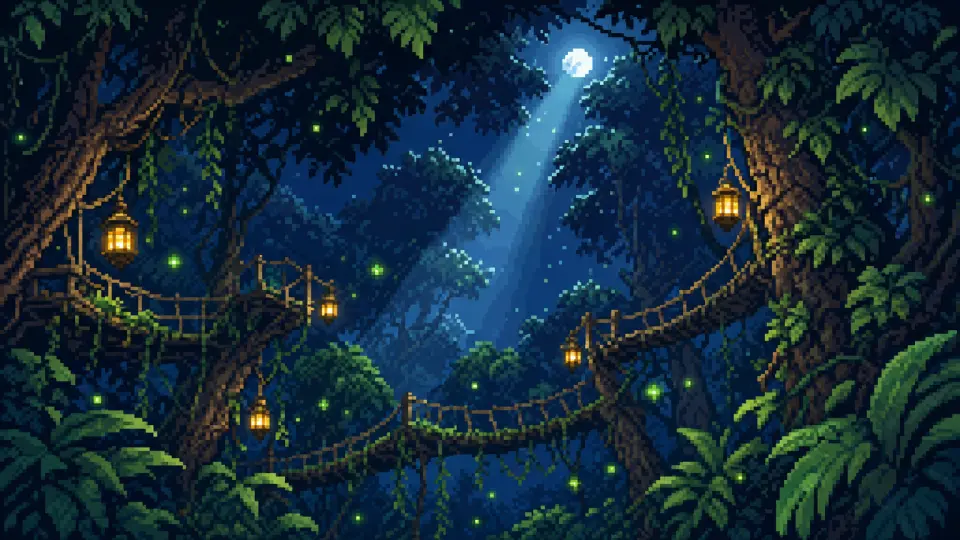
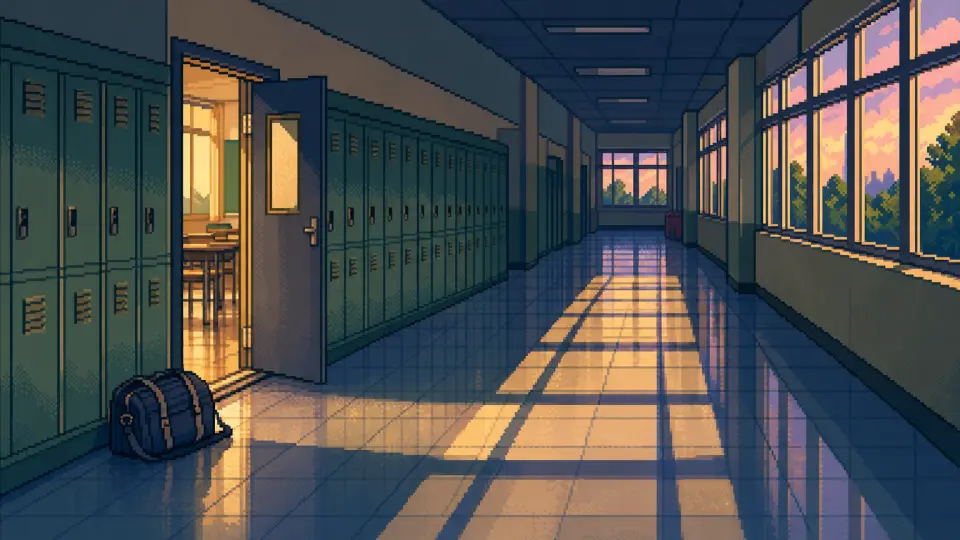
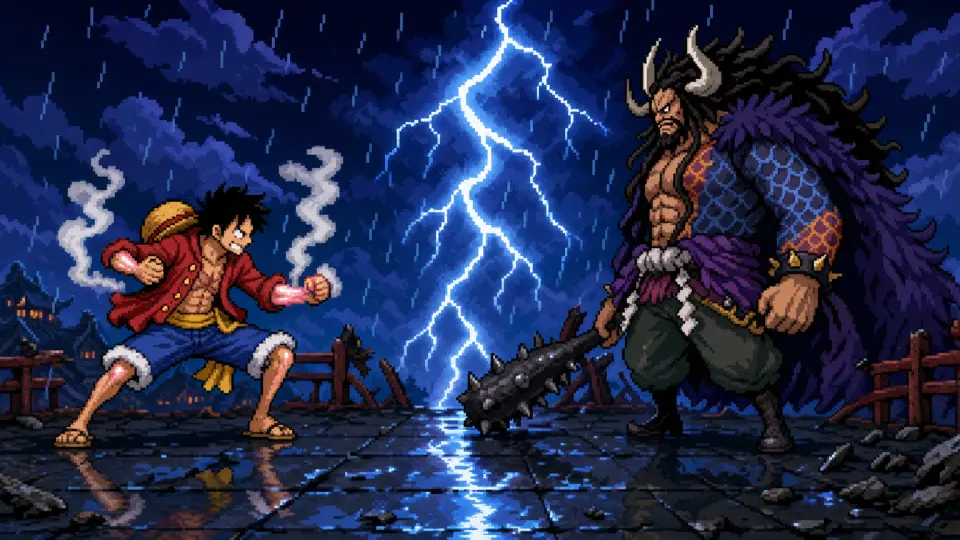
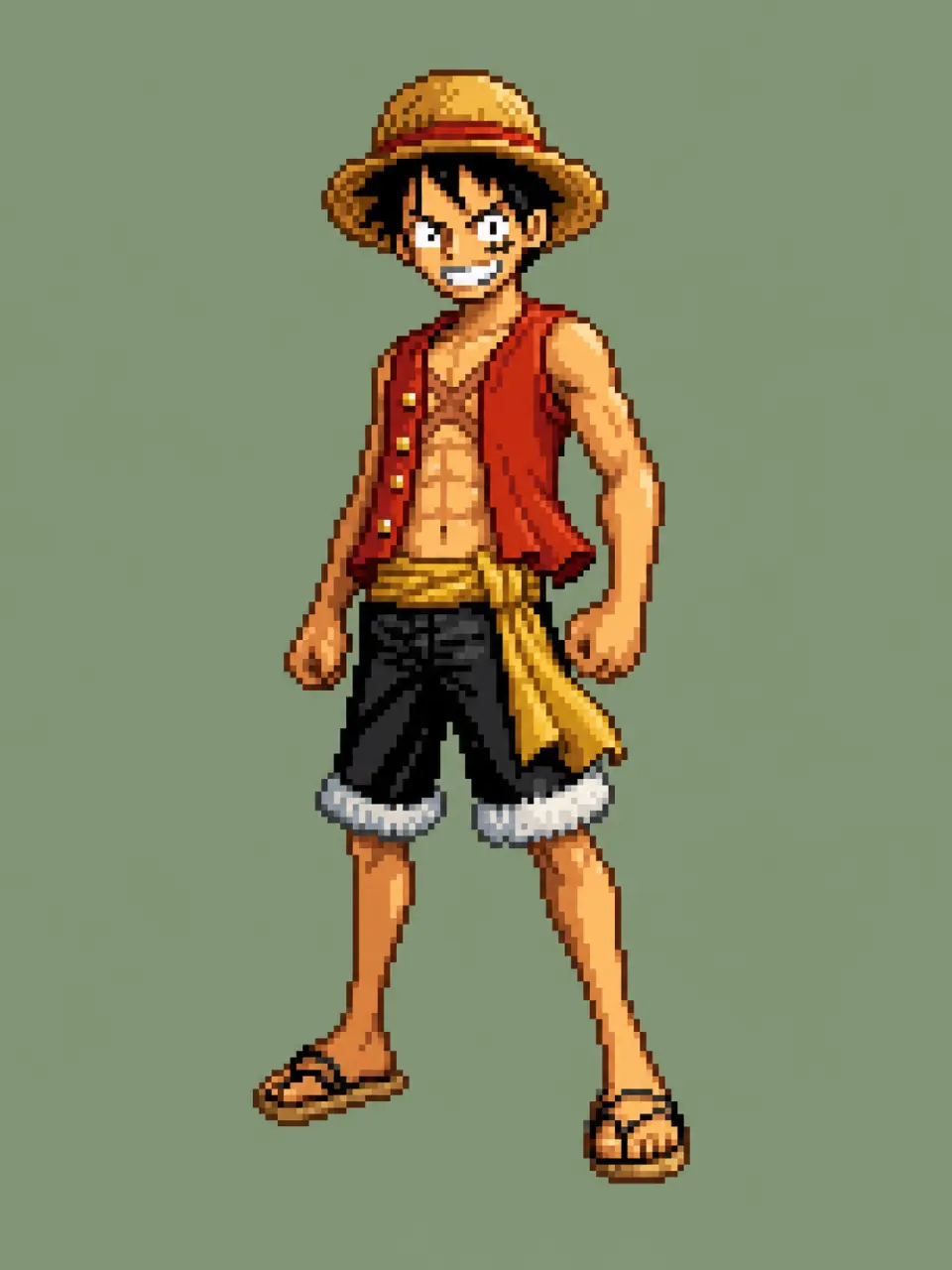
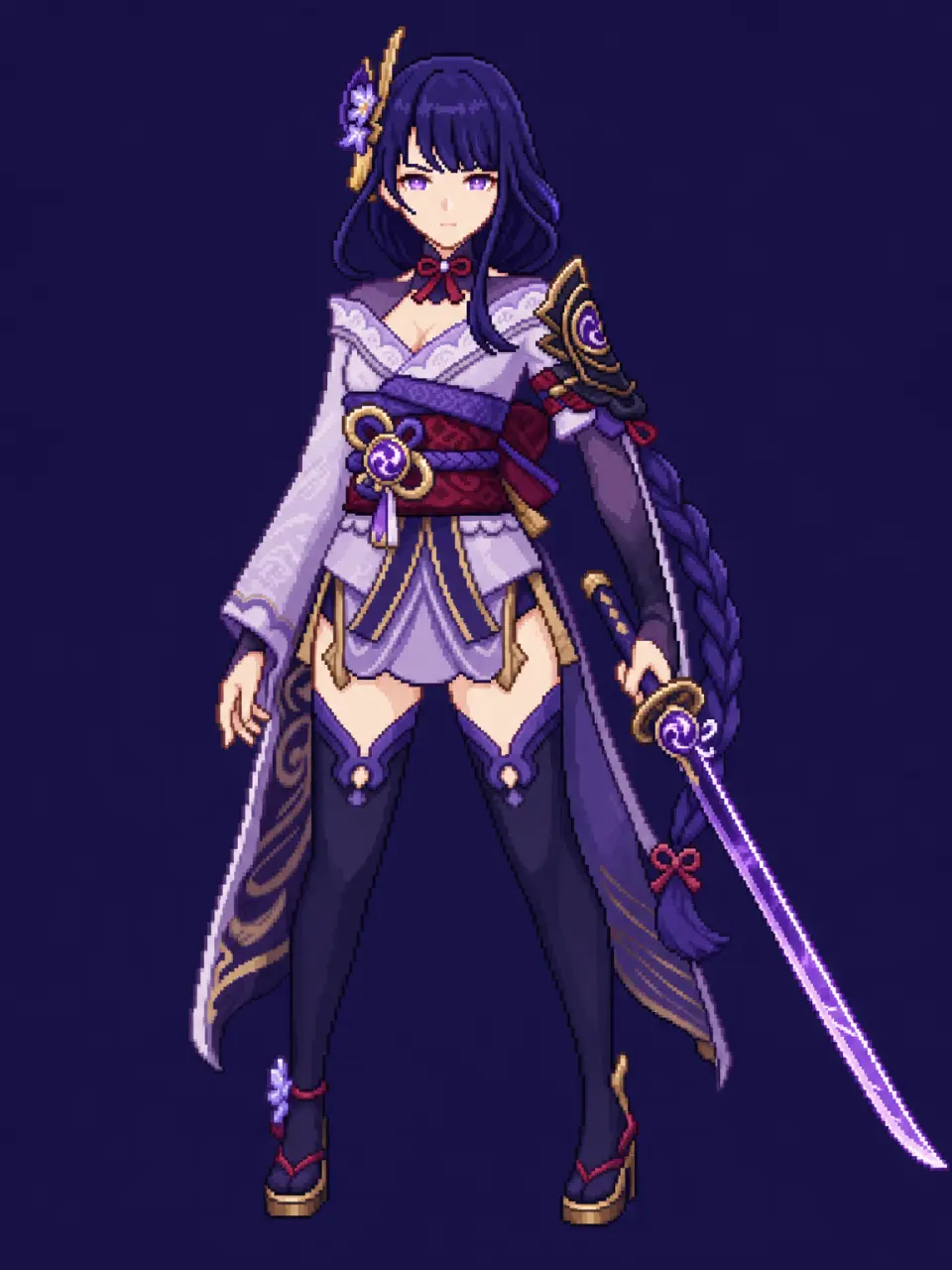
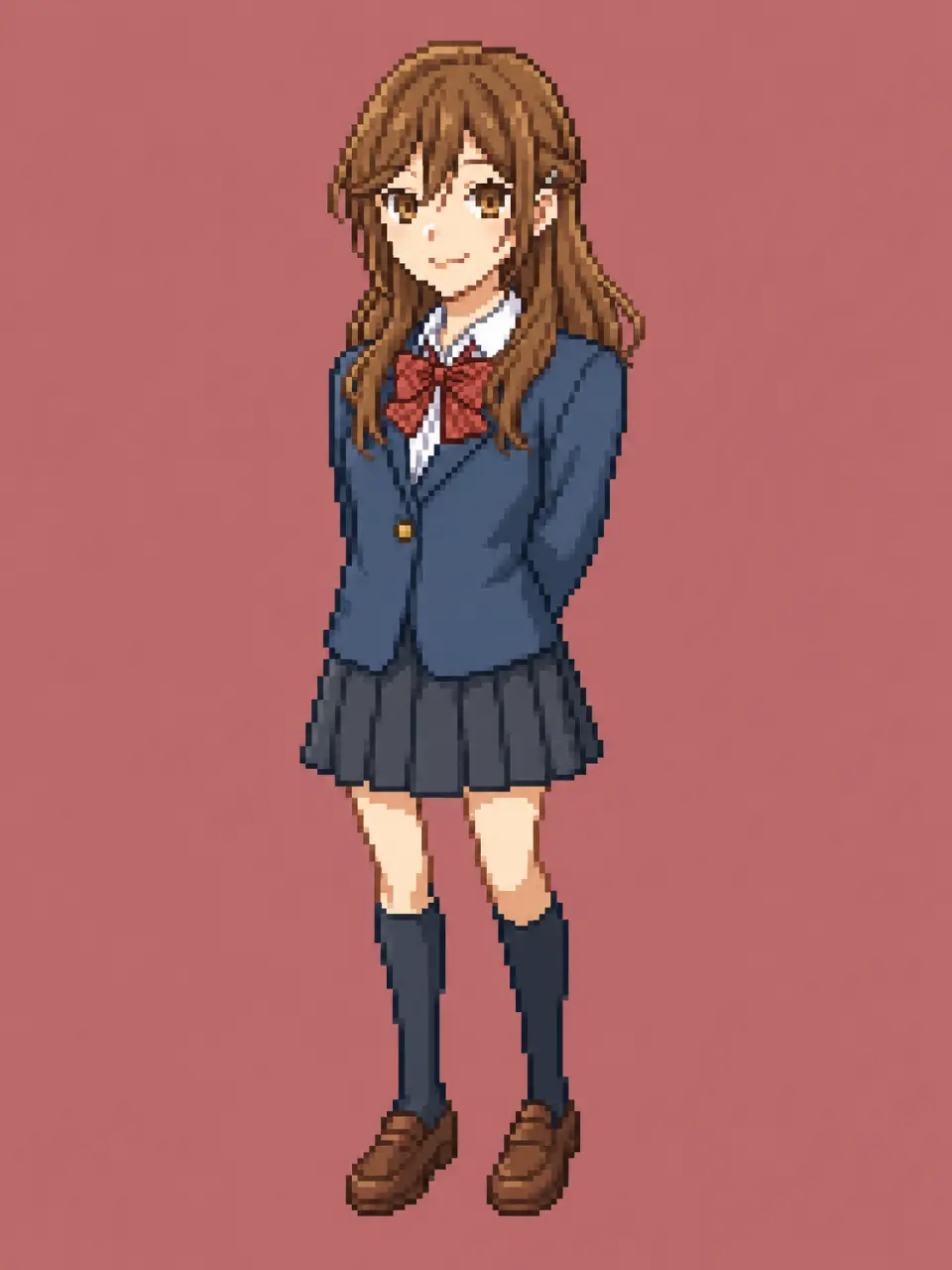
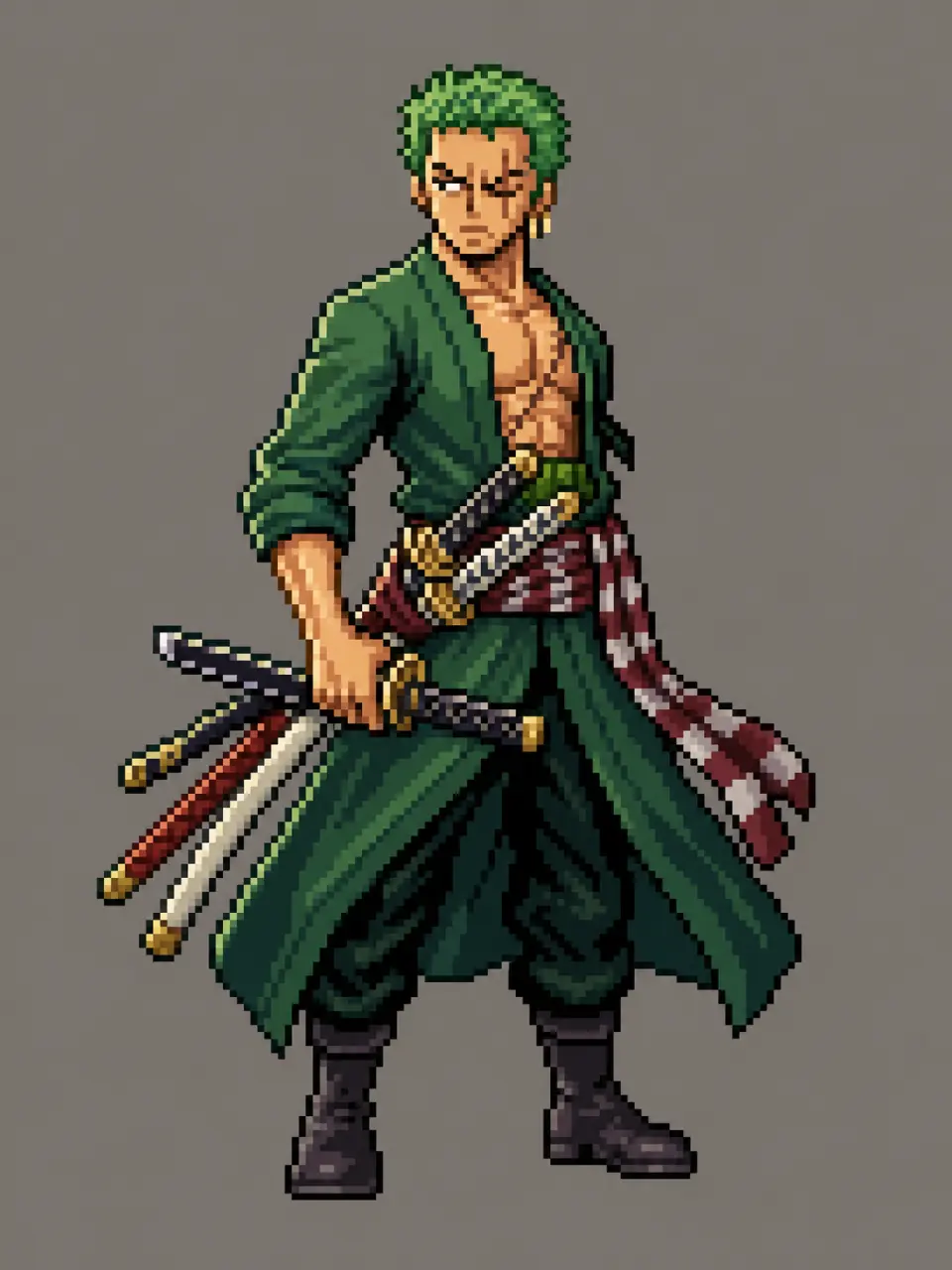
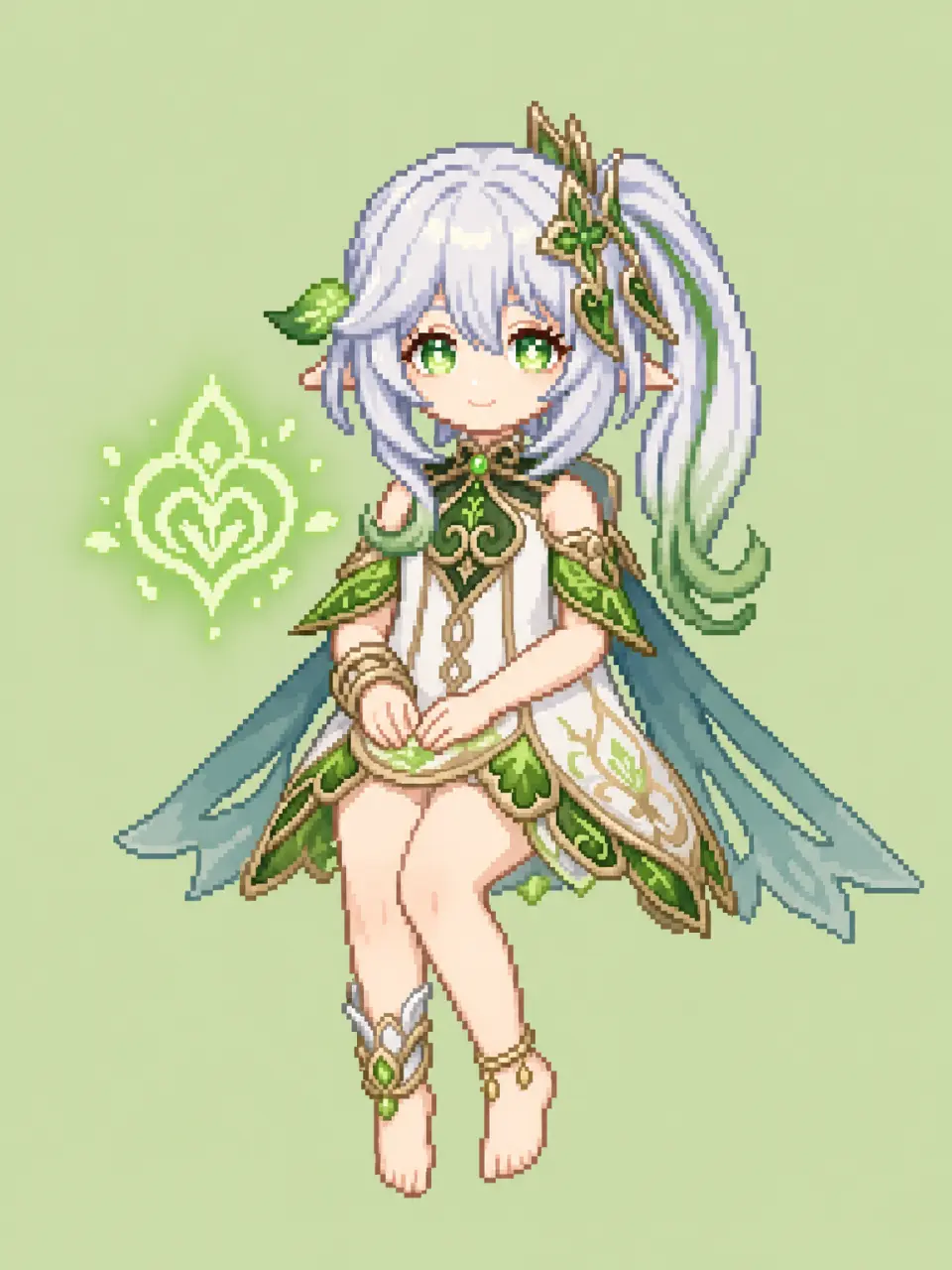
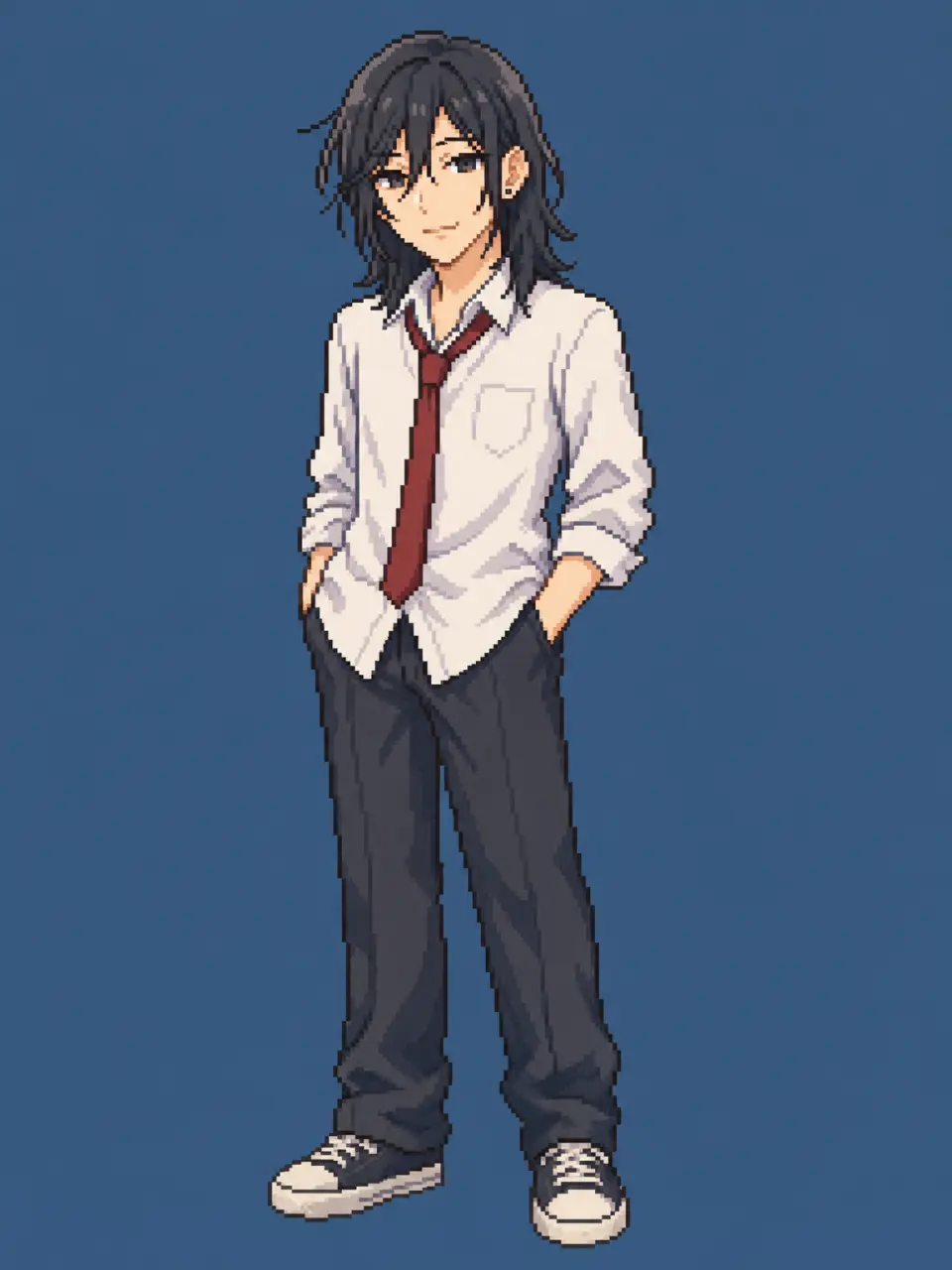
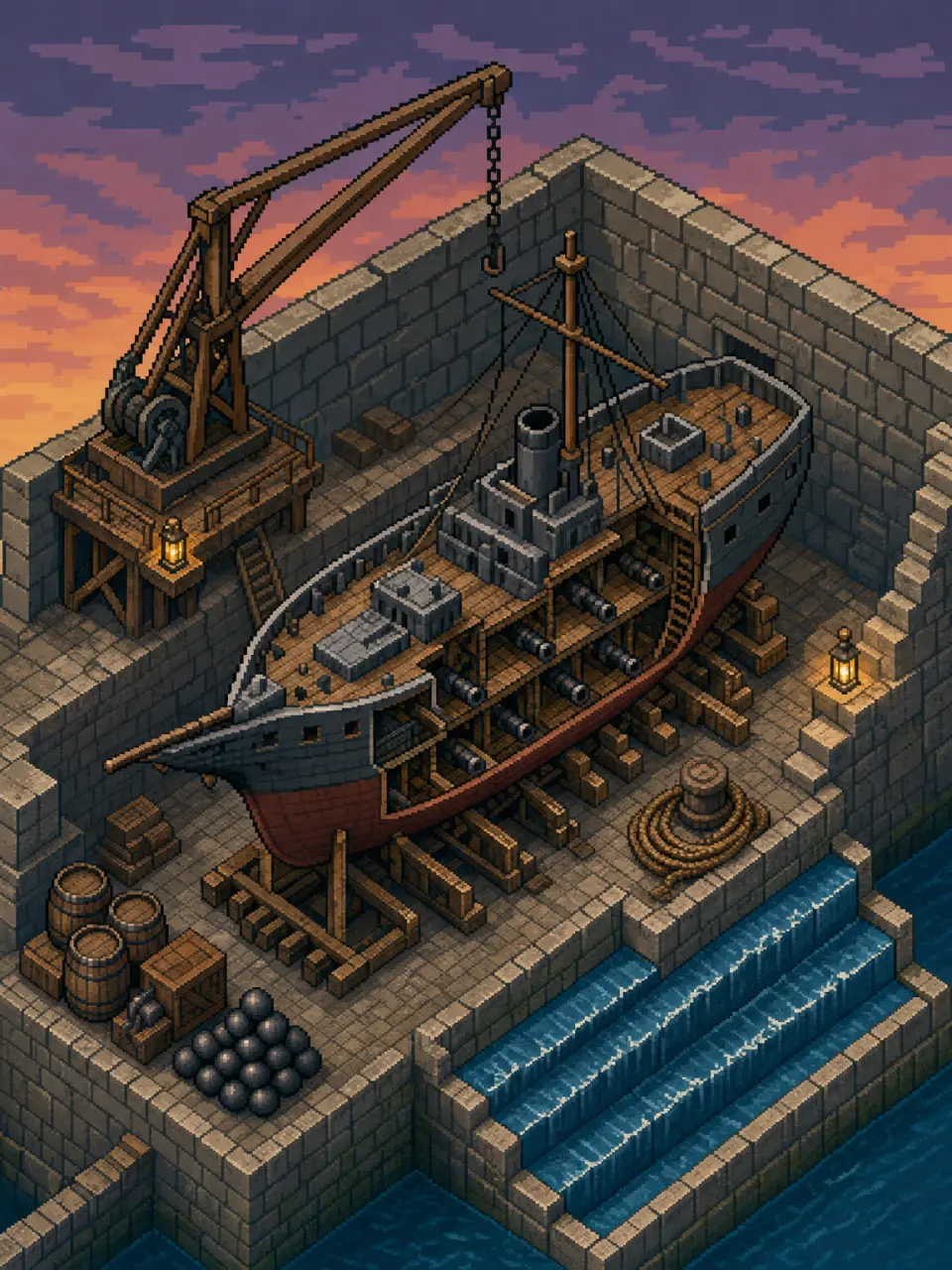
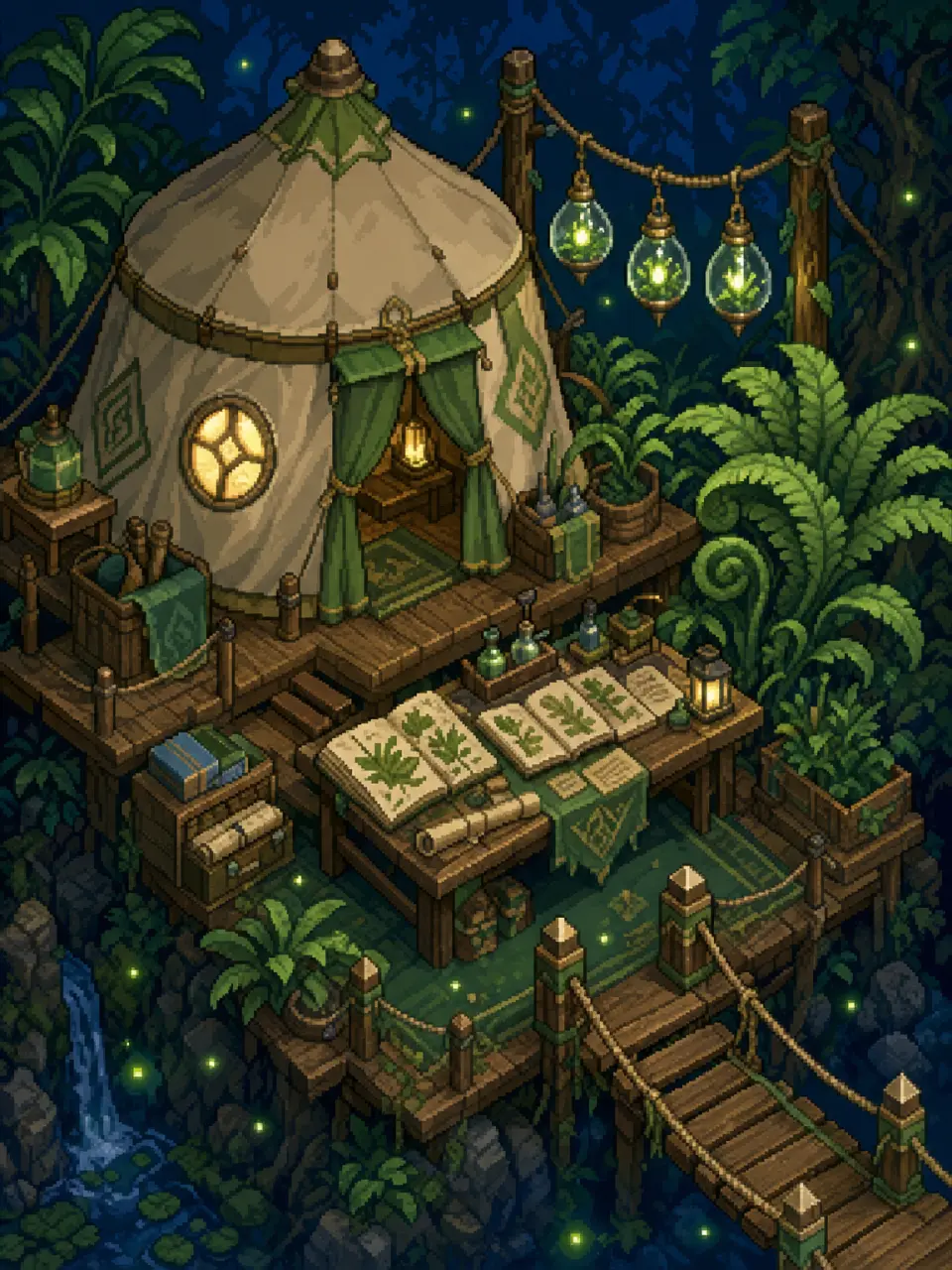
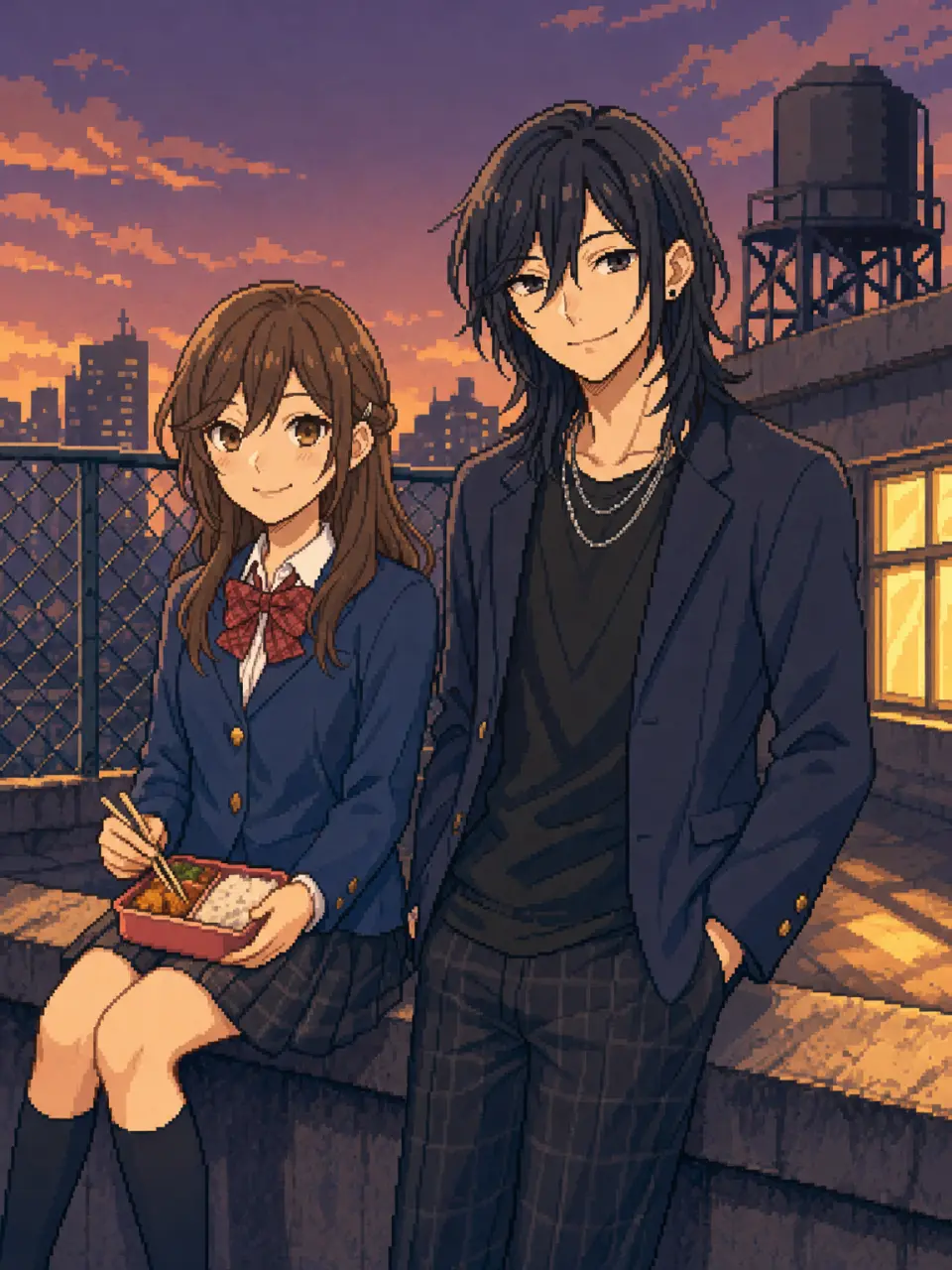
A world decides the pixels
Pixel art is a style; a world is a set of decisions. Neta Studio keeps the cast, the costumes and the palette in one place, so the tenth frame still matches the first. You describe the beat — who is where, at what hour — and GPT Image 2 draws it inside those rules. Every render lands as a work you can open, re-run or publish.
- The cast is already on file — Characters exist as atoms with covers, so "Luffy at the dock" arrives with a face, an outfit and a colour set before you type anything.
- One model per image — GPT Image 2 for the frame you keep, a faster model for drafts. Same prompt, nothing to rewrite.
- Every frame is a work — Eight candidates stay in the world as works, so you can show the one you kept and forget the rest.
Questions, answered.
Is GPT Image 2 actually good at pixel art?
Yes — when the prompt states the pixel grid, the palette size and the shadow rule. Left alone it drifts toward smooth illustration with a retro filter over it.
Why do my results look blurred instead of pixelated?
The prompt described a mood, not a constraint. Name a low logical resolution, nearest-neighbour enlarging, a 24-colour palette and a ban on anti-aliasing; those lines do more than "pixel art style" ever will.
Can it make a true 32×32 sprite?
Generate at 1152×1536 and downscale with nearest-neighbour, then tidy the silhouette by hand. Native 32-pixel output is unreliable on every image model, GPT Image 2 included.
Can I keep the same character between frames?
Keep the cast block — hair, outfit, one signature prop — identical and pass that character's cover as a reference. In a Studio world both are already stored, which is why the frames here hold together.
Does it do transparent backgrounds?
GPT Image 2 accepts a transparent-background request. If the edges come back ragged, ask for one flat background colour instead and cut it out afterwards.
What size should I ask for?
1152×1536 for a 3:4 sprite, 1536×864 for 16:9 scenery. Pixel art is resolution-independent once the palette is fixed, so a bigger canvas only means more room to draw.
Can the pixel art carry lettering?
Not reliably. Lettering is the weakest thing at low resolution — leave it out of the image and set the title on the page instead.
How is this different from Aseprite or Piskel?
Those are editors: they assume you already know what to draw and every pixel is your hand. This makes the starting frame, on-model, in about two minutes — then you take it into an editor to animate or clean up.
Start with one frame.
A sprite, a room, a harbour — the palette is already decided, so the tenth frame still matches the first.