AI Tool

GPT Image 2 Pixel Sandbox RPG Key Visual Generator — 16-Bit World Covers from One Prompt

The GPT Image 2 pixel sandbox RPG key visual generator renders banner-ready 16-bit covers — proven on a real corruption-and-survival world with published key visuals on Neta Studio.

Generate a 16-Bit Pixel Sandbox RPG Key Visual

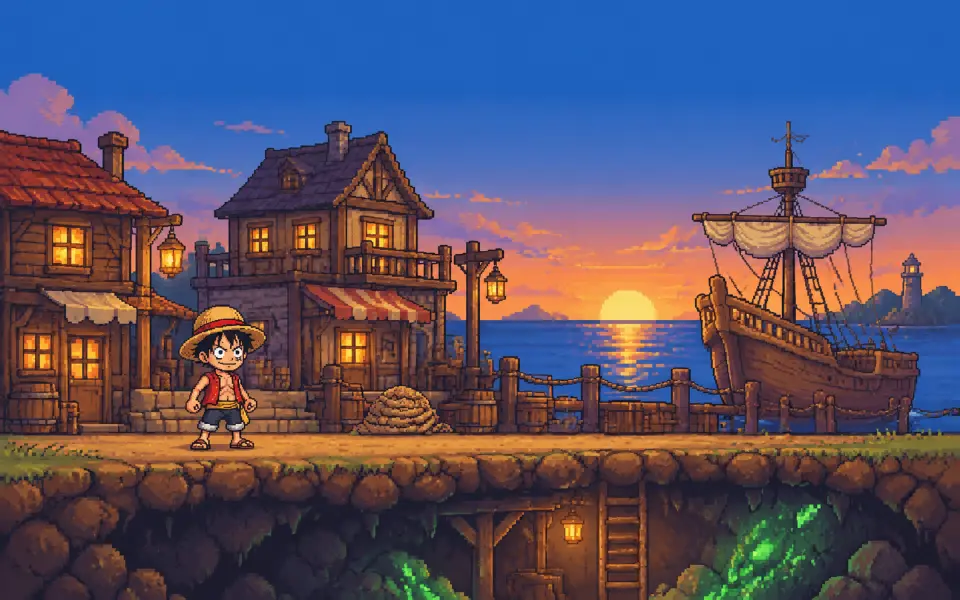
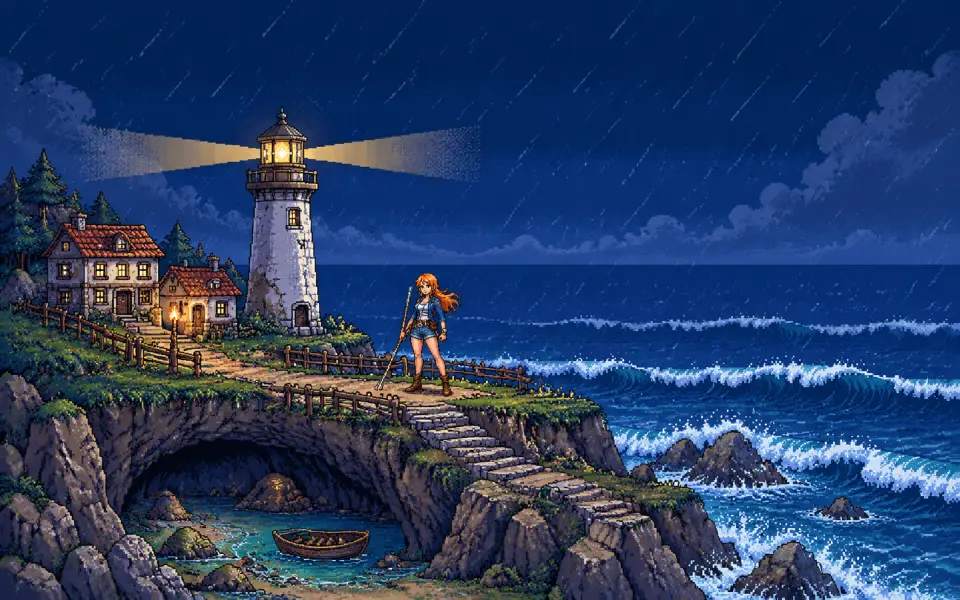
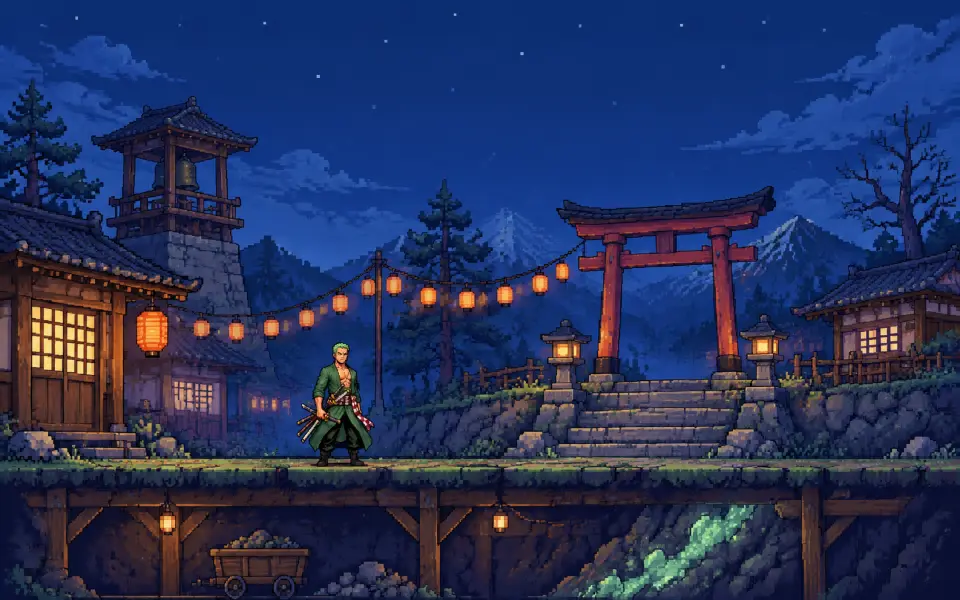
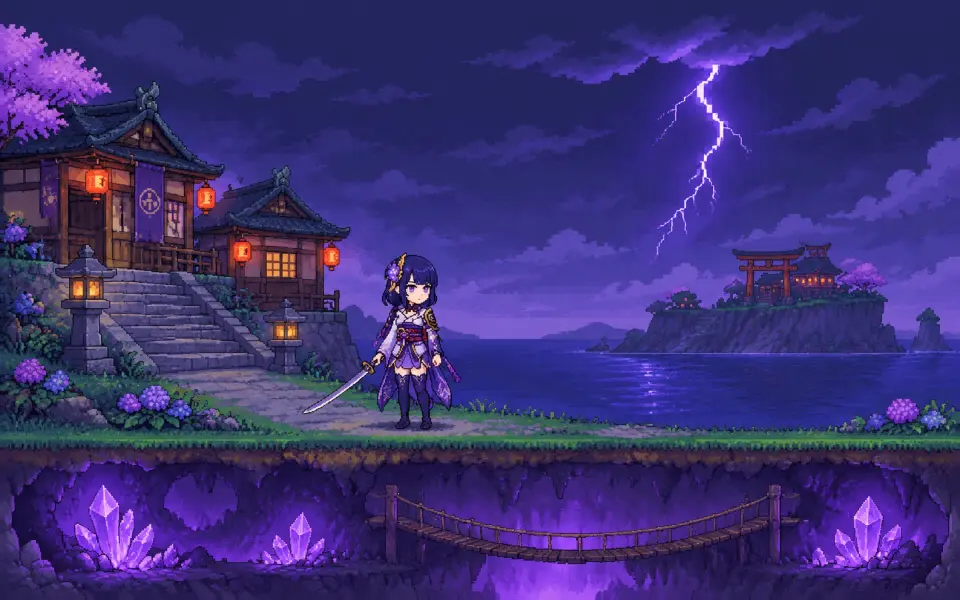
From one prompt to a banner-ready 16-bit pixel sandbox RPG key visual — a town holding a border, a vertical world about to open, a blood moon over the roofs, rendered by GPT Image 2

What Is the GPT Image 2 Pixel Sandbox RPG Key Visual Generator?

It is a GPT Image 2 workflow tuned for 16-bit sandbox RPG covers: a single frame that shows a town, a threat, and the depth of the world behind them. GPT Image 2 is the detail-first model in the pair — it holds separated value planes, legible landmarks, crisp pixel clusters, and complex multi-layer compositions better than fast, flat models. On Neta Studio, the generator is grounded in a real world seed, so the palette, the factions, and the architecture stay consistent from cover to cover.

Why Use GPT Image 2 for Sandbox RPG Covers

  • Detail density — a sandbox cover has to hold a town, a horizon, a cave mouth and a sky; GPT Image 2 keeps them all legible.
  • Landmark discipline — cabins, palisades, wells, and thorns stay where you put them, which matters when the image has to read as a place.
  • Light control — lantern warmth, corruption purple, blood-moon red and lava orange can coexist without turning into mud.
  • Published outputs — every render becomes a shareable work of the world, not a throwaway file.

The World Behind the Generator

The test world is Terraria: The Corruption Below — a town called Haven Hollow, a spreading blight called the Ebon Rot, a sealed blue-brick dungeon, a jungle cavern, a lava sea, and four lunar pillars in the sky. The seed gives GPT Image 2 a fixed visual vocabulary: black stone and purple thorns, torch-lit timber, tilled farms, blue dungeon brick, and a 24-color pixel palette. That vocabulary is why four separate renders look like four views of one place.

What Makes a Terraria-Style Key Visual Read

Three things, in order. First, a clear horizontal line: the surface, the palisade, the treeline — the viewer needs to know where safety ends. Second, a vertical promise: a cave mouth, a cutaway, or a tower that says the world continues down. Third, a single warm light source against a large dark mass: a lantern, a window, a torch, a lava glow. GPT Image 2 is unusually good at holding all three at once, which is why it is the model to use when the cover has to explain a whole game.

1

Establish the edge

Put the town, the fence, or the treeline on one horizontal third — safety on one side, the Blight on the other.

2

Promise the depth

Add a cave mouth, a mine shaft, a cutaway, or a descending path so the frame implies a world below.

3

Place one warm light

A lantern, a lit window, a torch line, or a lava seam gives the eye a place to land and the image its mood.

Real Outputs from the Generator

Four works were generated from the world: a world key visual in two models and a blood-moon event key visual in two models. The GPT Image 2 world cover is the detail-first statement — a full vertical cutaway with the town on top, the corruption wall to the west, the jungle and dungeon in the middle, and the Underworld burning at the bottom. The GPT Image 2 event cover is the character statement — the Eye of Cthulhu above the roofs and the townsfolk below, every face and prop readable at banner size.

Prompt Anatomy

  • Style first — “authentic hand-placed 16-bit-style pixel art, limited 24-color palette, three-step pixel shadows, selective dithering, crisp nearest-neighbor square pixels”.
  • Composition second — “a single vertical cutaway”, “a wide defense scene”, “a town at the edge of a corruption”.
  • Landmarks third — “torch-lit cabins, tilled farms, a stone well, a palisade”, “black stone and purple thorns”, “blue-brick dungeon under snow”.
  • Light fourth — “warm lantern light against purple corruption glow”, “red blood-moon light on wet roofs”, “lava orange under a black ceiling”.
  • Negatives last — “no text, no watermark, no logo, no UI, no anti-aliasing”.

Model Comparison: GPT Image 2 vs Krea 2

GPT Image 2 wins on information density: more layers, sharper landmarks, better handling of a town plus a sky plus a cave. Krea 2 wins on graphic clarity: fewer, cleaner pixel clusters and a flatter composition that reads instantly as a map or a poster. The practical answer is not to choose — run the same prompt through both and publish the pair. GPT Image 2 gives you the cover; Krea 2 gives you the diagram of the world.

The Blood Moon Event Cover

Event covers are where GPT Image 2 earns its place. The blood-moon brief has to hold a giant eye, a red moon, rain, a palisade, four named characters, a crowd of townsfolk, and a lit fuse without turning into noise. GPT Image 2 separates them by value and by depth: the moon behind, the Eye in the middle air, the town below, the characters in the near foreground. Krea 2 simplifies the same scene into a symmetrical icon — also useful, but a different job.

From Prompt to Published Work

The generation loop
Choose a world → Write the prompt → Render with GPT Image 2 → Compare with Krea 2 → Publish as a work → Fork and iterate

Use Cases

Storefront capsules and banner art for sandbox and survival games. Key art for a tabletop campaign set in a corrupted borderland. Location cards for a town, a dungeon, or a lava layer. Video thumbnails for a descent series. Pitch-deck visuals that need to look like one coherent world rather than a mood board. Character posters for the Guide, the Dryad, or the Lunatic Cultist, generated from the same seed so they match the covers.

Who It Is For

Indie studios that need a cover before the art pipeline exists. Solo creators building a world in public. Game masters who want a consistent visual language for their table. Pixel-art enthusiasts who care about palette discipline. Anyone who wants a 16-bit cover that looks like it belongs to a world, not to a prompt.

Limitations

GPT Image 2 is slower and more expensive than lightweight models, and its non-photorealistic output can develop fine-grained texture noise unless the pixel cues are explicit. It is weaker at legible typography, so keep titles out of the image and add them in layout. Complex event scenes may need one re-prompt to fix a hand or a prop. Krea 2 is faster and cheaper but less dense; use it for the comparison, the map, or the teaser, not for the busiest cover.

Frequently Asked Questions

  • Is this a standalone app? No — it is a GPT Image 2 workflow inside Neta Studio, grounded in a world seed and published as works.
  • Do I need a world to start? You can start from a one-sentence brief, but for a consistent set, fork the Terraria world and generate from its atoms.
  • What aspect ratio should I use? 3:2 or 16:9 for banners and capsules; 1:1 for cards and thumbnails.
  • Can I generate characters separately? Yes — the same seed and style cues keep character posters consistent with the world covers.
  • Where do the outputs go? Every render publishes as a shareable work of the world, ready to fork or remix.

Start Creating

Fork Terraria: The Corruption Below, run the prompt through GPT Image 2, and publish your first 16-bit sandbox RPG cover. Then run the same prompt through Krea 2 and keep the comparison — that pair is the fastest art direction you will ever get.

Start Creating

Generate your 16-bit pixel sandbox RPG key visual with GPT Image 2 — cover-ready, canon-consistent, published as a work.

AI Tool Terraria: The Corruption Below — 16-Bit Sandbox RPG Key VisualsModels GPT Image 2 · Krea 2Example Terraria — 2 subjects · 4 key visuals
×