GPT Image 2 Superhero Comic Key Visual Generator — Bold Covers from One Prompt
The GPT Image 2 superhero comic key visual generator renders banner-ready ink-and-flat-color covers — proven on a real Invincible world with published key visuals on Neta Studio.
Generate a Superhero Comic Key Visual
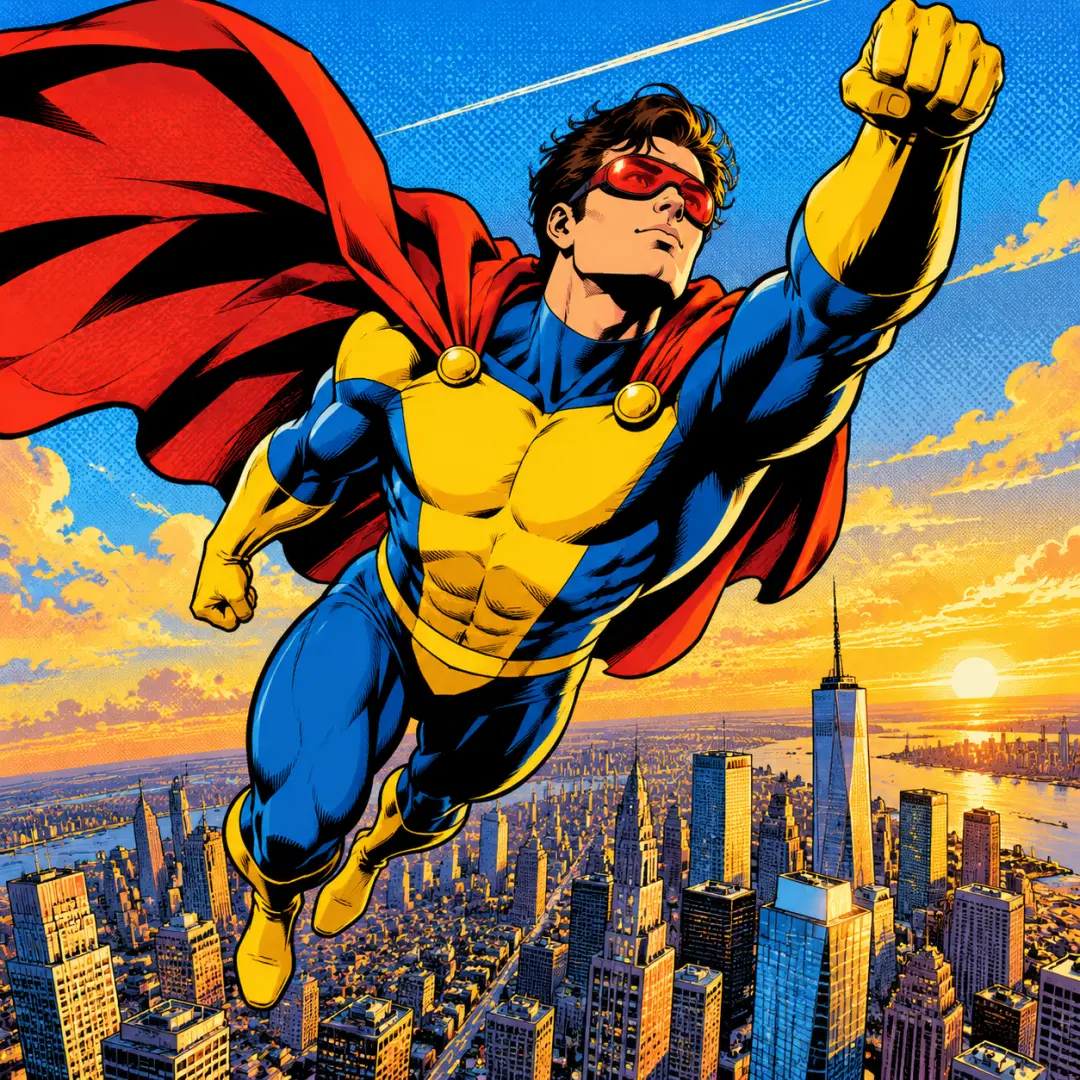
From one prompt to a banner-ready superhero comic key visual — a hero above a city, hard black shadows, and a world about to break, rendered by GPT Image 2
What Is the GPT Image 2 Superhero Comic Key Visual Generator?
The GPT Image 2 superhero comic key visual generator is the detail-first image model on Neta Studio, pointed at comic-book cover art. Give it a scene — a flying hero, a ruined city, a faction at work — and it renders a cover-ready poster in mainstream American comic style: bold variable-width black ink, flat local color, halftone texture, and a few hard shadows. Because it generates from a world, not a blank page, every cover inherits the canon, palette, and characters of the world it belongs to.
What Makes It the Right Tool for Superhero Comic Key Visuals
- High-detail rendering — fine textures, crisp line work, and layouts that survive a banner crop.
- World-grounded prompts — the Invincible seed keeps every cover on-canon: the same hero, the same city, the same rules.
- Cinematic light — golden hour, ash-grey ruins, and hard black shadows land cleanly.
- Kinetic staging — flight, impact, and confrontation render with weight.
- Pipeline-ready — every output publishes as a shareable work of the same world.
See It Render a Key Visual
How It Generates a Key Visual
GPT Image 2 reads the full scene brief — hero, city, time of day, and the elemental accent — then composes a complete frame: figure, environment, light, and the small details that make a cover feel inhabited. Because the world seed supplies the style, you never re-type the palette or the costume; you describe the moment and let the model hold the canon.
Describe the scene
Pick the hero, the place (Chicago, the ruins, the agency), and the moment.
Add the element
Include the accent — a cape in the wind, torn steel, a covert war room.
Set the mood
State the light — golden hour heroism, ash-grey confrontation, or hard shadow.
Render and publish
GPT Image 2 renders the cover; the studio publishes it as a shareable work.
Iterate
Compare with a Krea 2 pass, re-prompt, or fork the world and start again.
The Detail Advantage
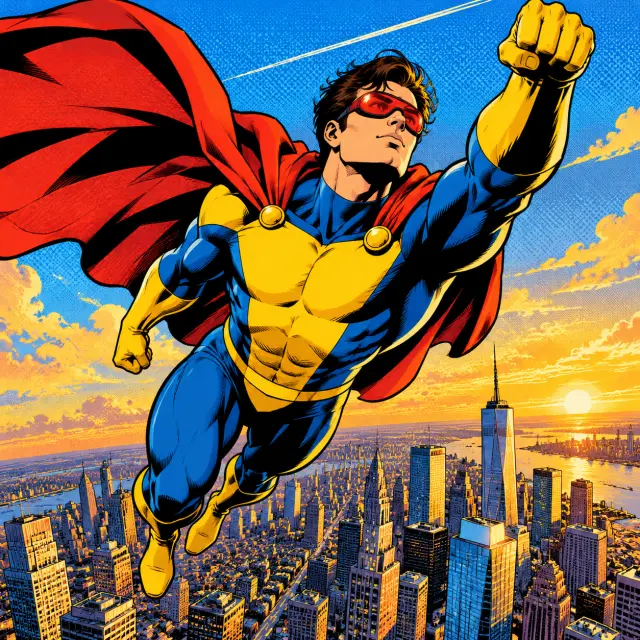
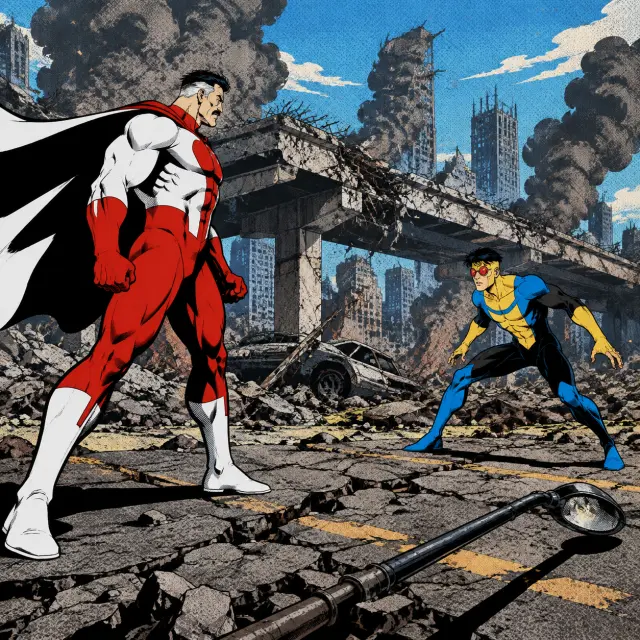
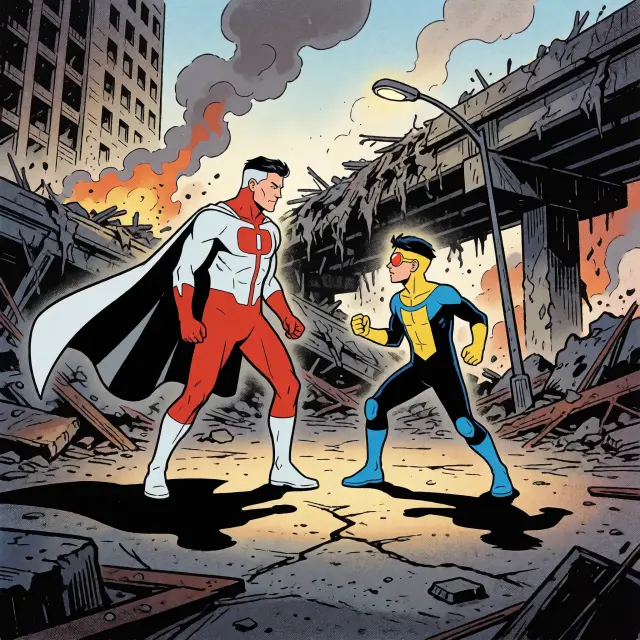
Where GPT Image 2 shines is density without noise. The world key visual keeps the architecture, the costume panels, and the cape all legible at once; the Revelation frame keeps two figures, cracked asphalt, and torn steel in a single readable composition. That control is what makes a render usable as a cover, a title card, or a storefront banner instead of a mood board.
Real Outputs from a Real World
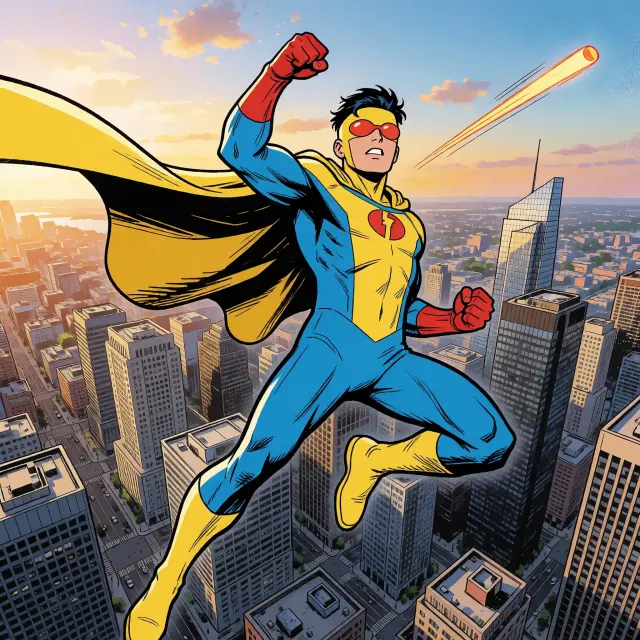
Key visuals were generated from the Invincible world with GPT Image 2 and Krea 2 — the same briefs, two models, published as works. Below is what the detail-first model produced against the atmosphere-first answer, on the world key visual and on the Revelation event scene.
GPT Image 2 vs Krea 2 — Which Should You Use?
GPT Image 2 for cover-ready detail: crisp costumes, readable architecture, controlled texture that survives a crop. Krea 2 for atmosphere: looser brushwork, warmer light, and a painterly mood that sells scale in one glance. Run both on the same brief — the comparison is the fastest way to find your direction.
Event Scenes: The Revelation
Worlds are not only cities and heroes — they are nights when the canon breaks. We ran the same brief at the Revelation, the night a father tells his son the truth and nearly kills him for refusing to kneel. GPT Image 2 renders the confrontation detail-first: two figures, the ruins, the ash, all in sharp comic staging. Point it at a character close-up or a wide event, and it holds the world’s look either way.
Prompts That Work
- Scene + subject + moment — "a young hero in a yellow-and-blue suit hovering above a sprawling American city at golden hour, cape whipping in the wind, one fist raised".
- Costume anchors — the yellow-and-blue suit, red goggles, and flowing cape keep the genre readable in a thumbnail.
- Light as plot — "golden hour", "ash-grey ruins", "hard black shadows" — light tells the story before anyone speaks.
- Ink-and-flat-color cues — "bold variable-width black ink, flat local color, halftone ben-day dots, no text".
From Poster to Pipeline
A key visual is rarely the end — it is the cover. The same Invincible posters can be forked into a game cover, a video thumbnail, or a character card, because every render stays attached to the world it came from. Generate the cover once with GPT Image 2, then reuse the same world and the same style across the whole asset set.
Who Is It For?
Indie comic creators who need superhero cover art fast. World-builders who want canon-consistent covers without a concept team. Game and video teams who need a poster for the city their players are about to defend. Anyone who wants a bold comic pipeline that publishes real, forkable works — not one-off images.
Limitations to Know
GPT Image 2 is slower than lightweight models and favors detail over speed — expect a couple of minutes per cover. It follows style cues well but will drift if the world seed is ignored, so fork the world rather than re-typing the palette. For rapid iteration, render a Krea 2 pass first, then commit the strongest direction to GPT Image 2.
Frequently Asked Questions
- Is GPT Image 2 good at comic art? Yes — with explicit ink-and-flat-color cues it produces cover-ready superhero art that holds up at banner size.
- Do I need my own world? No — fork the Invincible world and generate from its canon, or write a one-sentence brief of your own.
- How does it compare with Krea 2? GPT Image 2 is detail-first and slower; Krea 2 is atmosphere-first and faster. Run both on the same prompt.
- Where do the results go? Every render publishes as a shareable work of the world on Neta Studio.
Start Generating
Fork the Invincible world or start from your own one-sentence superhero brief. The world ships with its atoms, its visual style, and its published key visuals — your next cover is one prompt away.
Start Creating
Generate your superhero comic key visual with GPT Image 2 — cover-ready, canon-consistent, published as a work.