GPT Image 2 Tactical Shooter Key Visual Generator — FPS Key Art from One Brief
The GPT Image 2 workflow for tactical shooter key visuals — style brief in, banner-ready key art out.
GPT Image 2 Tactical Shooter Key Visual Generator
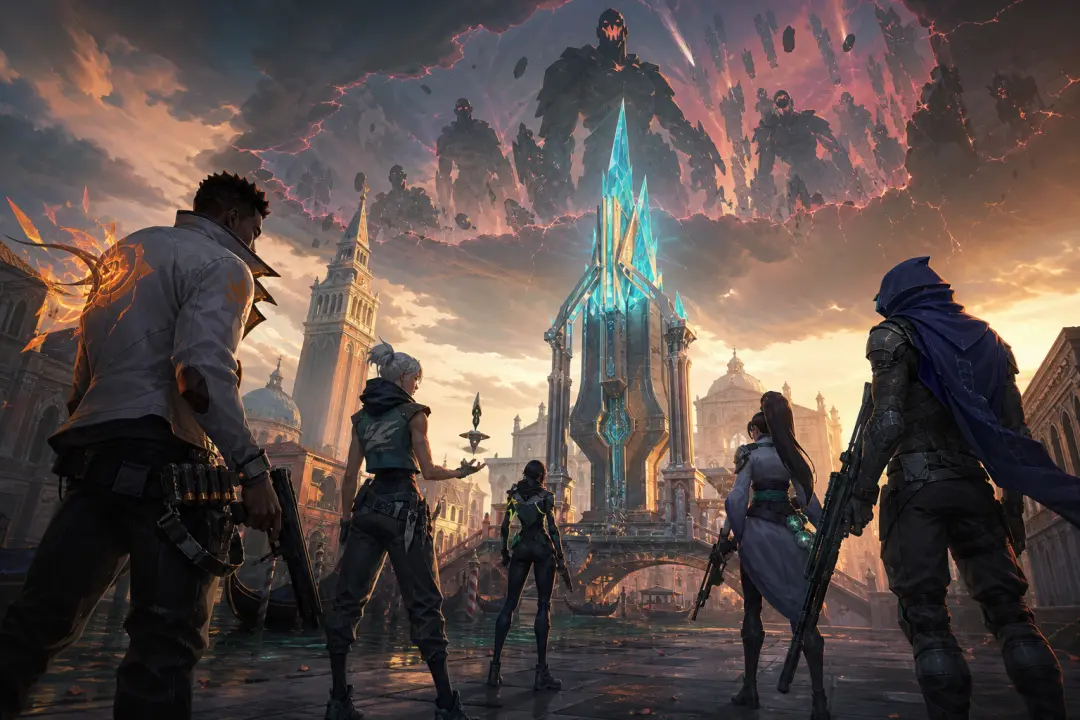
The GPT Image 2 tactical shooter key visual generator is the photorealism-first workflow for turning a world's visual-style brief into cinematic FPS key art. GPT Image 2 excels at photorealism, fine detail, text rendering and sophisticated layouts — the exact strengths a store capsule, hero banner or tournament key frame needs. The reference world is VALORANT Protocol, where the generator produced the flagship key visual of the Ascent Rift.
A tactical shooter key visual has to do three jobs at once: sell the setting, introduce the cast, and promise the stakes. GPT Image 2 handles all three in a single pass — it resolves characters, environments and cinematic light into one readable, detail-dense frame. Locked to a visual-style brief, it produces consistent key art across scenes, agents and maps without a single manual brushstroke.
Why GPT Image 2 for Key Visuals
GPT Image 2 is built for photorealism, fine detail and sophisticated layout — the pillars of commercial game key art. When a world's visual-style brief is locked into the prompt, the model becomes a reusable key visual engine: the same brief, applied to a hundred scenes, returns a hundred frames of the same game.
Photorealism first
Skin, metal, cloth and crystal resolve with real material response — the high-finish painterly look the brief demands.
Detail density
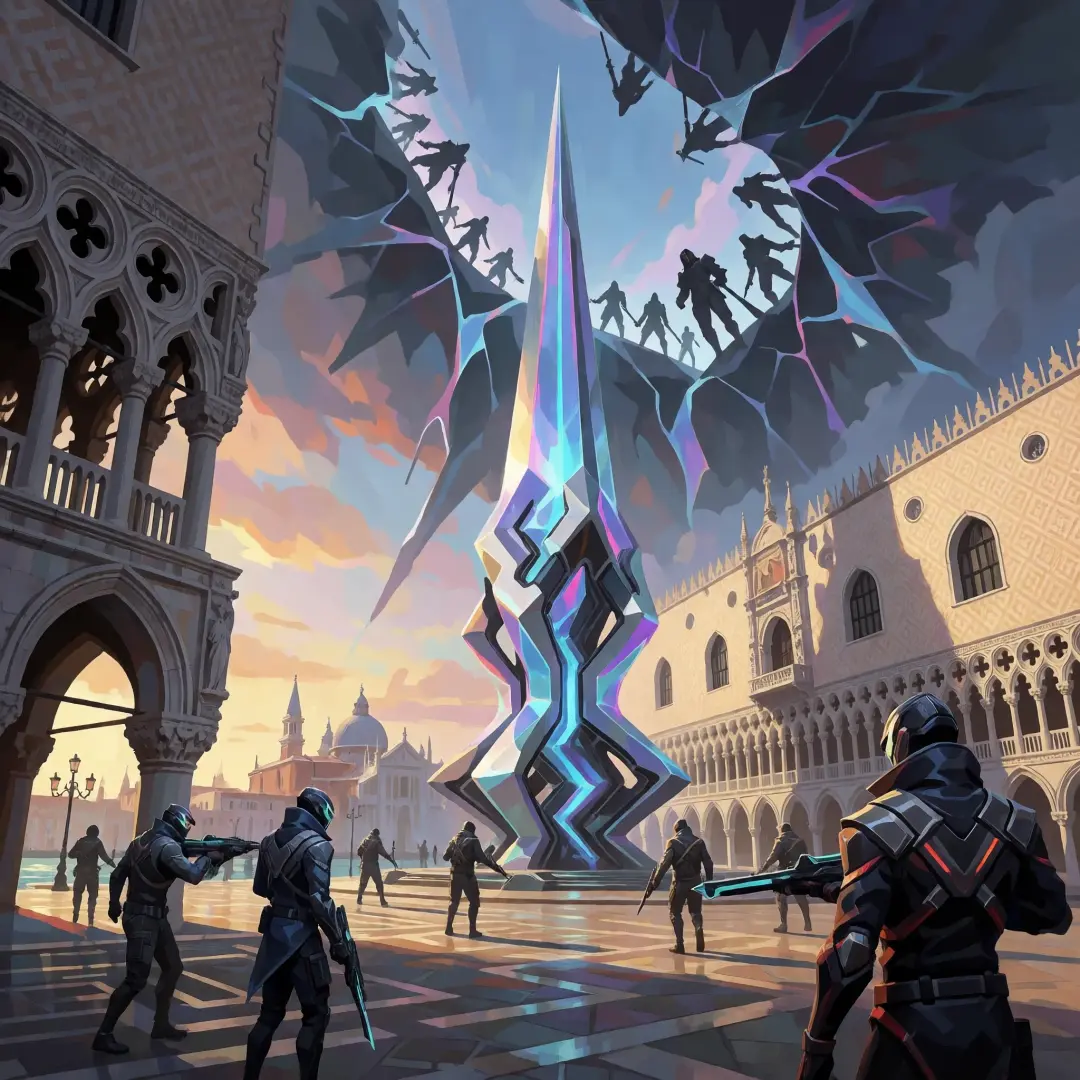
Full strike teams, city-wide scale and dimensional rifts in one frame — no empty corners, no flat backgrounds.
Sophisticated layout
Clear focal hierarchy: the Venturi machine reads first, the rift second, the agents third — exactly as a poster should.
Brief-locked consistency
Reuse the visual-style brief verbatim and every output belongs to the same game.
The Visual-Style Brief
The VALORANT Protocol world ships with a machine-readable visual style: high-finish commercial game painterly. The brief pins the palette (deep chromatic shadows, narrow saturated cyan-and-orange accents), the rendering (integrated visible brushwork, distinct metal, leather, cloth and crystal response) and the composition rules (large readable three-dimensional masses, controlled key, rim and bounce lighting). GPT Image 2 consumes that brief directly.
Brief, condensed: use high-finish commercial game painting; establish large readable three-dimensional masses with strong structural separation; alternate sharp focal edges and lost atmospheric edges without outlines; organize large readable value groups with deep chromatic shadows and narrow saturated accents; apply controlled key, rim and bounce relationships; finish with integrated visible brushwork. Avoid rough sketch quality, flat cel shading, text, logos, watermarks and interface elements.
What GPT Image 2 Produced in This World
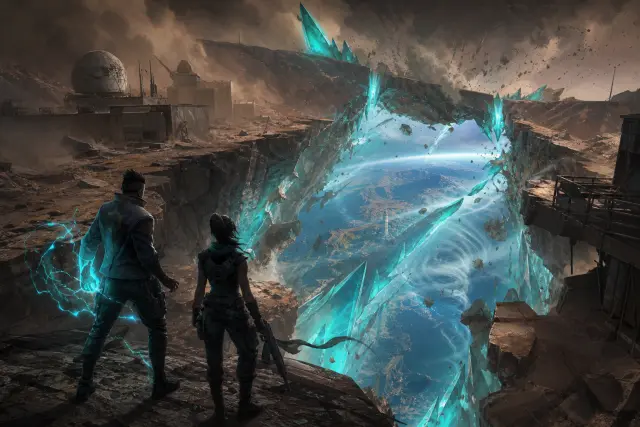
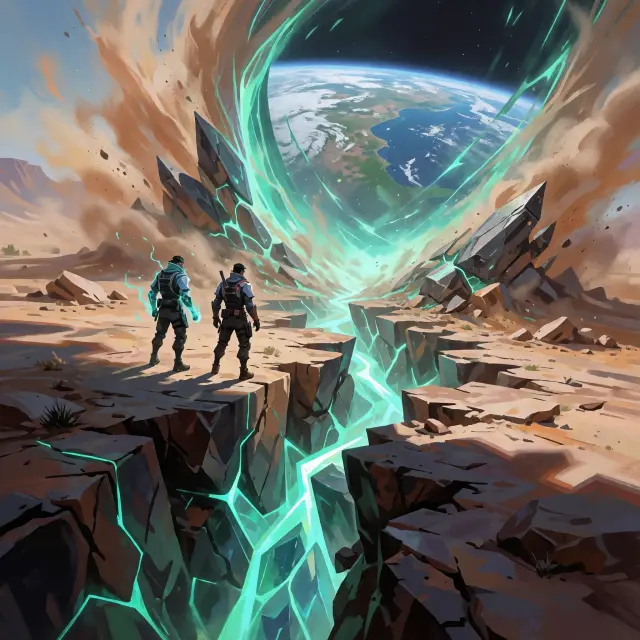
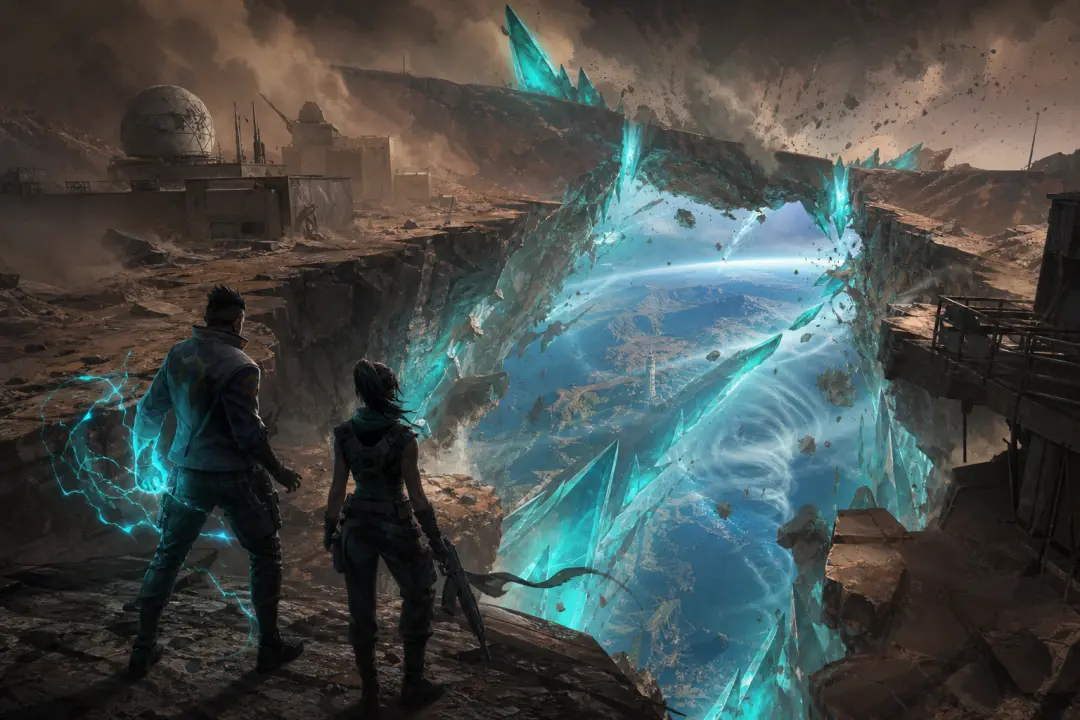
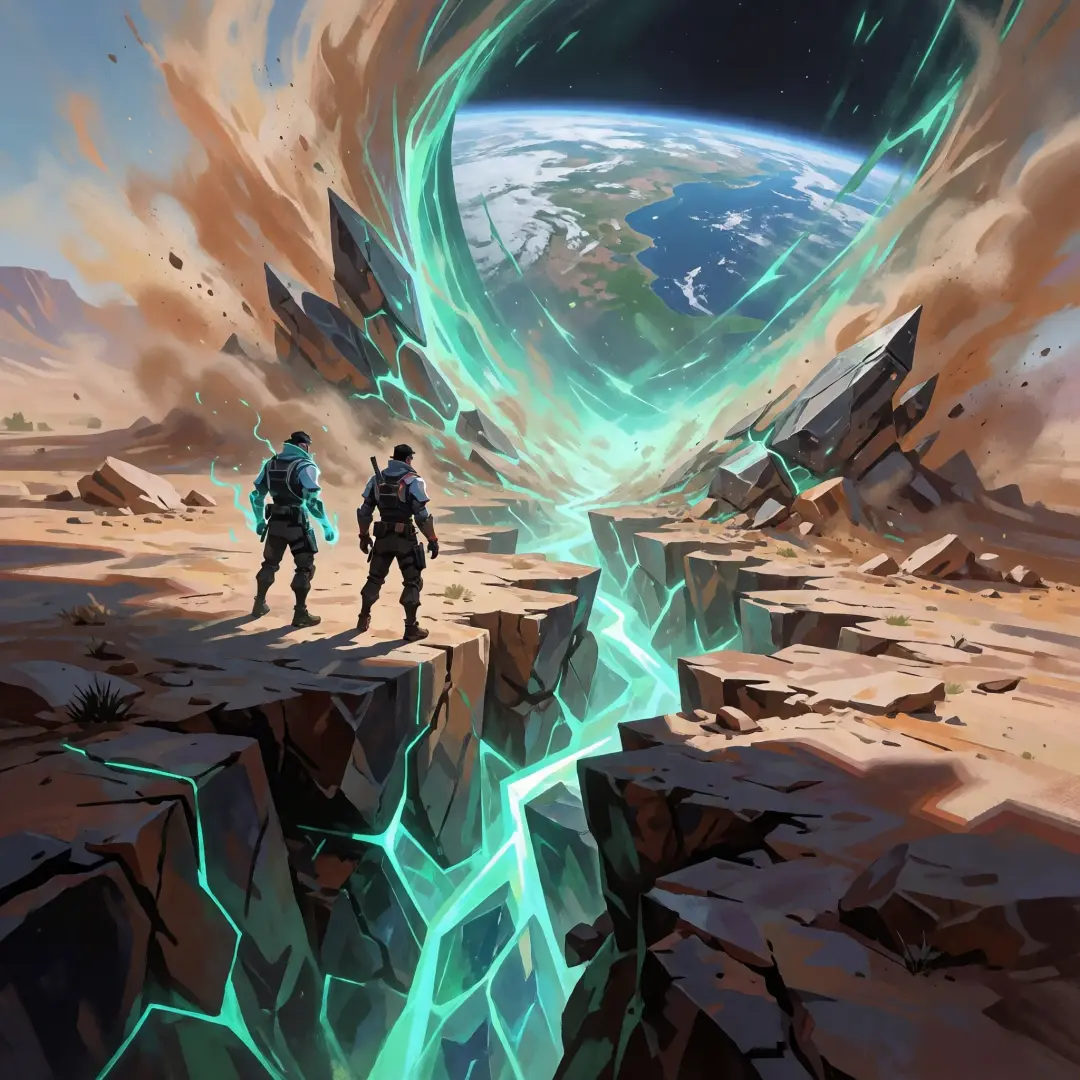
Two key visuals were generated for the VALORANT Protocol world — the Ascent Rift world key visual and the Fracture Incident key visual. Both started from the same visual-style brief and a one-sentence scene. Both are published as shareable works inside the world, and both hold up as standalone poster frames.
How to Prompt GPT Image 2 for a Shooter Key Visual
Load the style brief
Paste the world's visual-style brief verbatim — palette, rendering, composition rules.
Write one sentence
The scene: a strike team on a Venetian plaza, a crystal machine humming, a rift tearing the sky.
State subject and scale
Full team or single agent? City-wide establishing shot or tight hero frame?
Render
Run the prompt through GPT Image 2 at 1024px or higher for capsule-grade detail.
Compare and publish
Run the same prompt through Krea 2, compare, then publish both as works in the world.
Capabilities That Matter
The Krea 2 Comparison
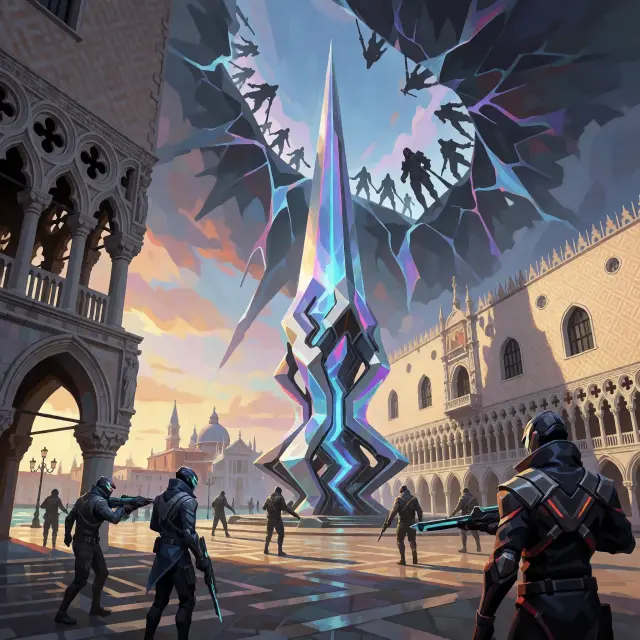
No tool evaluation is complete without the comparison pass. Krea 2 renders the same brief with expressive illustration and stronger stylistic variety — a luminous, atmospheric answer where GPT Image 2 gives the character-first, story-locked answer. For a production look, teams often start with GPT Image 2's structure and borrow Krea 2's atmosphere.
Prompt Recipes
Workflow Integration
The generator slots into the world pipeline at the exact point where ideas become assets. Generate a key visual, publish it as a work, fork it into a game or video — the world's atom cards recompute around the new frame. Every output is a fork point, not a dead end.
Visual-style brief → One-sentence scene → GPT Image 2 render → Publish as work → Fork into games, videos, assets
Limits and How to Work Around Them
GPT Image 2 is a generator, not a layout artist's substitute — text in the scene must be requested deliberately, and the brief's no-text rule is usually the right call for key art. For tight character consistency across dozens of shots, feed reference images. For pure style exploration, let Krea 2 loose on the same brief. The models complement each other; the brief keeps them honest.
Consistency
Use the same brief plus reference images; the studio keeps agent covers stable across scenes.
Style drift
Re-anchor every prompt with the visual-style brief — never rely on memory between shots.
Text in frame
Ask for signage explicitly or not at all; the brief defaults to no text, no logos.
Atmosphere vs story
Use Krea 2 when the mood is the hero, GPT Image 2 when the characters are.
Generate with GPT Image 2
Turn one sentence about the Radianite age into a banner-ready tactical shooter key visual — the brief is already in the world.
Generate Your Own First Frame
Fork the VALORANT Protocol world, reuse its visual-style brief, and publish your own GPT Image 2 key visuals as works.