Social Media Post: 9:16 Screenshot Version — Vertical AI Image Template
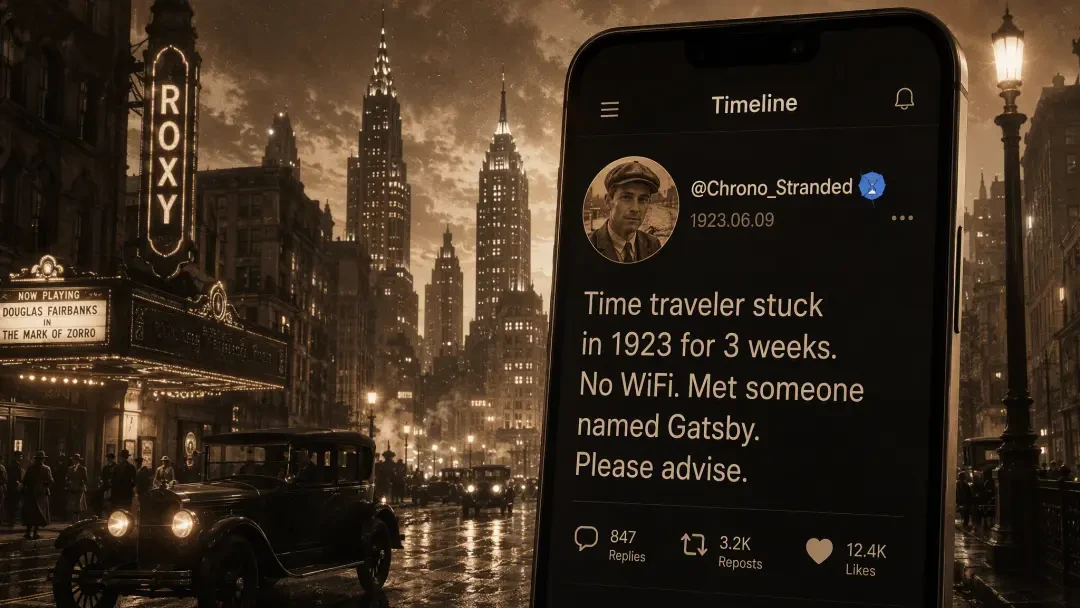
View Social Media Post: 9:16 Screenshot Version — an AI-generated vertical social media screenshot from the Image Templates world. A time traveler stuck in 1923 posts to a fictional 'Timeline' app on 1923.06.09, with a verified badge, sepia selfie and 12.4K likes. Free to view on neta.art.
Final Image
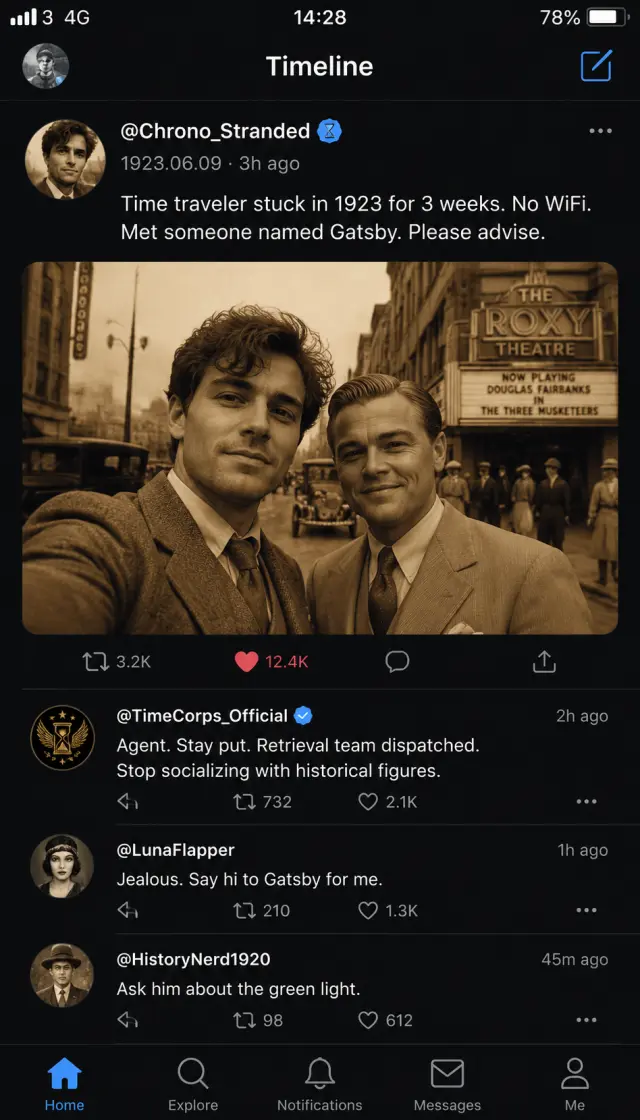
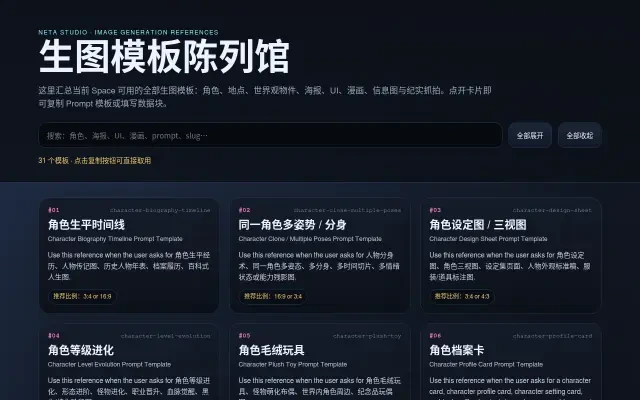
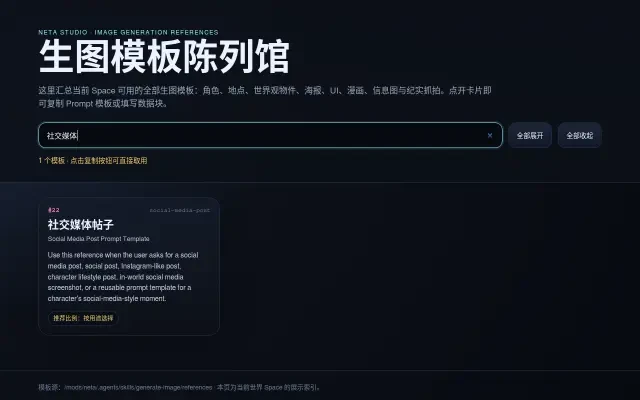
Social Media Post: 9:16 Screenshot Version is a showcase image generated by Neta Studio AI inside the Image Templates world — a ready-to-use 9:16 vertical social media screenshot, delivered as a portfolio sample of the 社交媒体帖子 (Social Media Post) template.
The screenshot captures a fictional dark-mode app called Timeline. A time traveler stuck in 1923 posts from a sepia New York street: verified broken-hourglass badge, profile selfie, timestamp 1923.06.09, and the caption “Time traveler stuck in 1923 for 3 weeks. No WiFi. Met someone named Gatsby. Please advise.” — with 847 replies, 3.2K reposts, 12.4K likes and a three-comment thread that includes a reply from @TimeCorps_Official. Full-bleed edge to edge, no phone frame, no device shell, no mockup background.
View it now: Social Media Post: 9:16 Screenshot Version →
How It Was Made
Production Process Breakdown
Neta Studio's Image Templates world ships with 31 ready-made image-generation templates — characters, locations, world objects, posters, UI, comics, infographics and documentary shots. The Social Media Post template ('社交媒体帖子') turns a one-line post idea into a believable 9:16 vertical social screenshot.
The showcase artwork was generated with GPT Image 2 from a single composed prompt: a realistic vertical smartphone social media app screenshot, full-bleed 9:16, of a fictional dark-mode app called Timeline — @Chrono_Stranded's post from 1923, verified badge, sepia selfie, three visible comments and a full engagement row.
The prompt specifies every native mobile cue — status bar with 3:47 PM, 4G and battery 78%, the 'Timeline' header, bottom navigation, verified broken-hourglass badge, legible post text and thread replies — so the output reads as an authentic phone screenshot crop rather than a poster or mockup.
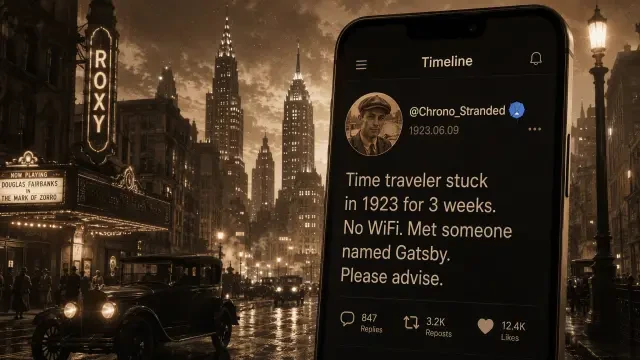
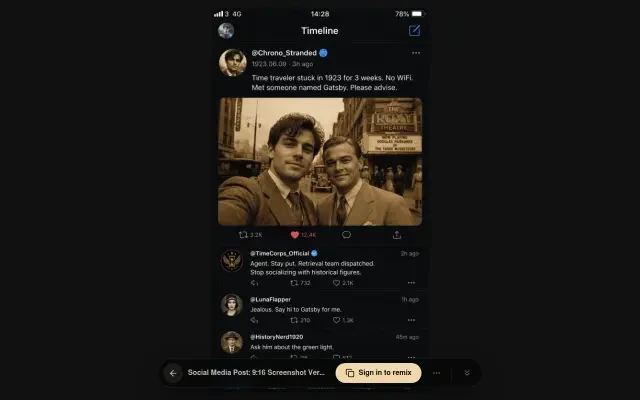
A wide 16:9 cover was generated with GPT Image 2 auto for sharing and social cards, recomposing the vertical screenshot as a cinematic 1920s New York hero scene. The live share page and the world's template exhibition hall were captured in a browser at 1280x800.
The artwork was published with one click as an instant share link on neta.art — viewable in any browser, ready to be remixed or reused, and browsable alongside all 31 templates in the world's exhibition hall.
Generation Prompt
The final artwork was generated from this single prompt:
“Create a realistic vertical smartphone social media app screenshot ONLY, captured screen pixels, no physical phone, no device bezel, no rounded phone frame, no hand, no desktop browser, no mockup background. The final image must be a tall 9:16 portrait screenshot, full-bleed UI edge to edge. Fictional dark-mode app called Timeline. Native mobile UI: status bar at top with 3:47 PM, 4G, battery 78%; header says Timeline; bottom navigation bar visible. Main post by @Chrono_Stranded with a verified broken-hourglass badge, sepia profile selfie avatar, timestamp 1923.06.09 · 3h ago. Legible post text: 'Time traveler stuck in 1923 for 3 weeks. No WiFi. Met someone named Gatsby. Please advise.' Attached photo inside the post: sepia selfie on a 1920s New York street, art deco details, period clothing, warm grain. Engagement row: 847 replies, 3.2K reposts, 12.4K likes. Three visible comments, including @TimeCorps_Official: 'Agent. Stay put. Retrieval team dispatched. Stop socializing with historical figures.' Other comments are short fictional replies. Must read visually as an authentic native phone screenshot crop, not square, not landscape, not a poster, no real platform trademarks, no watermark, no gibberish filler text.”
Asset Prompts
Supporting Prompts
"Create a polished shareable showcase image for an image-generation template. Template subject: 社交媒体帖子 (social-media-post). Visual scene: a believable 9:16 vertical social media screenshot from a fictional dark-mode app called Timeline — a time traveler stuck in 1923 posts with a verified broken-hourglass badge, sepia selfie, timestamp 1923.06.09, and a full engagement row. Make it look like a finished portfolio sample that demonstrates what this template can create. High production value, strong composition, clear focal point. If using text, only use a short readable Chinese title: '社交媒体帖子'; otherwise no text. Avoid watermarks, brand logos, malformed UI, random gibberish, and dense unreadable microtext."
"16:9 cinematic game cover for the Image Templates world — Social Media Post: 9:16 Screenshot Version. Wide hero composition: a fictional dark-mode social media app called 'Timeline' rendered as a floating vertical phone screen dominating the right side, showing a time-traveler post from @Chrono_Stranded with a verified broken-hourglass badge, sepia profile selfie avatar, timestamp '1923.06.09', and the caption 'Time traveler stuck in 1923 for 3 weeks. No WiFi. Met someone named Gatsby. Please advise.' with 847 replies, 3.2K reposts and 12.4K likes. Behind the phone, a moody 1920s New York street at dusk with art deco skyscrapers, sepia grain, warm cinematic lighting, period automobiles and street lamps. Premium production value, strong focal point, tactile film grain, no watermark, no logos."
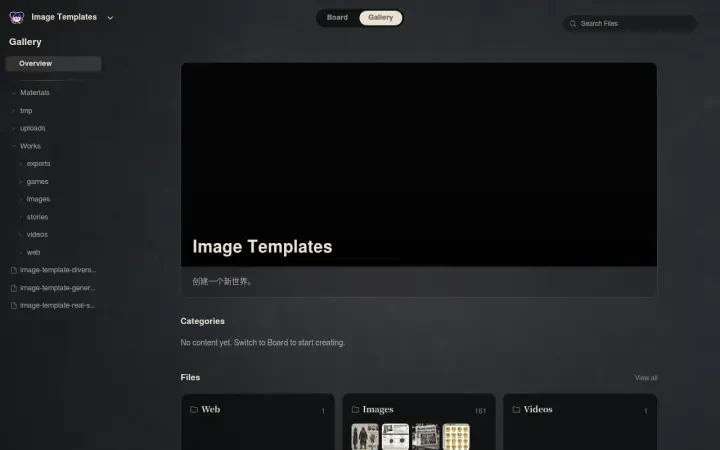
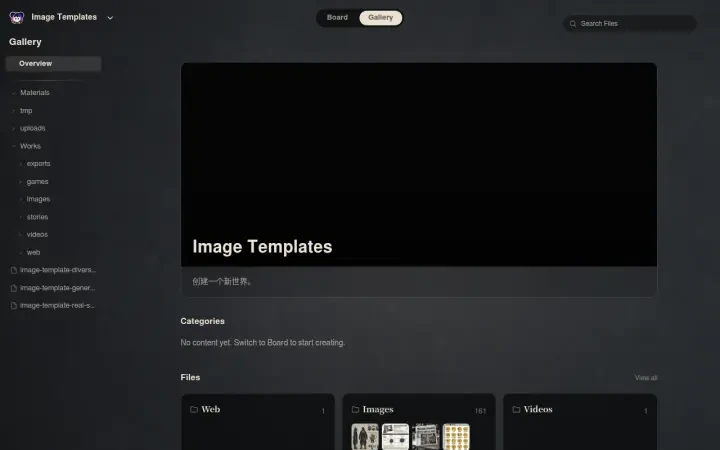
The live share page (gameplay-1), the world's exhibition hall (gameplay-2) and its search-filtered view (gameplay-3) were captured in a headless browser at 1280x800, along with three views of the Neta Studio workspace — the Board canvas, the Gallery files view, and the Board with the exhibition hall open.
Why Choose Neta Studio
Neta Studio turns any IP — from a beloved book universe to a single mood board — into a complete, shareable world in minutes. It builds the atom library, generates every piece of art, and publishes an instant share link. No coding. No pipelines. No waiting on a studio.
This screenshot exists because one prompt met one template: the Image Templates world supplied 31 ready-made visual engines, and GPT Image 2 developed the feed. The same world can produce a video, an adventure, a game or a hundred more artworks — step inside the studio and explore the template library behind it.
Studio Interior
View & Explore
This screenshot was generated by Neta Studio AI from a single prompt. The post took seconds to develop. You can do it too — explore the Image Templates world or start fresh from any IP. No coding required, free to start.