Jeopardy Game Maker for Teachers — A Free Classroom Review Game You Can Project
Make your own jeopardy game for teachers
A free Jeopardy-style review board for your classroom: five categories, five point values, three teams, editable clues, and a projector mode. Open it, project it, play it — no signup, no download.
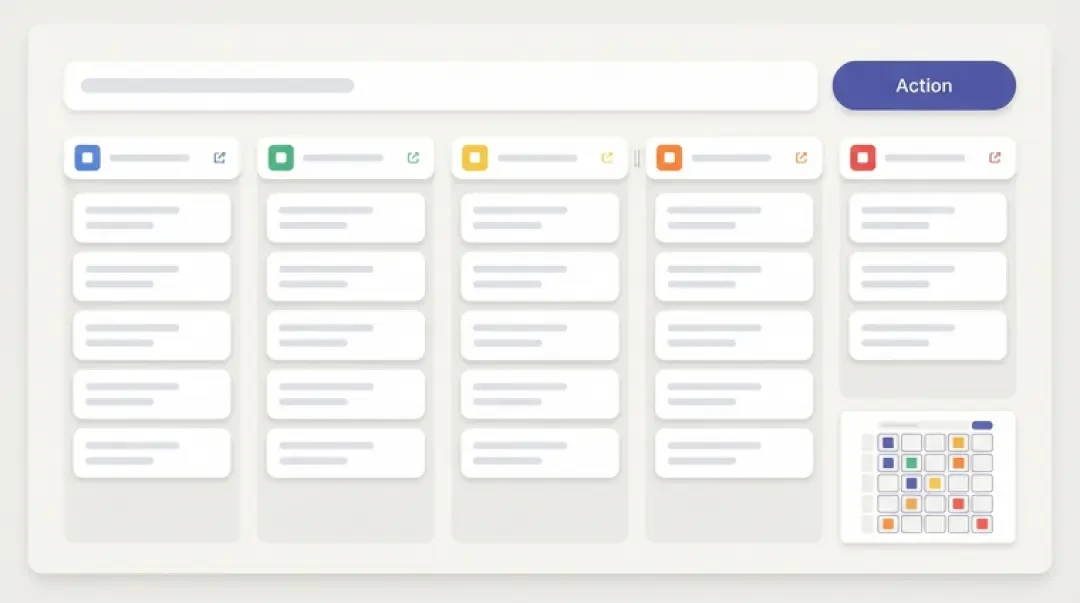
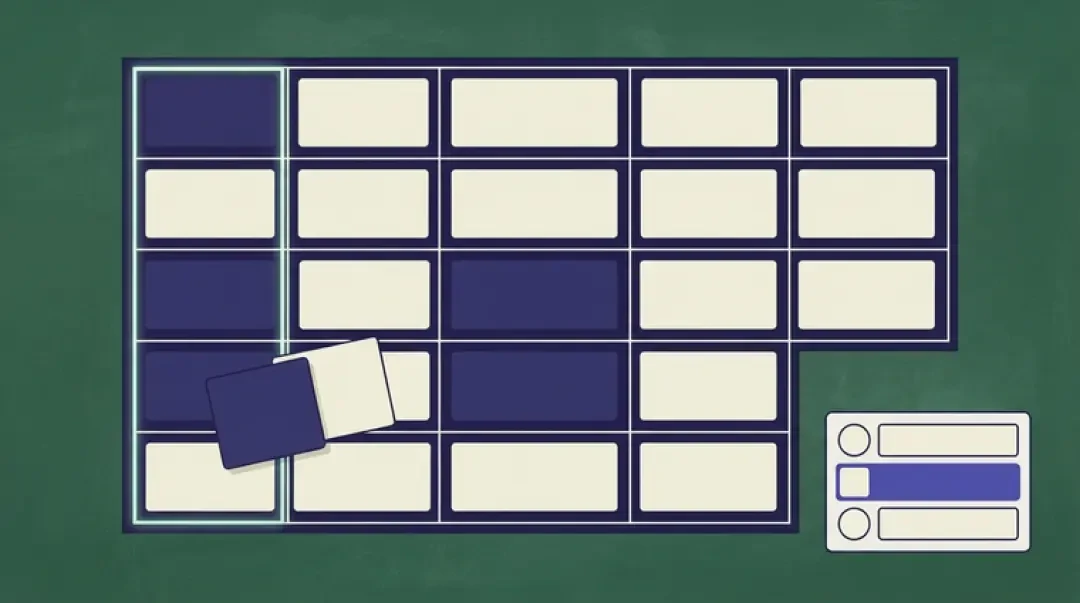
A Jeopardy game for teachers is a review board you can open in a browser tab, fill with your own categories and clues, project to the class, and play with three teams. The format is fixed: five categories across, five point values down — 100 through 500 — and a clue behind every tile. The work is not in building the board. The work is in writing thirty clues that a student in the room can actually answer.
This page is about that work. It covers the three steps before the bell, how to pick a board that matches today's unit, why most categories collapse at the 400 tile, how to word a clue the back row can read, how to score three teams without an argument, and what changes when you project it. It also states the limits: no account, no upload, and a board that lives in one browser's local storage.
Classroom Jeopardy in 3 Steps
The ten minutes before the bell are not for authoring. They are for swapping out a board you already trust. Open the board, edit the categories and clues to match the unit you taught this week, project it, and play. If you are writing thirty clues from scratch in that window, you will write bad clues. Start from a pre-filled board and change only what does not fit.
Each of the three steps has one common failure. Naming them up front is cheaper than discovering them in front of thirty students.
01
Open the board and pick a starting set — science, world history, or words and language. Failure mode: the categories are too broad to carry five distinct clues, so you end up with four real questions and one you pad.
02
Swap the categories and clues to match today's lesson. Failure mode: a clue that is really two questions stacked — 'Who wrote it, and in what year?' — so the team answers half and argues about the other half.
03
Project it and play. Failure mode: nobody wrote down the score, so the running total depends on who is loudest at the end of the period.
Pick the Board That Matches Today's Lesson
The built-in boards are science, world history, and words and language. A pre-filled board is the honest starting point because it gives you facts you have already taught. You are editing, not inventing. Under time pressure, inventing produces clues with two right answers or a fact you are not quite sure of — both of which cost more class time than they save.
The editing rule is simple: every clue must have exactly one answer that a student in the room can produce. Not one answer in the textbook — one answer a student can say out loud. If two students could reasonably give different correct answers, the clue is broken and the argument is your fault, not theirs.
- Science boardCategories like 'organ systems', 'states of matter', 'simple machines'. Narrow enough to carry five levels each.
- World history boardNamed periods and named empires. 'The Silk Road' works; 'ancient times' does not.
- Words and language boardPrefixes, parts of speech, word roots. Every clue resolves to one word a student can spell.
- Edit ruleEvery clue resolves to exactly one answer a student in the room can produce. If two answers are defensible, rewrite the clue.
Categories That Can Carry Five Clues
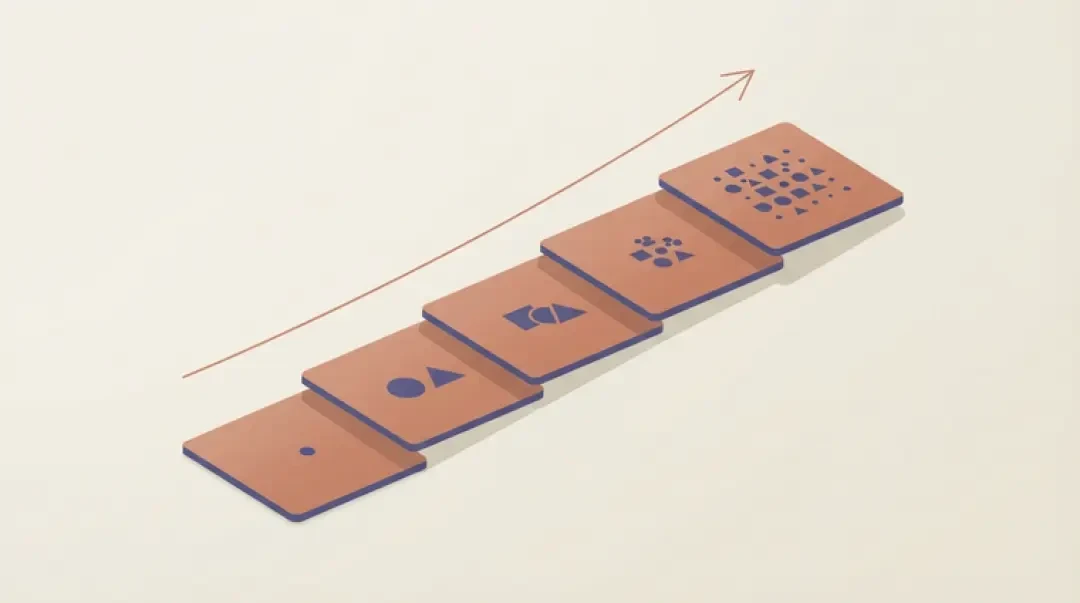
The real constraint of the format is not the board, it is the category. A category is not a topic. It is a topic with five levels of difficulty inside it. If you cannot order five clues from easy to hard, the category will collapse at the 400 tile and you will be writing a different subject under the same heading.
What works: narrow nouns, a named period, a named organ system. 'The digestive system' carries five clues — mouth, esophagus, stomach, small intestine, large intestine — in roughly that order. 'The 1960s' does not, because the 100 clue and the 500 clue will be about unrelated events and the ladder disappears.
The test: write the 500 clue first. If the 500 clue is about a different subject than the 100 clue, the category is wrong. Split it or pick a narrower noun.
| Category | Why it works or fails |
|---|---|
| The digestive system | Works. Five named organs in difficulty order. |
| The Silk Road | Works. Named route, named goods, named cities. |
| Prefixes | Works. Each clue resolves to one prefix and one meaning. |
| The 1960s | Fails. The 100 and 500 clues will be unrelated events. |
| Space | Fails. Too broad; five clues will span unrelated subfields. |
| Ancient times | Fails. No single difficulty ladder exists. |
Word a Clue the Back Row Can Read
One fact per clue. No nested clauses. No 'this person who did X and later Y' stacking. The read-aloud test: read the clue once, at speaking pace, and ask whether a student at the back could repeat the fact they need to answer. If they cannot, the clue is too long or too dense.
Before: 'This person, who was born in the 18th century and wrote under a pen name before becoming a president, issued a famous proclamation.' After: 'He issued the Emancipation Proclamation.' Same answer, one fact, one clause.
The one thing that must never appear in a clue is the answer's own stem. If the answer is 'photosynthesis', the clue must not contain 'photo' or 'synthesis'. If the answer is 'Abraham Lincoln', the clue must not contain 'Lincoln'. Back-row students will hear the stem and guess before they recall.
The read-aloud test
Read the clue once, out loud, at normal speaking pace. If a student at the back cannot repeat the fact they need, rewrite. Shorten the sentence, remove the subordinate clause, and move any context into the category name where it belongs.
The stem test
Scan the clue for any morpheme of the answer. Remove it or replace the answer. A clue that contains its own answer's stem is a listening test, not a recall test.
Score Three Teams Without an Argument
Announce the scoring rule before the first clue. The two defensible rules are: deduct the point value for a wrong answer, or pass the question to the next team. Pick one and say it out loud. Both work; mixing them mid-game does not.
Deducting for wrong answers raises the cost of a guess, which slows the buzz and favors teams that read carefully. Passing the question keeps more students in play but can let one team answer every clue in a round if the others pass. For a review game, passing is usually the better default because the goal is recall practice, not penalty.
The team-size problem: three teams of eight produce two speakers in each team and twenty-two spectators. Keep teams to four or five if the room allows. Three teams beats two because two teams create a permanent majority and a permanent minority, and the minority stops answering by the second round. Three teams keep the middle team in play.
Project It: Room, Screen and Timer
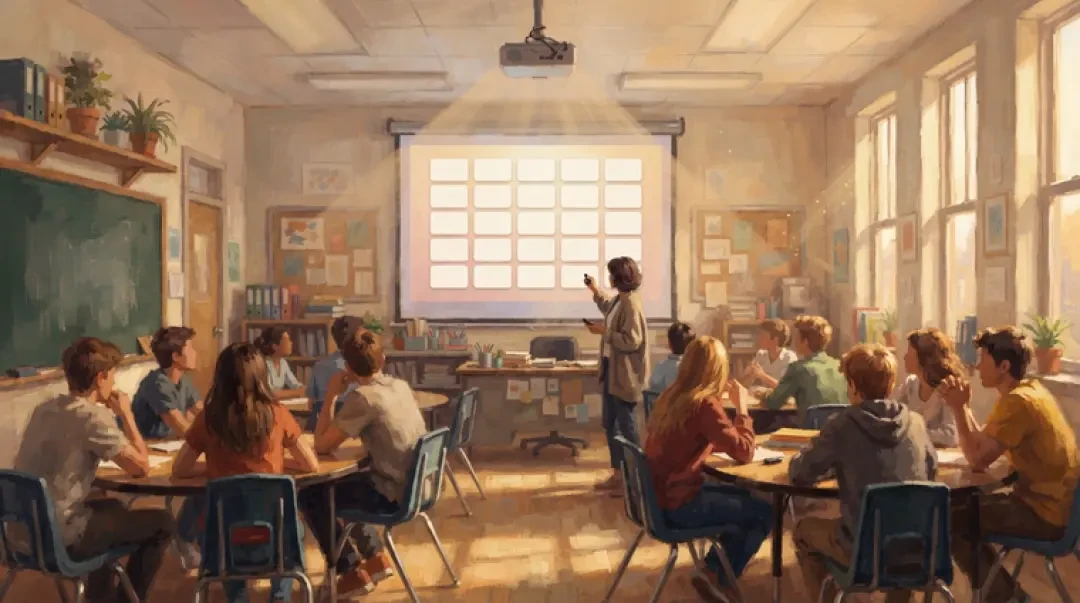
Projector mode enlarges the board and the active clue so the back row can read them. The 30-second bar gives every clue a stopping point — when it empties, the team answers or passes. The tile dims once it is used, so nobody re-asks a question that has already been played.
If the room has no projector, a laptop passed back is not a review game. The screen is too small for the back row and the passing eats the period. Pair the board with printed clue cards instead: read from the card, keep the score on the board or on paper, and use the browser board only for the teacher's reference.
- Projector modeEnlarges the board and the active clue. Toggle it before the first clue, not mid-round.
- 30-second barA visible stopping point per clue. When it empties, the team answers or passes.
- Used-tile dimA played tile dims so the class can see what has already been covered.
- No-projector fallbackPrinted clue cards plus a paper score sheet. The browser board is reference only.
Review Games and Retrieval Practice
The teaching argument is mechanical, not statistical. A ladder of clues forces recall at rising difficulty: the 100 tile asks for a fact, the 500 tile asks for a fact inside a narrower context. The visible board lets a class see what it has already covered, which turns the remaining tiles into a plan. The wrong answers are the useful part — they show which rung of the ladder is missing.
We are not claiming measured learning gains here. What we can describe is the mechanism: spaced recall across five difficulty levels, in front of peers, with a visible record of what has been answered. That is retrieval practice in the ordinary sense. Whether it moves a particular class's scores depends on the clues you wrote, and that part is yours.
Free, No Account, No Install
The board runs in a browser tab. Scores live in that browser. Nothing is uploaded and no account is needed. Open it, project it, play it, close the tab.
The limitation is local storage. A board lives in the browser that created it, so a different machine starts fresh. If you build a board on your classroom laptop and then open the site on your home machine, the categories will not be there. Build on the machine you will project from, or rebuild from printed clue cards on the day.
Walk into the world it belongs to
The board above is a real page with a real link — that is the whole point. A review game your class can open on the projector is one description away in the 3D Game Builder, where the same builder turns a paragraph about a topic into something with a screen, a rule and a score.
FAQ
Is it really free? +
Yes. The board runs in a browser tab with no account and no install. There is nothing to buy to play a round.
Do I need an account? +
No. Open the board and play. Scores and edits live in that browser's local storage.
Can I use my own questions? +
Yes. Every category and clue is editable. Start from science, world history, or words and language and swap what does not fit today's unit.
How many teams? +
Three. Two teams create a permanent majority and minority; three keeps the middle team in play. Keep teams to four or five students where the room allows.
Can I save my board for next term? +
The board persists in the browser that created it, so the same machine will still have it next term. A different machine starts fresh — build on the machine you will project from, or keep printed clue cards as the backup.
Can I print it? +
You can print the browser page, but for a room without a projector the better route is printed clue cards read aloud, with the score kept on paper or on the board.
Back to the 3D Game Builder
All 31 finished 3D worlds, games and scenes live on one page — every one of them playable.