PixelLab alternative · 2D assets vs 3D assets

PixelLab Alternative — From Pixel Sprites to Walkable 3D Game Assets

Make your own pixellab alternative

PixelLab generates 2D pixel assets. Neta generates pixel sprites and 3D models — then drops them into a world you can walk through. Free, in the browser.

✦Game
Make a pixellab alternative

A PixelLab alternative search usually starts with a specific frustration: the pixel art is fine, but the scene you wanted it for does not exist yet. PixelLab generates 2D pixel assets: character sprites, walk cycles, rotation sets, tilesets, UI frames. It generates them well. What it does not do is place those assets into a space you can walk around in.

Neta Studio covers both halves in one browser tab. You generate pixel sprites, then drop them into a real Three.js world with depth, collision, and a camera you control with WASD. No install, no exported engine project, no separate asset pipeline to keep in sync. This page covers where PixelLab stops, where a 3D scene begins, and how to decide whether you need the second half at all.

Quick Answer

PixelLab makes 2D pixel assets. Sprites, animation frames, multi-directional rotations, isometric sets, tilesets, UI elements, with inpainting and style-preserving edits on top. That is a complete answer to the pixel-art problem. The boundary is that assets are not a scene. A sprite sheet has no position, no depth, no collider, and no camera. If your game has a fixed camera and a tile grid, that boundary never bothers you. If you want a space someone can walk through, the asset is the input, not the output, and you need something that places it.

What PixelLab Does Well

Being specific about the four strengths matters, because the right alternative depends on which one you actually use.

Second, multi-directional and isometric rotations. One base sprite becomes a 4-direction or 8-direction set, plus isometric variants sized to a 2.5D grid. That is the part most generators skip, and it is usually the part that decides whether a sprite is usable in a real game rather than a mockup.

Third, style-preserving editing and inpainting. You can recolour a helmet, repair a broken arm, or extend a torso without regenerating the character and losing the version you approved. Fourth, environment and tileset generation: grass, stone, water, wall kits, produced with consistent edges so tiles meet without seams.

  • Consistent AI animationA walk cycle generated from one reference keeps palette and proportions across frames. Frame-to-frame drift is the usual failure of AI pixel animation, and holding the character on-model through 6 to 8 frames is the hard part.
  • Multi-directional and isometric rotationsOne sprite becomes a 4- or 8-direction set, plus isometric rotations aligned to a diamond grid. Direction count is chosen up front, since each direction is a separate pass.
  • Style-preserving edit and inpaintLocal edits stay inside the existing palette and line weight. Useful when a single detail is wrong and regenerating the whole sprite would cost you the version you already approved.
  • Environment and tileset generationTerrain, props and wall kits generated as sets, with matching edge treatment so a 32x32 tile meets its neighbour without a visible seam.

2D Assets vs 3D Assets

2D assets solve texture. 3D assets solve space. Those are different problems with different failure modes, and conflating them is why so many people bounce between tools without finishing anything.

The first demand shape is a fixed camera. In a side-view platformer or a top-down RPG, the sprite is the entire representation of the object. Everything the player needs to know about a character is inside one frame. Depth is faked with draw order: a sorting layer in Unity, Y-sort in Godot, an index in a custom renderer. That works, it is cheap, and it costs nothing in fidelity. A 2D tool is the correct tool here and nothing about a 3D pipeline improves it.

The second demand shape is a camera the player moves. The moment the camera rotates or the player walks past an object, an 8-direction sprite set runs out. You have eight angles, the camera has infinite angles, and the gap shows up as a character that snaps between facings while the world slides smoothly. The asset has to become geometry with a texture, or a camera-facing quad, or both. That is the line: if the camera is fixed, 2D is complete; if the camera moves, you need placement in a 3D space.

What you are buildingWhat the asset has to doWhich tool fits
Side-view platformer, fixed cameraOne sprite per state; depth is a sort order2D. PixelLab is enough.
Top-down RPG, 4 or 8 directionsRotation set per character, tileset for the map2D, plus a tilemap editor in your engine
Isometric scene, camera angle lockedIsometric tiles and rotated spritesEither. 2D is cheaper if the camera never rotates.
Explorable scene, player-controlled cameraTextured geometry, or sprites as camera-facing quads3D pipeline. This is where Neta fits.
First-person or third-person walk-throughModels, materials, collision volumes3D only. A sprite set cannot cover it.

Generate a Sprite Here

Pixel sprites are covered here too. The generator runs the same class of task as PixelLab: describe a subject, get back a sprite with a transparent background and a frame layout you can slice. The order of decisions is what determines whether the output is usable.

Agent Sprite Forge handles this inside Neta Studio. It matters that it is the same toolchain that feeds the 3D side, because a sprite produced here can be placed directly into a scene as a standee instead of being exported to a different program and re-imported.

1

01

Describe the subject in one sentence: subject, silhouette cue, palette. "Armoured frog knight, green and brass, broad shoulders" beats a paragraph of lore every time.

2

02

Pick the canvas size before anything else. 32x32 for tiles and small props, 64x64 for characters, 128x128 only when the sprite will be displayed large. Match it to your engine's tile size or Pixels Per Unit now, not after you have approved a sprite at the wrong resolution.

3

03

Choose the direction count. 1 for a fixed-camera game, 4 for a top-down grid, 8 if the character turns smoothly. Each direction is a separate generation pass, so this is a cost decision as much as an art decision.

4

04

Choose the frame count. 1 for a static prop, 4 for an idle, 6 to 8 for a walk cycle. More frames is not better: eight frames at 32x32 is already more detail than the canvas can hold, and the extra frames get muddy.

5

05

Set the origin at the character's feet, not the centre of the image. Centre origin is the most common cause of characters floating half a sprite above the ground when you place them.

6

06

Lock the palette first, then ask for the 1-pixel dark outline. Outlining an unapproved sprite burns a pass you will throw away.

Play a Scene Built From Assets

An asset becomes a world when something decides where it stands and what blocks the player. That is the whole difference, and it is a small number of settings.

The failure modes appear here, not in the generator. Two standees at the same coordinate z-fight: offset one by a few centimetres rather than fighting the depth buffer. A sprite with transparency enabled and no alpha test sorts incorrectly against walls, because the renderer cannot tell which pixels are solid. And a shadow cast by an alpha-tested quad renders as a solid rectangle unless the shadow material also tests alpha at the same threshold.

1

01

Generate or import the sprite. Transparent PNG, origin at the feet.

2

02

Place it. The builder puts a camera-facing quad at that position, so the sprite becomes a standee in 3D space rather than a flat layer.

3

03

Set scale against the world grid. One tile equals one world unit. A 64-pixel character two tiles tall gets a quad height of 2; the width follows from the aspect ratio, do not set it by hand.

4

04

Set the material for pixel art. Point filtering, mipmaps off, alpha test at 0.5, transparency off. Mipmaps plus bilinear filtering on a 32x32 texture is the single most common reason generated pixel art looks muddy once it is in a 3D scene.

5

05

Add collision at the feet. A capsule or box collider. The sprite is flat; the collider is not, and it should not be.

6

06

Walk it. First-person or follow camera, WASD, mouse look. If the scene still reads correctly from a moving camera, the placement is done.

A sprite sheet generated the same way: one sentence, a grid of frames.

PixelLab, thepixellab, the pixel lab — the Same Tool?

Yes. PixelLab, thepixellab, the pixel lab and pixel lab are the same query typed four ways. Search engines fold spacing and a leading article into the same entity, so all four land on the same product. There is no separate tool called "the pixel lab" and no distinct "pixel lab" product sitting behind the variant.

The typo variants return thin results for a structural reason, not a popularity one. A query with no competing entity behind it produces navigational results: the product's own pages, nothing else. Comparison content, alternatives lists and tutorials are written against a category, and a misspelling is not a category. The three-word form is also weaker still, because "pixel lab" splits across unrelated uses of the phrase such as image processing and print work, and the results stop being about sprites at all. If you want the 3D half of the problem, the query to run is about scene building or 3D game assets, not another spelling of the same product name. That is what the 3D game builder covers.

Query variantWhat it resolves toWhat to do with it
pixellabThe product itselfUse this as the baseline query
thepixellabSame product, leading article folded inNothing different. Same results.
the pixel labSame product, spacing folded inRead the organic results, not the top ad slots
pixel labSplit across unrelated uses of the phraseAdd "sprite" or "animation" to force the pixel-art sense
pixellab alternativeComparison intent; the 3D half is unaddressedStart from your camera, not from the tool name
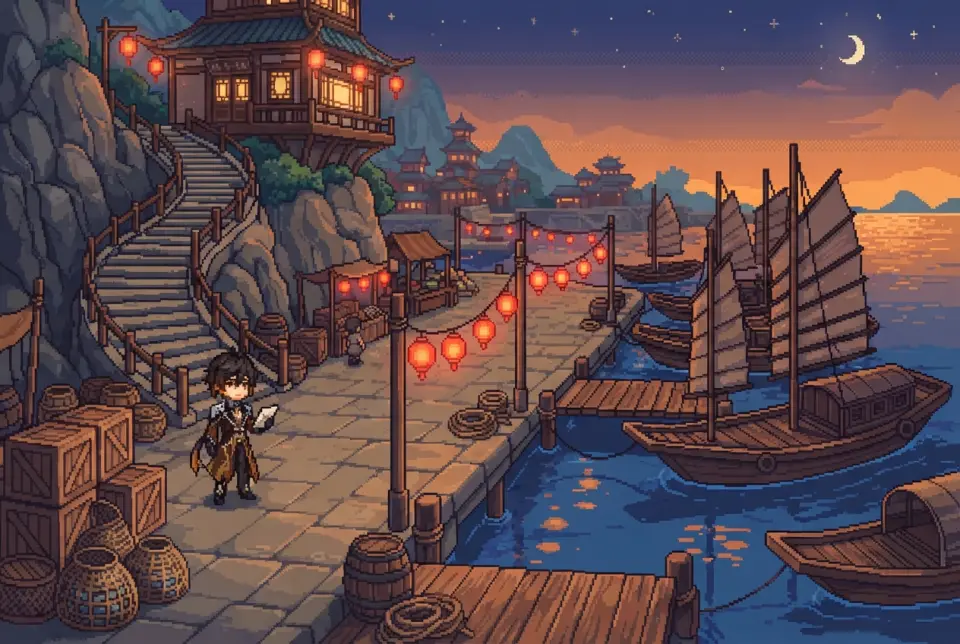
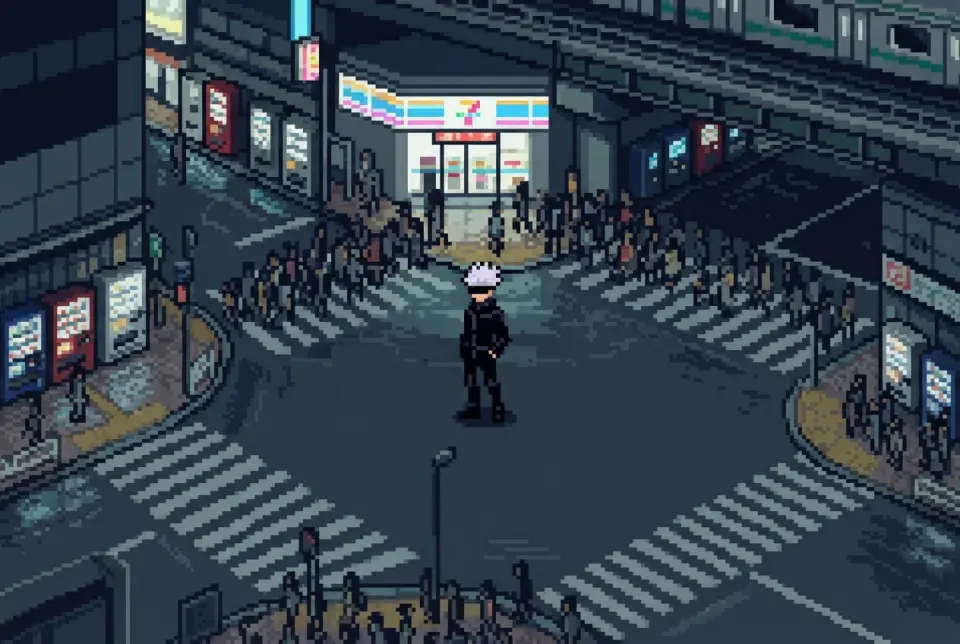
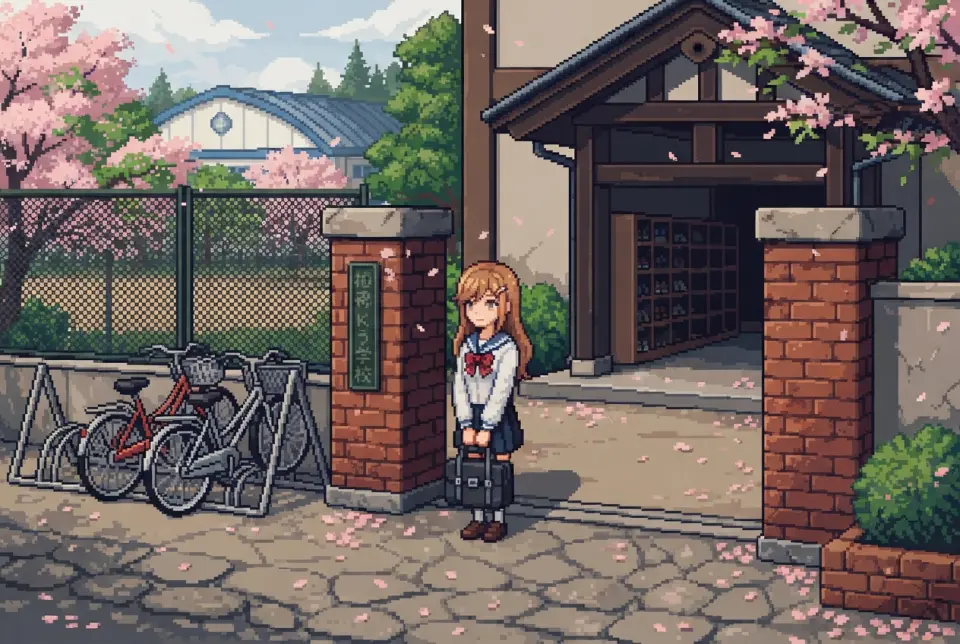
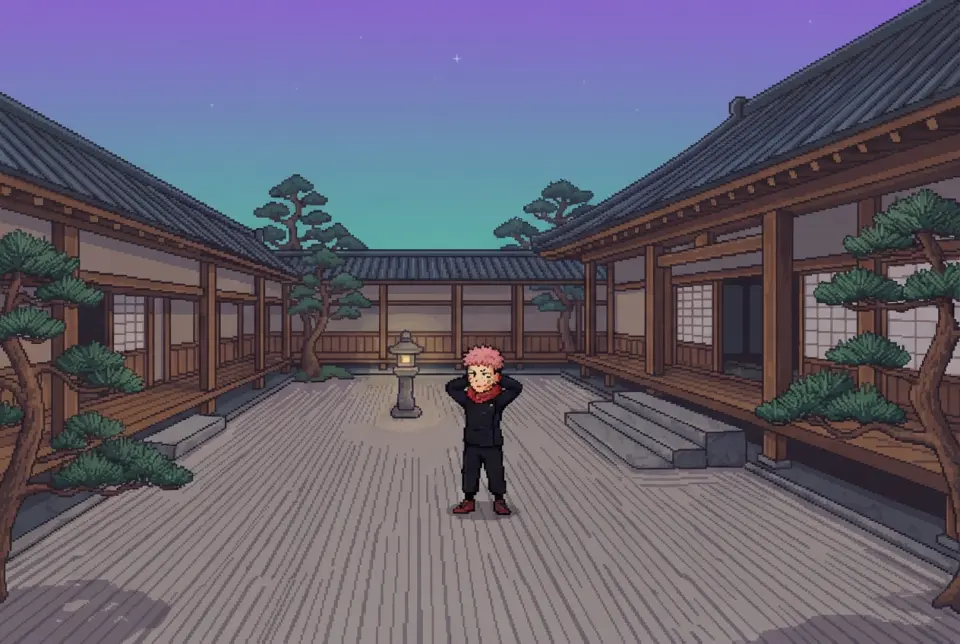
Assets in a scene: an isometric 3D world built from generated material.

Do You Need 3D Assets at All?

Probably not. Most people searching for a PixelLab alternative do not need a 3D pipeline, and adding one costs real time. A mesh needs a UV layout and a material before it looks like anything. A sprite needs neither. Budget that honestly before you decide the 3D version is the upgrade.

There is a middle path that avoids most of the cost: keep the pixel sprites and place them in a 3D scene as camera-facing quads. You get depth, a moving camera and free placement without modelling or rigging anything. That is the case the 3D game builder is built for, and it is the only case where you get both halves without doing the work twice.

  • 2D is correct when the camera is fixedSide-view, top-down, or a locked isometric angle. If the camera never rotates, no amount of geometry adds information the sprite does not already carry, and you pay for a pipeline that changes nothing on screen.
  • 2D is correct when animation timing is the gamePrecise frame counts, deliberate holds, one-frame tells. This is authored in a sprite sheet where you control every pixel, not in an interpolated rig.
  • 2D is correct when the pixel grid is the identityIf your viewport is small and every pixel is deliberate, a 3D scene resamples that grid at arbitrary angles. The look is not preserved; it is averaged.
  • 3D is worth it when the player controls the cameraWalk-through scenes, explorable levels, anything where turning around is part of the experience. An 8-direction sprite set cannot cover continuous rotation.
  • 3D is worth it when the scene is the deliverableA demo, a portfolio piece, a level you want someone to open in a browser tab and explore. The walk-through is the artifact, not the sprite.
  • 3D is worth it when you need scale and free placementProps at arbitrary sizes, objects on terrain, a space that has to read from any approach angle. Position and rotation become real values instead of a draw order.
The placement step: put an object into a world and walk around it.

Walk into the world it belongs to

The gap between a sprite and a place is the whole point of this page. Open the far side of it: an isometric 3D world whose material was generated, whose scene was described, and which runs in the same browser tab you would have used to export a PNG.

FAQ

Is PixelLab free? +

Check its current pricing page rather than a third-party summary, because tiers change and we are not going to quote a number that may be stale. On our side, the sprite generator and the 3D game builder are free to use in the browser, with nothing to install.

Can PixelLab make 3D models? +

No. It outputs 2D raster assets: sprite sheets, rotation sets, tiles, UI. There is no mesh, no UV layout and no material. Isometric output looks three-dimensional and is not; it is a flat image drawn to a diamond grid, and it will not rotate with a moving camera.

Will the sprites work in Unity or Godot? +

Yes. You export a PNG sheet plus frame metadata. In Unity, import as Sprite Mode: Multiple, set Pixels Per Unit to match your tile size, Filter Mode: Point, Compression: None. In Godot, import the sheet, turn the texture filter off, and slice regions from it. Leave compression off both times, because engine compression is the usual reason exported pixel art arrives soft.

Is thepixellab the same as pixellab? +

Yes. Search engines treat the leading article as noise, so both spellings resolve to the same product, and there is no separate tool behind the variant. The three-word form "the pixel lab" is the same query again, just weaker in the results.

What is the best free alternative? +

It depends on which half you are missing. If you need 2D pixel assets, PixelLab is already complete for that job and switching buys you nothing. If you need those assets inside a scene you can walk through, Neta Studio covers both: generate the sprite, place it as a camera-facing quad in a Three.js world, add a collider at the feet, walk it in the browser.

Do I need to draw anything? +

No. You write the description and choose canvas size, direction count and frame count. You do still make two decisions a generator cannot make for you: sprite size against your tile grid, and direction count against your camera behaviour. Those two cause more rework than art quality ever does.

Back to the 3D Game Builder

All 31 finished 3D worlds, games and scenes live on one page — every one of them playable.

Platform: Neta StudioPage: PixelLab AlternativeRead next: /explore/tool/ai-game-sprite-generator · /explore/tool/ai-game-asset-generator · /use-cases/en/piskelapp-alternative
×