
The Best AI Anime Avatar / Portrait Maker (Free)
Generate anime avatars and character portraits online with AI — bust shots, expression sheets, chibi and distinctive line art from one description. Free to start, no coding.
Create Anime Avatars from One Sentence
Bust shots, expression sheets, chibi and line art — one description becomes a complete anime portrait set. Free to start, no coding.
What It Does
The best AI anime avatar portrait maker does not make you draw, trace, or fight a character sheet. Neta Studio generates complete anime portrait sets from one description: bust shots, expression sheets, chibi versions, and distinctive line art — all of the same character, in the same style. One sentence in, a full avatar pack out: consistent face, hair, outfit, and palette, ready to use as profile pictures, game sprites, or visual-novel assets. Everything runs online in your browser, free to start, no coding required.
Most Free Online Portrait Makers Can't Keep a Character Consistent
Ask a generic AI portrait tool for "an anime girl with pink hair" and you get one pretty picture — then ask again and get a different person. Faces drift, hairlines move, outfits change color. For avatars that is fatal: a profile picture, a game sprite, or a visual-novel portrait only works when every variant is unmistakably the same character. Neta Studio's AI anime avatar portrait maker solves that with character-consistent generation — the same face, hair, palette and outfit across bust shots, expression sheets, chibi and line art, free to start and running entirely online.
- One prompt, one person — most tools redraw the character from scratch every time; Neta Studio keeps face, hair and outfit consistent across every variant.
- No layout, no set — a lone image cannot be a bust shot, an expression sheet, a chibi and line art at once; portrait sets come as one package.
- Avatars need faces that read small — line art and chibi versions are generated deliberately, not as afterthoughts.
- Nothing is reusable — a loose image cannot be forked, remixed, or turned into sprites for a game.
Neta Studio generates the whole set from one description — then lets you fork any public world and regenerate its characters as your own portrait pack.
What You Can Generate
| Output type | What you get | Why it matters |
|---|---|---|
| Bust shot | Waist-up anime portrait, consistent face and outfit | Profile pictures, social avatars, character cards |
| Expression sheet | Neutral, happy, worried, annoyed — one character, many moods | Visual-novel sprites, game dialogue, stickers |
| Chibi version | Cute mini variant of the same character | Stickers, emotes, avatar corners, merch |
| Distinctive line art | Clean line work that reads at any size | Avatars, badges, print, logos |
Each output is a forkable template — see a set you like, fork it, swap in your own character, and the AI preserves the layout while generating new art.
Anime Avatars & Profile Pictures
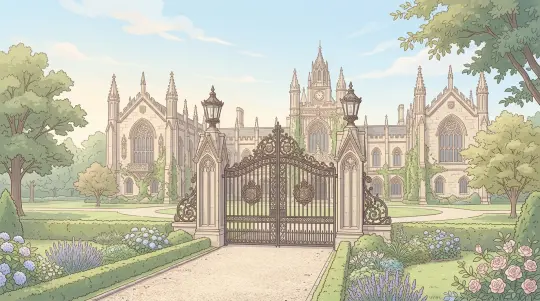
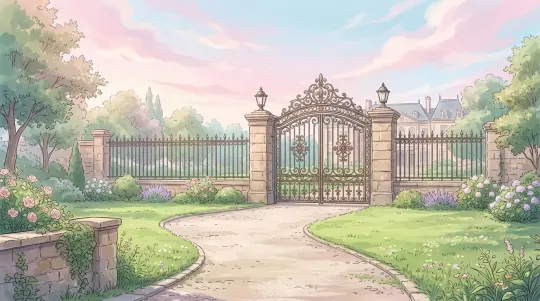
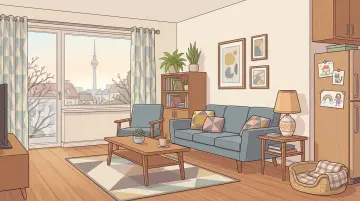
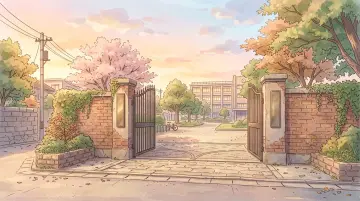
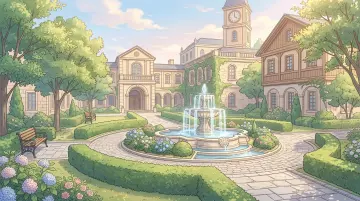
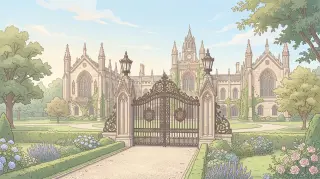
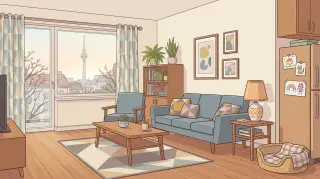
Featured: the Spy x Family Simulator portrait pipeline — Eden Academy gates, the Forger apartment, and the Berlint skyline all generated in one consistent anime style. The same logic drives avatar packs: describe "a pink-haired telepath in an Eden Academy uniform" and get a bust shot that works as a profile picture, a chibi for the corner of your server, and line art for a badge — all the same character, ready in minutes.
Character Portraits for Games & Visual Novels
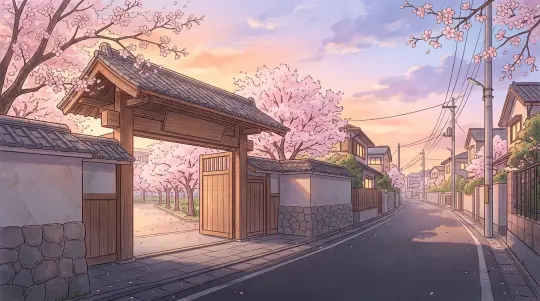
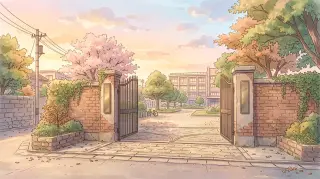
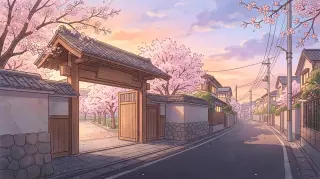
Featured: Secret Faces — A Horimiya Interactive Comedy Visual Novel, where the school gate at dusk and Hori's living room in the evening are generated as pastel portraits that set the mood of every scene. For your own game, one description per character produces a full portrait set — neutral, happy, worried, annoyed — so every sprite reads as the same person, and every scene background matches the cast.
Expression Sheets & Chibi Versions
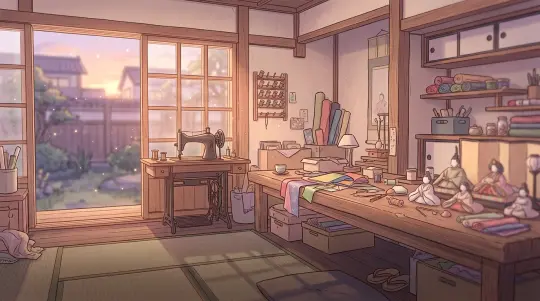
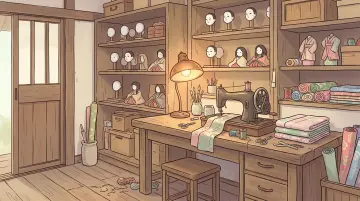
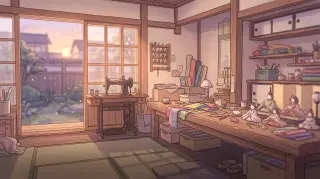
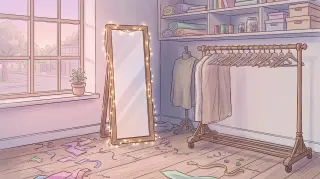
Featured: Cosplay Dream — My Dress-Up Darling Visual Novel, where the sewing workshop at golden hour is filled with fabric textures and doll-craft detail. The same tool generates expression sheets and chibi versions of Marin and Gojo — cute, consistent variants that work as stickers, emotes, and reaction avatars. Describe the character once, get the whole family of outputs.
How to Prompt Anime Portraits
Great anime portraits come from describing the character, not the art style. Name the hair, the eyes, the uniform, and one recurring detail — the detail is what makes the character recognizable in every variant. For expression sheets, name each mood; for line art, say "clean line art, no shading"; for chibi, say "chibi version, big head, small body".
Anime avatar portrait set for: a five-year-old telepath with pink hair and a green school uniform. Outputs: (1) bust shot, soft smile, Eden Academy tie. (2) expression sheet: neutral, happy, worried, annoyed — same hair, same uniform. (3) chibi version, big head, tiny body, holding a peanut. (4) clean line art, no shading, white background.
Character first, style second — the recurring details (pink hair, green uniform) are what keep every variant recognizably the same person.
How It Works
Pick a World
Start from any anime world — or fork a finished work like Anya's First Day — Spy x Family Simulator and inherit its character art, palettes, and scene backdrops.
Write One Sentence
Describe the character: "a pink-haired telepath in an Eden Academy uniform." One sentence is enough — the tool handles the portrait layout while the AI fills in every variant.
AI Generates the Set
The AI produces the full portrait set from the same brief: bust shot, expression sheet, chibi, and line art — same face, same hair, same outfit in every output.
Refine with Iterations
Tell the AI "make her hair shorter", "add a shocked panel to the expression sheet", "thicker line art". Each iteration preserves the character's identity and updates only what you asked for.
Publish & Share
Publish the portraits, share the link, or fork the template to build the next character. Any public work can be forked and remixed.
Real Results
These are real works generated on Neta Studio — open them, inspect the outputs, and see exactly what a consistent anime portrait pipeline produces. Every one of them is forkable.
See It, Fork It, Get It
Every portrait on Neta Studio is forkable. See an Eden Academy gate you like? Fork the world, describe your character, and get a matching portrait set in minutes. The template keeps its style; the AI regenerates the content with your character in every variant.
- Anya's First Day — Spy x Family Simulator — Eden Academy gates, classrooms, and the Forger apartment in one consistent anime style; fork it and regenerate the cast as your own portrait set.
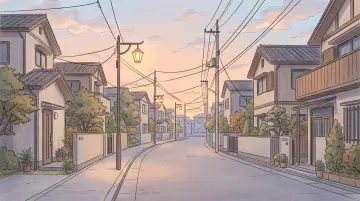
- Secret Faces — A Horimiya Interactive Comedy Visual Novel — the school gate at dusk and quiet residential streets; pastel palettes ready to remix into your own school-life portraits.
- Cosplay Dream — My Dress-Up Darling Visual Novel — the sewing workshop at golden hour, with warm fabric textures and doll-craft detail for cosplay-themed portraits.
Do not start from a blank canvas. Start from a world that already has a style.
Core Capabilities
- Bust Shots — Clean anime character portraits from the waist up, consistent face and outfit.
- Expression Sheets — Neutral, happy, worried, annoyed — one character, many moods.
- Chibi Versions — Cute mini variants of any character, perfect for stickers and avatars.
- Distinctive Line Art — Clean, characterful line work that reads clearly at any size.
- Style Consistency — Face, hair, and palette stay consistent across every variant.
- Instant Export — Transparent PNGs ready for avatars, sprites, or game assets.
Why Neta Studio
Neta Studio is not just another free AI anime avatar maker — it is a complete AI creation platform where portraits are generated as sets, every output is forkable, and one sentence becomes a full character pack:
Portrait sets by default — the output is a bust shot, expression sheet, chibi and line art together, not a single loose image.
Fork anything — public worlds and works are forkable; inherit the art style, swap in your characters, keep the structure.
One sentence to a full set — avatars, sprites, and scene backdrops from a single brief, with officially tuned skills driving every step.
Community-first — unlimited worlds, public fork/remix, and a Discord learning community.
FAQ
What makes an AI anime avatar portrait maker good? +
Consistency. A good avatar portrait maker produces every variant of the same character from one description — same face, hair, outfit and palette across bust shots, expression sheets, chibi and line art. On Neta Studio, one prompt generates the whole set, and every portrait is forkable.
Is it really free to start? +
Yes. Neta Studio is free to start with no coding required — describe a character, generate a portrait set online, and publish it instantly. Public worlds and works can be forked and remixed at no cost.
Can I generate avatars of characters from Spy x Family, Horimiya, or My Dress-Up Darling? +
Yes. Start from worlds like the Spy x Family Simulator, Horimiya, or My Dress-Up Darling Simulator — fork the world, describe your character, and the AI generates matching bust shots, expression sheets, chibi and line art in the world's art style.
What formats do I get? +
Transparent PNGs, ready for avatars, profile pictures, sprites, stickers, and game assets. Portraits publish instantly online — no download or install needed.
Can I make expression sheets and chibi versions too? +
Yes — they are part of the same portrait set. Name the moods for the expression sheet ("neutral, happy, worried, annoyed") and say "chibi version, big head, small body" and the AI generates the whole family from one description.
How is this different from a regular AI image generator? +
A regular generator gives you a single image and forgets the character. Neta Studio keeps the same face, hair, outfit and palette across every output, packages bust shots, expression sheets, chibi and line art together, and lets you fork any public world to inherit its style.
Start Creating
Describe a character, generate a full anime portrait set — bust shots, expressions, chibi, line art. One sentence, no code, free to start.


