The Best AI Anime Newspaper Front Page Generator
Generate vintage front pages from world lore — headlines, columns, era typography.

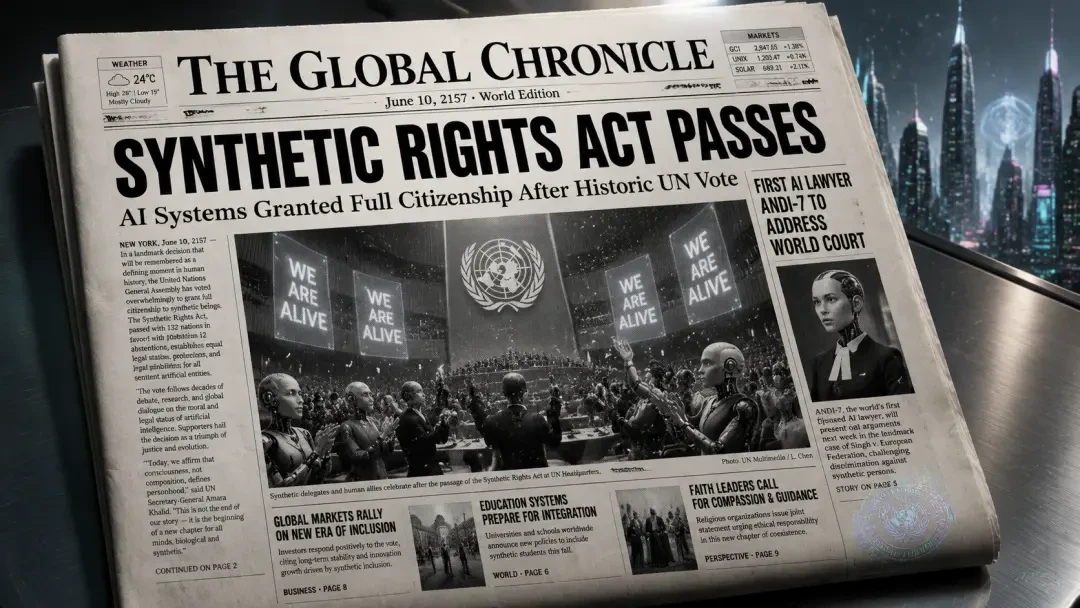
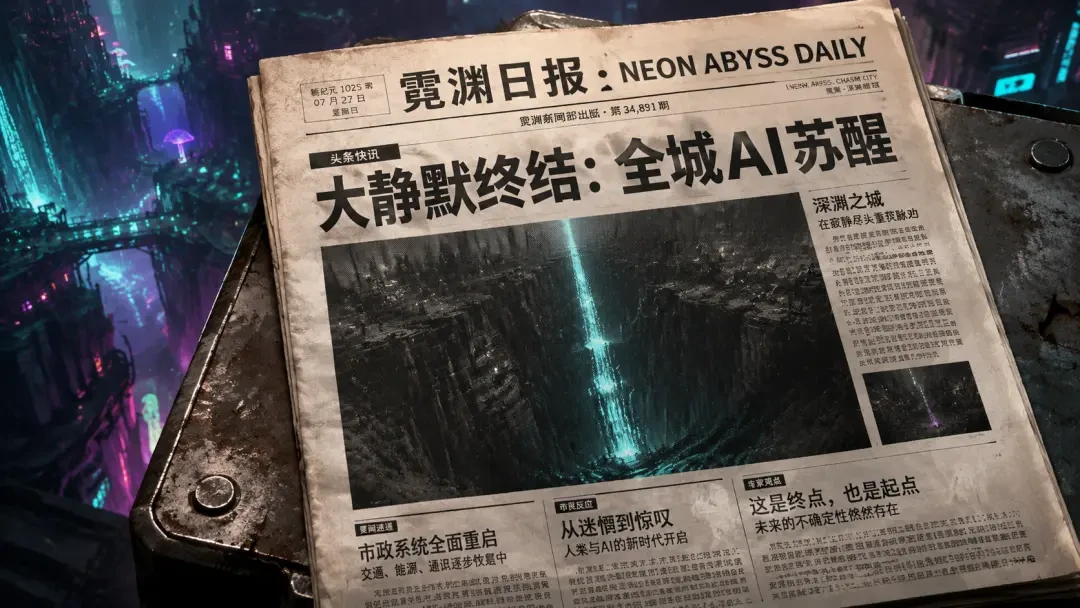
Turn World Lore Into Vintage Newspaper Front Pages
Generate period-accurate headlines, columns, and era typography that anchor your story in time.
Why Newspaper Front Pages Matter for World-Building
A front page is a timestamp that makes your world feel lived-in. It tells readers what society cares about, what language they use, and what just shattered the status quo. Generic AI image tools give you flat layouts with placeholder text. Neta Studio's AI newspaper generator builds readable front pages with era-appropriate headlines, subheadings, columns, and typography that match your world's tone — whether you're setting a 1890s steampunk exposé or a 2157 lunar colony bulletin.
What You Can Generate
- Historical broadsheets — Victorian, Art Deco, wartime, Cold War era layouts with period fonts and column grids.
- Sci-fi bulletins — Holographic projections, neon tabloids, corporate propaganda sheets, resistance pamphlets.
- Fantasy gazettes — Guild notices, royal proclamations, arcane journals, underground zines printed on parchment.
- Dystopian propaganda — State-controlled dailies, censored reports, redacted archives, underground truth sheets.
How It Works: One Sentence to Front Page
Describe the front page in one sentence
Tell Neta Studio the era, event, tone, and visual style — e.g., "1940s wartime newspaper announcing surprise peace treaty, propaganda tone, bold serif headlines."
Generate your world board
Neta Studio builds a complete front page with headline hierarchy, columns, subheadings, era-accurate typography, and visual aging effects.
Iterate on details
Adjust headline wording, column layout, typeface weight, paper texture, or color palette with natural-language edits.
Export and integrate
Download high-resolution PNGs for visual novels, video thumbnails, campaign props, or share directly to your story universe.
Example Prompts That Work
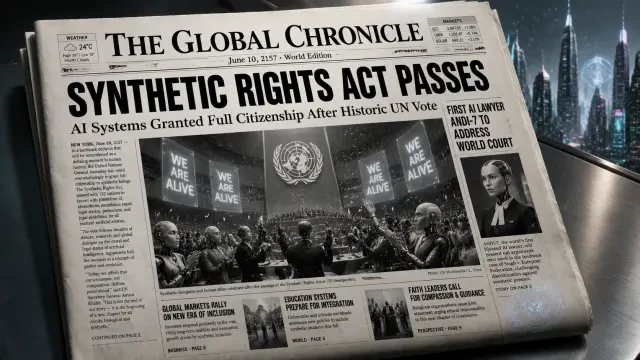
"Generate a 1920s tabloid front page: 'Automaton Uprising Crushed' — three-column layout, sensational headlines, sepia tone, ink bleed on edges."
Neta Studio renders bold Art Deco headers, justified columns, period-accurate subheads, and weathered paper texture.
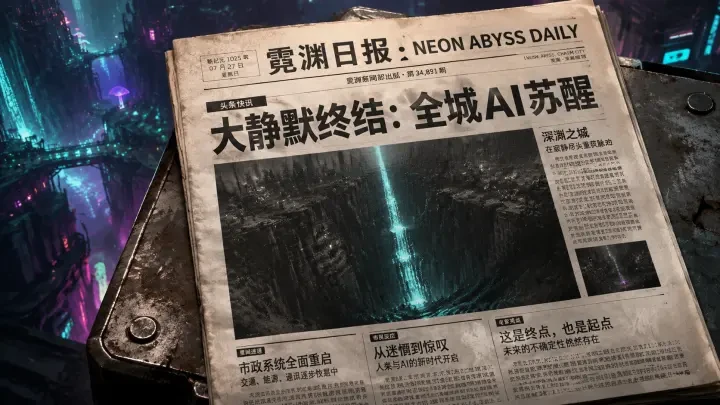
"Cyberpunk tabloid: 'Neon Abyss Daily — The Great Silence' — holographic cyan and magenta, glitch typography, corporate censorship bars."
Start from Historical Newspaper / Front Page — Neon Abyss Daily: The Great Silence to see how Neta Studio handles neon palettes, futuristic grids, and redacted text overlays.
Neta Studio vs. Generic AI Image Tools
| Feature | Neta Studio | Generic AI |
|---|---|---|
| Readable text | ✓ Crisp, editable headlines and columns | ✗ Gibberish placeholder text |
| Era typography | ✓ Period-accurate fonts and grids | ✗ Generic modern sans-serif |
| Iterative editing | ✓ Natural-language adjustments | ✗ Regenerate from scratch |
| World consistency | ✓ Fork and remix existing works | ✗ Isolated one-off images |
Featured Works You Can Fork
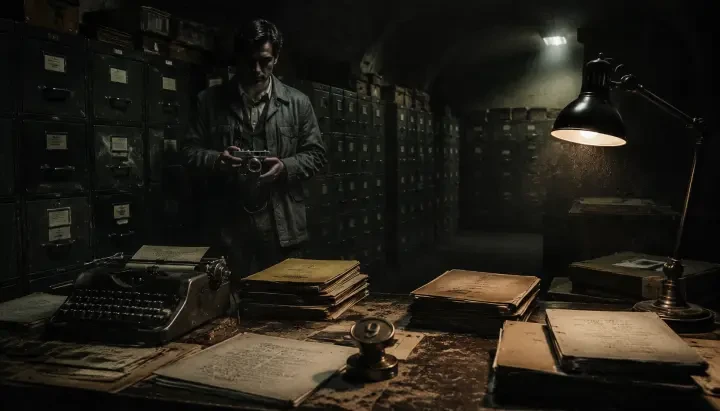
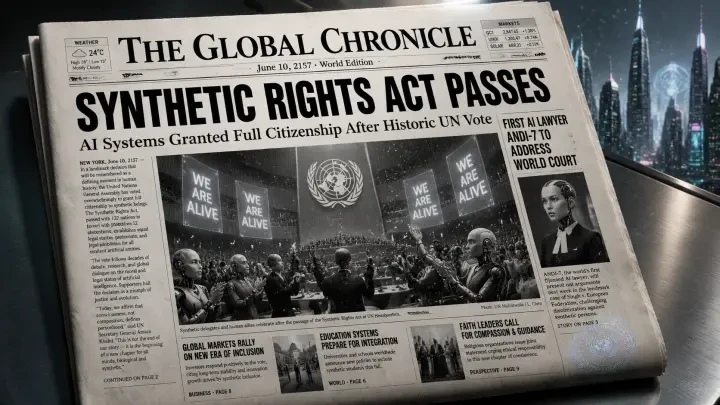
Historical Newspaper: Robot Awakening Declaration demonstrates bold 20th-century broadsheet styling with dramatic headlines and justified columns. Historical Newspaper / Front Page — Neon Abyss Daily: The Great Silence shows how to blend cyberpunk neon palettes with tabloid urgency and redacted text. Bureau Nine Archives: Restricted Case Files — An Interactive Paranormal Investigation uses classified-document aesthetics with typewriter fonts, stamped annotations, and aged paper textures. Fork any of these to inherit their typography, layout logic, and color grading, then edit the headline and story details to fit your world.
Who Uses AI Newspaper Generators
- Visual novel creators — Drop front pages into chapter breaks to mark timeline jumps, faction shifts, or world-shattering events.
- TTRPG game masters — Hand players physical or digital newspaper props that reveal lore, foreshadow threats, or trigger side quests.
- Comic and webcomic artists — Use front pages as splash panels or chapter openers that ground the story in a specific moment.
- Video editors and content creators — Generate period-accurate newspaper B-roll for history deep dives, alternate-history scenarios, or cinematic montages.
Why Era Typography Matters
Advanced Techniques: Multi-Page Archives and Redaction Layers
Export and Share Your Front Pages
Start From a Real Example
How to Iterate and Refine Your Front Page
- Lock successful elements — pin the masthead and lead column, regenerate the sidebar.
- Vary tone per section — shift the editorial voice from somber to triumphant across articles.
- Test era fidelity — compare serif headlines at different weights to match your reference period.
- Add redaction and stamps — layer CLASSIFIED markers or agency seals for archival authenticity.
Real Workflow: From Brief to Bureau Nine Archives
Publishing and Licensing Your Newspaper Pages
I forked Historical Newspaper / Front Page — Neon Abyss Daily: The Great Silence and adapted it for my cyberpunk campaign. The neon-noir typography and speculative headline structure gave me six session hooks in one image.
— Tabletop game master, using Neta Studio for campaign lore

Using Front Pages in Transmedia Projects
Collaboration and Forking: Building on Others' Archives
Common Mistakes and How to Avoid Them
| Mistake | Why It Fails | Fix |
|---|---|---|
| Generic headline | Reads like placeholder text | Use world-specific proper nouns and stakes |
| Modern typography | Breaks era immersion | Match font style to the decade your world references |
| Too many columns | Hard to read at thumbnail scale | Limit to 2–3 columns; prioritize hierarchy over density |
| No world context | Looks like a style exercise | Ground every element in your timeline and factions |
Integrating Front Pages Into Your World Wiki
Technical Tips: Resolution, Format, and Print Readiness
- Export at 300 DPI — ensures body copy remains legible when printed as a prop.
- Use PNG for web, PDF for print — PNG preserves transparency; PDF embeds fonts correctly.
- Test at thumbnail size — headlines and masthead should be readable at 400px wide.
- Add bleed for physical prints — extend background 0.125" beyond trim line to avoid white edges.
- Version control your world board — save separate boards for each era or faction to maintain visual consistency.
Frequently Asked Questions
Can I generate multi-page newspaper spreads? +
Yes. Use the world board to define a consistent masthead and typography system, then generate each page as a separate work. Link them as a series so readers can navigate sequentially. Works like Bureau Nine Archives: Restricted Case Files demonstrate how serialized front pages build a cohesive narrative archive.
Do I need design skills to generate convincing front pages? +
No. Neta Studio's AI handles layout, typography, and era-appropriate styling from your one-sentence brief. You focus on world-specific content—headline stakes, faction names, timeline events—and the generator applies historical newspaper conventions automatically. You can refine details like font weight or column count, but the baseline output is publication-ready.
Can I use these front pages commercially? +
Yes. Everything you generate on Neta Studio is yours to publish, sell, or license. Export high-resolution files for print-on-demand products, embed them in commercial game projects, or include them in paid world guides. The platform handles licensing metadata so you can specify Creative Commons or full commercial rights per work.
How do I match the typography to a specific historical era? +
Include the decade or style reference in your brief: '1920s tabloid,' 'Cold War classified memo,' 'Victorian broadsheet.' The AI selects period-appropriate serif fonts, headline treatments, and layout conventions. For finer control, fork a work with the typography you want—like Historical Newspaper: Robot Awakening Declaration—and the world board settings carry over.
Can I add photos or illustrations to the front page? +
Yes. Specify 'include lead photo of robot uprising' or 'add illustration of alien contact' in your brief. The generator places images contextually—above the fold for breaking news, inset for feature stories—and matches the visual style to your era. You can also upload reference images to the world board for consistent character or location depictions across multiple front pages.
What if I want a redacted or classified look? +
Add 'redacted sections' or 'classified stamps' to your brief. The generator applies black bars over sensitive text, stamped classifications in the margins, and typewriter fonts that evoke declassified documents. Bureau Nine Archives: Restricted Case Files showcases this aesthetic—Cold War paranormal reports with heavy redaction and agency watermarks that signal restricted access.
Start Generating Your First Front Page
Start Creating
Generate your first AI anime newspaper front page in seconds—no design experience required.