The Best AI Anime Postcard Maker
Turn any world scene into a shareable anime postcard — location art, stamps, retro border.
Create Shareable Anime Postcards from Any Scene
Turn world locations into instant visual souvenirs — complete with stamps, vintage borders, and that retro postcard charm.
What Makes a Great Anime Postcard?
A postcard isn't just a photo — it's a framed moment that says "I was here" or "I wish you were here." The best anime postcards capture a location's mood through deliberate composition: landmark framing, weather that tells a story, border treatments that anchor the era, and stamp placement that feels authentic. Whether you're designing retro travel art, fictional world souvenirs, or shareable social graphics, the format demands clarity, charm, and just enough nostalgia to make people want to keep it.
Why Neta Studio for Postcard Design?
- One-sentence brief — describe the location, mood, and postcard style; the platform generates the full scene, border, and stamp layout.
- Instant iterations — adjust weather, time of day, border thickness, or stamp position without starting over.
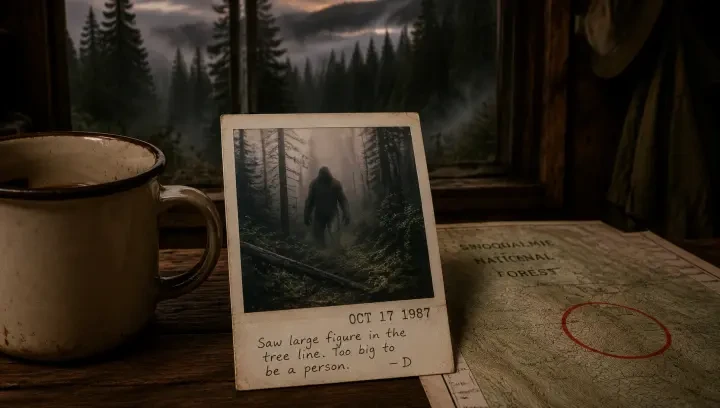
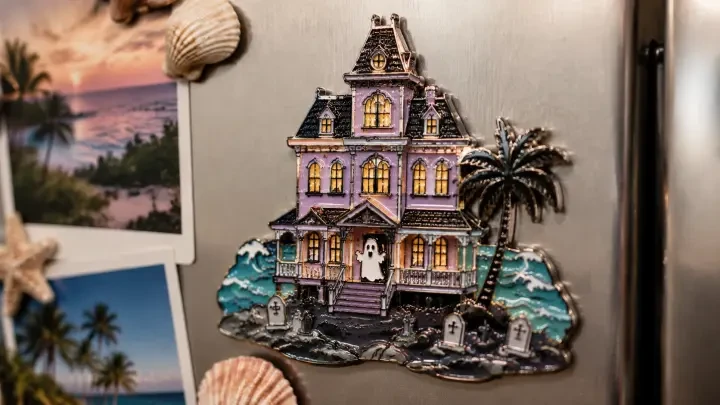
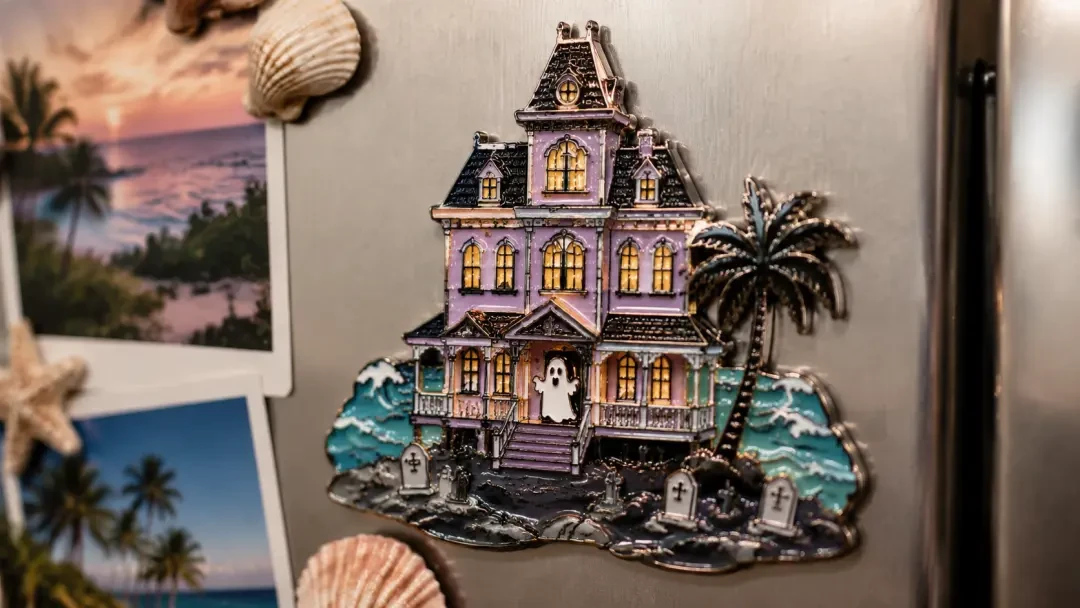
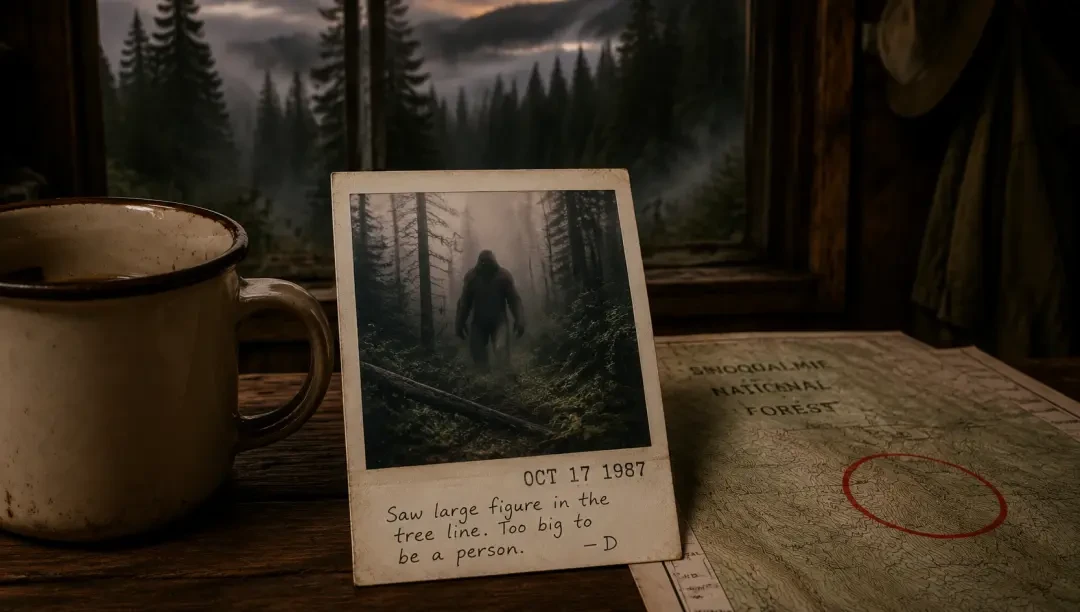
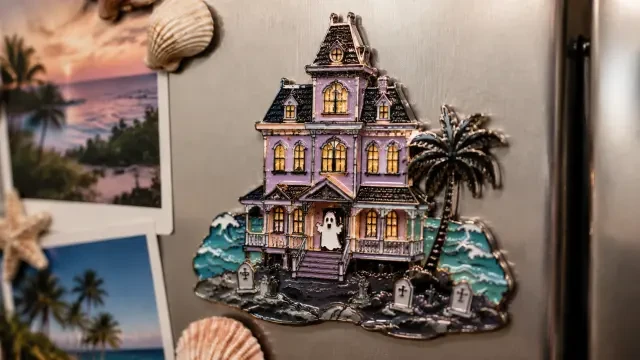
- Fork existing works — start from "Haunted Hotel Fridge Magnet — Pastel Horror Souvenir Artwork" or "Polaroid: Cryptid Sighting in the Forest — Vintage Found-Footage Photo" and restyle the composition.
- Publish and share — export high-res prints, social cards, or interactive world boards where viewers can explore the location behind the postcard.
How It Works: Brief to Postcard in Four Steps
Write Your Brief
One sentence: location, visual style, mood, and postcard treatment. Example: "Sunset pier with ferris wheel, pastel anime aesthetic, vintage postcard border with handwritten greeting."
Generate the Scene
Neta Studio builds the location art, applies the border and stamp layout, and composes the postcard frame — all from your brief.
Iterate the Details
Adjust border color, stamp style, text placement, or background elements. Each iteration refines the postcard without rebuilding from scratch.
Publish or Fork
Export the final postcard as a high-res image, share the world board, or let others fork your design to create their own variations.
Example Prompts That Work
- "Kyoto bamboo forest path, golden hour light, classic tourism postcard with red stamp" — serene travel aesthetic with traditional framing.
- "Cyberpunk street market at night, neon signs reflecting in puddles, retro future postcard border" — sci-fi nostalgia meets postcard format.
- "Coastal lighthouse on cliff edge, stormy sea, vintage hand-tinted postcard style" — dramatic weather anchored by classic postcard treatment.
- "Desert ghost town at high noon, faded pastel colors, sun-bleached postcard border with torn edge" — desolation as a souvenir.
Generic AI Tools vs. Neta Studio Postcard Workflow
| Generic Image AI | Neta Studio |
|---|---|
| Generate a scene, manually add borders and stamps in post | Brief includes border, stamp, and composition — all generated together |
| No iteration — regenerate from scratch to change details | Adjust border thickness, stamp placement, or weather without starting over |
| Output is a static image file | Publish as shareable world board, forkable template, or high-res export |
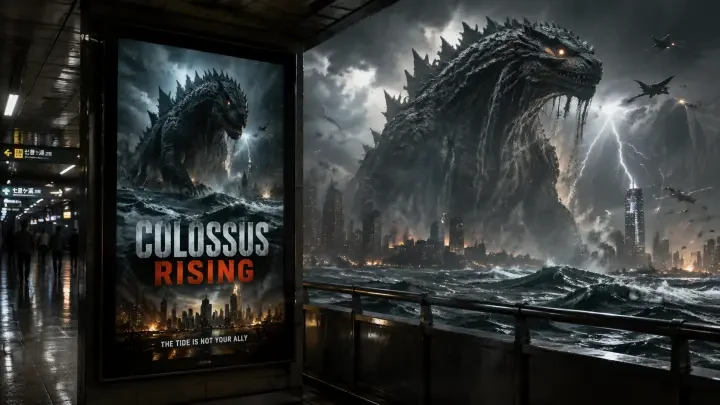
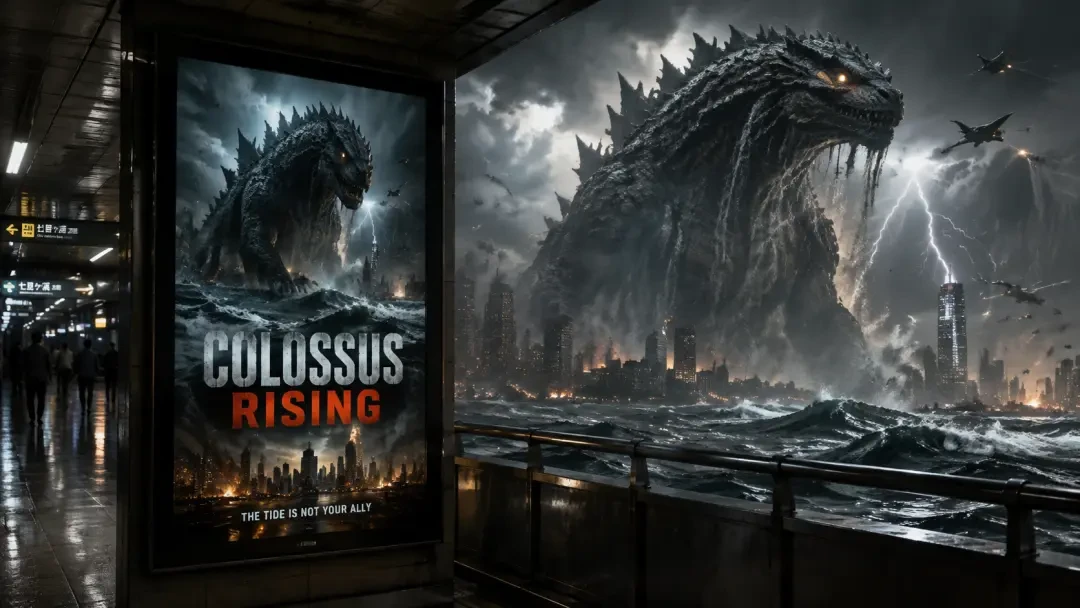
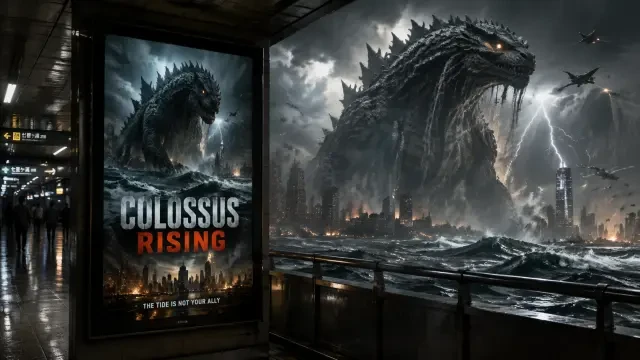
| No design memory — each prompt is isolated | Fork works like "Station Movie Poster: Colossus Rising (Kaiju Lightbox)" to reuse composition and style logic |
Who Uses Anime Postcard Makers?
World-builders creating fictional tourism materials for their settings. Visual novel developers designing shareable social cards that feel like in-world souvenirs. Illustrators producing retro travel art for prints, merchandise, or portfolio pieces. Social media creators building themed content sets with a consistent postcard aesthetic. Anyone who wants to turn a location — real or imagined — into a framed, shareable moment that carries the weight of nostalgia and place.
Start from Existing Postcard Works
Fork "Haunted Hotel Fridge Magnet — Pastel Horror Souvenir Artwork" to explore how horror aesthetics translate into postcard charm. Study "Polaroid: Cryptid Sighting in the Forest — Vintage Found-Footage Photo" to see how instant-camera framing creates authenticity. Or restyle "Station Movie Poster: Colossus Rising (Kaiju Lightbox)" into a postcard format where the kaiju becomes a landmark. Each work on Neta Studio is forkable — you inherit the composition logic, adjust the brief, and iterate toward your own postcard vision.
Why Postcards Work as Shareable Art
The postcard format is inherently social — it's designed to be sent, collected, pinned on a wall. When you create an anime postcard, you're not just making a pretty scene; you're framing a moment in a way that invites sharing. The border anchors the composition, the stamp adds authenticity, and the format itself triggers a sense of place and memory. Whether it's for a fictional world, a real location reimagined, or a purely aesthetic exercise, the postcard template turns any scene into something people want to keep and pass along.
Technical Details: What the Platform Generates
- Location composition — framed scene with deliberate focal point, depth, and atmospheric detail.
- Border and stamp layout — vintage postcard border styles (white edge, torn edge, ornate frame), stamp placement that respects visual hierarchy.
- Typography and text — optional handwritten greetings, location labels, or date stamps that match the era and style.
- Color grading — sun-faded pastels, hand-tinted film looks, or vibrant modern tourism palettes depending on your brief.
Common Postcard Styles You Can Request
Why Brief-Driven Design Beats Template Libraries
Export and Share Your Postcards
Iteration: Refining Your Postcard Design
- Refine in place — edit any element of your brief and regenerate only what changed.
- Version history — compare variants side by side before committing to one.
- Collaborative forks — share your world board with others who can iterate from your starting point.
- Export at any stage — download work-in-progress versions for client review or portfolio drafts.
Publishing and Sharing Your Anime Postcards
Real Postcard Works to Fork and Adapt
How Postcard Composition Differs from Standard Illustration
| Aspect | Generic Illustration | Postcard Composition |
|---|---|---|
| Framing | Edge-to-edge scene | Border inset, space for stamp/text |
| Detail density | High detail across canvas | Hero subject + clean negative space |
| Readability | Optimized for full-screen view | Clear at thumbnail scale |
| Typography | Often absent or minimal | Location name, date, retro caption |
Prompt Engineering for Postcard Layouts
I needed a dozen location postcards for a visual novel's travel montage. Neta Studio let me fork one base brief and tweak the location name and color palette for each city—same retro border, same stamp placement, consistent series aesthetic. Finished the set in two hours instead of commissioning twelve separate illustrations.
Series consistency comes from forking a proven postcard brief and iterating only the variables that change per location.
Building a Postcard Series with Consistent Style
Postcards as Narrative Artifacts
When to Use Postcard Format vs. Standard Art Print
Frequently Asked Questions
Can I export postcards at print resolution? +
Yes. Neta Studio generates at high resolution suitable for digital sharing and print production. Export as PNG or JPEG with embedded metadata preserved.
How do I control stamp and border placement? +
Specify placement in your brief: 'postal stamp top-right corner,' 'scuffed white border 20px inset,' or 'postmark overlapping bottom edge.' The generator respects spatial constraints when you make them explicit.
Can I fork someone else's postcard and change the location? +
Absolutely. Forking opens the original world board so you can edit the brief, swap location names, adjust color schemes, and regenerate while keeping the border style and composition intact.
What if I need a postcard with no text or stamps? +
Request 'clean border, no text, no stamps' in your brief. The generator will produce a framed composition with negative space but no decorative postcard elements.
How many iterations does a typical postcard need? +
Most users finalize postcards in 2–4 iterations: one to establish composition, one to refine color, one to adjust border details. Complex series with precise branding may take more.
Can I use postcards commercially? +
Check Neta Studio's licensing terms. Published works typically allow personal and portfolio use; commercial rights depend on your account tier and whether you forked from another user's work.
Start Your First Anime Postcard
Start Creating
Turn your world into shareable anime postcards—location art, stamps, retro borders.