NPCs in Video Games: How Non-Player Characters Work (With Playable Demos)
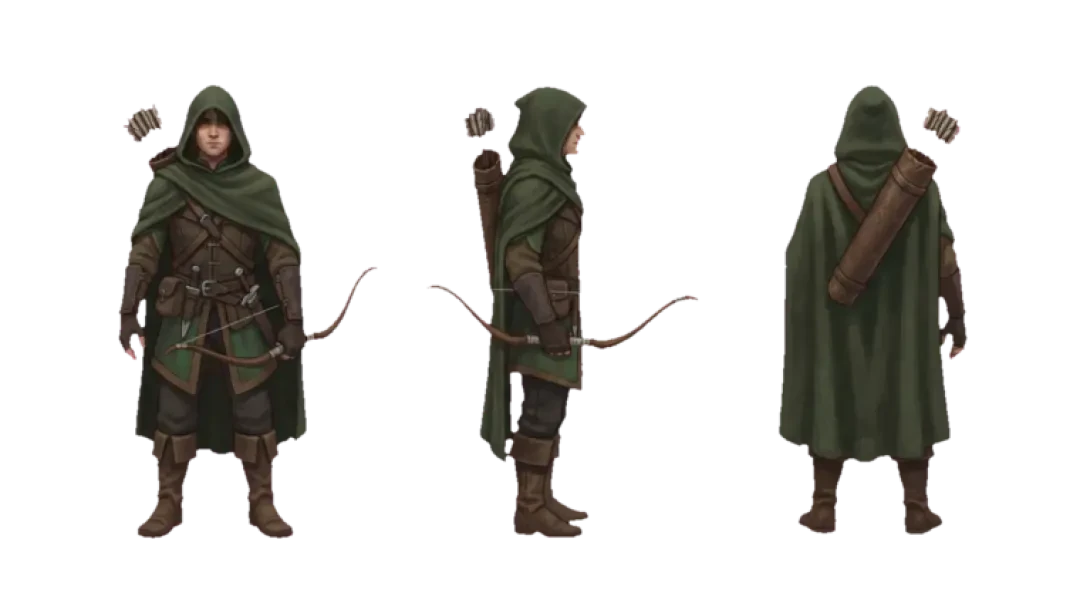

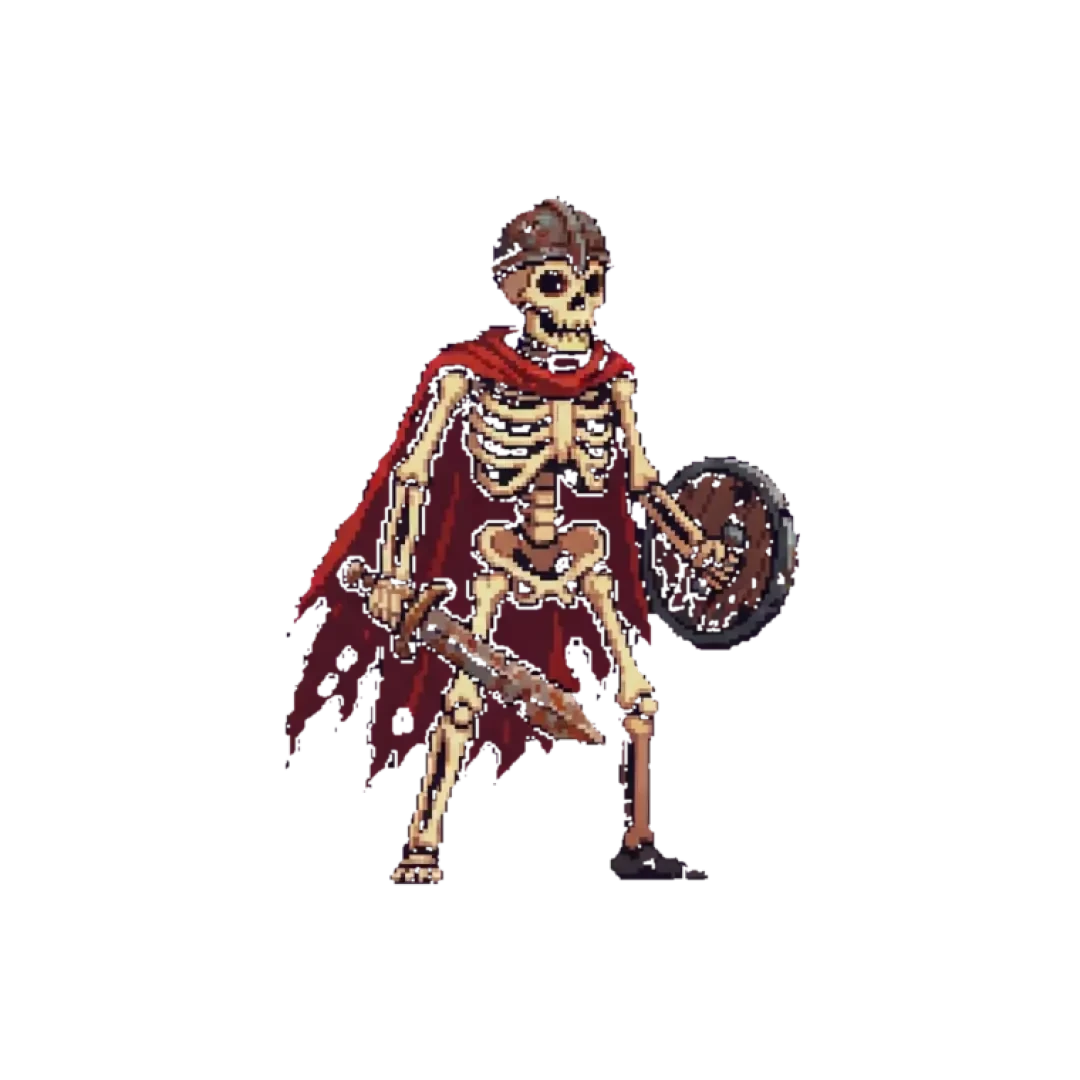
Make your own npc video game
What is an NPC in a video game? See how NPCs are built, how they behave, and play four real browser 3D games where non-player characters move, talk and react.
An NPC in a video game is a non-player character: an entity that is not directly controlled by the player but occupies space, holds state, and responds to conditions in the world. The term is deliberately broad, and that breadth causes most of the confusion. A shopkeeper with a schedule, a squadmate who follows you through a corridor, and a wandering merchant who repeats one line are all NPCs, but they are not built the same way and they do not cost the same to run.
This page covers what an NPC actually is, how one gets built, and how to tell one apart from a scripted trigger that only looks alive. Four playable worlds on this site are used as working examples — Agent Sprite Forge, The Cyclops' Island, Mini World, and the 3D game builder itself — so you can walk up to an NPC and watch its behaviour instead of reading about it.
Quick Answer: What Counts as an NPC in a Video Game
An NPC is any character in the game world that is not under direct player control. It has a position, a state, and at least one behaviour that fires without the player pressing a button. If you remove the player from the scene and the character still does something — walks a route, opens a door, reacts to a nearby event — it is an NPC.
The dividing line between a character and a mechanism is state ownership. A character owns variables that persist across frames: current health, current target, current patrol index, current dialogue node. A mechanism is stateless in practice — it fires once when a condition is met and then it is done. A pressure plate that opens a gate is a mechanism. A guard who reacts to the gate opening, remembers you were standing there, and changes his route is an NPC. The difference is not visual fidelity. It is whether anything survives the frame in which the event happened.
A Short History of the Video Game NPC
Text adventures of the late 1970s and 1980s ran NPCs as parser targets. A character existed only as a named noun the parser recognized, plus a small block of flags. The thief in early text adventures would steal an item if you were in the same room and he had not already done so — that is a two-variable NPC: presence and a has-stolen flag. No pathfinding, no animation, no scheduling. The behaviour was in the flag, not the character.
Sprite-era NPCs added animation and collision but kept behaviour thin. A townsperson walked a fixed two-point loop, played an idle animation when the player was within a radius, and opened a dialogue box on contact. The important technical change was that the NPC now had a position in the physics world, so it had to be cheap. With dozens on screen at once on 8-bit and 16-bit hardware, each NPC received a few bytes of state and ran a per-frame check no more complex than a distance comparison.
Schedule-driven NPCs arrived when memory and CPU budgets allowed a character to exist independent of the player's location. A shopkeeper with an open-hours value, a home waypoint, and a walk route can be somewhere else when you arrive, and that absence is legible to the player. The implementation is a clock plus a lookup table: at game-hour 21, target the home waypoint; at 08, target the shop. The player never sees the table, only the consequence.
Generated NPCs are the current era. Instead of authoring one line per state, you author a character description and let a model produce dialogue, barks, or behaviour at runtime. The tradeoff is no longer storage but determinism: a generated line cannot be fully previewed, so you need guardrails around tone, length, and what the NPC is allowed to reference. In the 3D game builder, NPC prompts are constrained to a description and a small behaviour set for exactly this reason.
How Modern NPCs Are Built
Every NPC is a stack of five cooperating parts: state, navigation, animation, dialogue, and perception. State is the data the NPC owns — health, target, patrol index, dialogue node, alert level. Navigation is how it moves between points. Animation is how the movement and the idle moments are displayed. Dialogue is the text and voice produced in response to conditions. Perception is the input that tells the NPC something changed, usually a distance check, a line-of-sight raycast, or a trigger volume overlap.
In a typical project these parts live in separate places. State is a script or component on the NPC entity — in Unity terms a MonoBehaviour, in Godot a Node script, in a browser Three.js build a plain object attached to the mesh. Navigation is either waypoint data or a navmesh. Animation is a state machine with named clips such as idle, walk, attack. Dialogue is a data file, often a small node graph or a table keyed by state. Perception is usually a collision shape and a per-frame check.
The most common failure mode is state and animation drifting apart. The NPC is in a chase state but still playing the idle clip, so it slides toward you without moving its legs. The fix is not more animation; it is one place in the code that writes the current state and one place that reads it to select the clip. When those two live in different scripts, you get the slide. When they are the same function, you do not.
The second most common failure is navigation that does not match the level. A patrol route authored against an old layout will send an NPC into a wall or off a ledge after the geometry changes. In browser builds, the cheapest robust approach is to keep patrol points as named empty objects and re-resolve them at load, so moving a wall does not orphan the route.
Perception is where NPCs get expensive. A raycast per NPC per frame is fine for a few characters and wasteful for hundreds. The usual optimizations are a shared spatial grid, a check interval, and an early distance rejection before any raycast runs. If an NPC is 40 metres away and its perception radius is 8, the raycast should never happen.
Where each part lives in a scene
State: on the NPC entity itself. Keep it small — a handful of numbers and one string for the current dialogue node. If you need more than that, split the NPC into two characters.
Navigation: as a list of world-space points stored alongside the scene, not baked into the model. Animation: as named clips on the rig, selected by a single state switch. Dialogue: in a separate data file so writers can edit it without touching code. Perception: as a trigger volume plus a distance check, with the raycast as the last step, not the first.
01
Drop the NPC model into the scene and attach a state component with fields for current state, target, and patrol index.
02
Add three or four waypoint objects and name them so the route survives level edits.
03
Wire an animation state machine with at least idle and walk, and drive it from the current state value only.
04
Add a perception trigger volume sized to the NPC's awareness radius.
05
Write dialogue as a small table keyed by state, with a default line for unmatched states.
06
Re-resolve waypoints and dialogue keys at load, then test by moving one wall and confirming the patrol still runs.
Four Playable Worlds, Four Kinds of NPC
The clearest way to understand NPC behaviour is to stand next to one and change what it can see. These four worlds on Neta Studio each demonstrate a different behaviour pattern. Open them, walk into the NPC's perception range, then step out and watch what changes.
Agent Sprite Forge runs NPCs defined by a short character description plus a small state set. Walk up to one and its response is generated from that description, constrained to the states the world exposes. The interesting test is repetition: approach the same NPC twice and compare how much the second response varies. That variance is the model's, not the world's — the state machine is fixed.
The Cyclops' Island uses a large NPC with a chase-and-search pattern. When the player is inside the perception radius the cyclops pursues; when the player breaks line of sight, it searches the last known position and then returns to a patrol route. The search step is what makes it read as a character rather than a homing missile — it acts on stale information.
Mini World places several small NPCs on short loops with interaction prompts. Their behaviour is deliberately thin: walk, pause, respond when the player is within a metre. The value here is quantity. You can watch five or six at once and see how cheap a convincing NPC loop actually is.
The 3D game builder is where you place and configure NPCs directly. Each NPC gets a description, a patrol route, and a set of states. Build something small — one room, one NPC, one route — and test the boundaries: shrink the perception radius until the NPC never notices you, then grow it until it never stops noticing you. The width of the useful band between those two extremes is the tuning problem, and it exists in every engine.
One note on performance. In a browser build, NPC cost is dominated by perception checks and animation, not by geometry. Ten NPCs with per-frame raycasts will cost more than ten NPCs with shared interval checks, even if the high-detail models are on the interval-checked ones. If a scene stutters when NPCs are active, look at the perception loop first.
- Agent Sprite ForgeDescription-driven NPCs with constrained generated responses. Use it to see how a small state set plus a character prompt produces dialogue that stays on-topic.
- The Cyclops' IslandA single large NPC with pursuit, search, and return-to-patrol states. Use it to study how acting on stale information reads as intelligence.
- Mini WorldSeveral lightweight NPCs on short loops with proximity prompts. Use it to see how little behaviour is needed before a character reads as present.
- 3D game builderPlace NPCs, set descriptions, draw patrol routes, and tune perception radii. Use it to find the working band between an NPC that never notices you and one that never stops.
Why Behaviour, Not Graphics, Sells an NPC
A low-detail character that walks a route, pauses at a door, and is somewhere else when you come back reads as alive. A high-detail character that stands in one spot and repeats a line reads as furniture. The player is not evaluating polygons. The player is building a model of what the character wants, and that model comes from timing and position, not from the mesh.
The mechanism is expectations. If a character is at the market in the morning and at home at night, the player forms a hypothesis — this character has a routine — and the hypothesis is confirmed on the second visit. That confirmation is the entire effect. It costs one clock and one lookup table. It cannot be replaced by adding detail to a statue, because the statue never contradicts or confirms anything.
This is why schedule-driven NPCs from much older games still get discussed while visually superior static NPCs are forgotten. The behaviour is the content. The model is the packaging. If you are building in a browser editor and you have limited time, spend it on state transitions and patrol routes before you spend it on textures.
How to Tell an NPC From a Scripted Trigger
Both NPCs and triggers respond to the player, which is why they get confused in design reviews. The distinction is whether anything persists after the event. Use the signals below as a checklist when you are deciding which one you are looking at.
The table is not a purity test. Many games use a trigger to start an NPC's behaviour — a trigger volume that flips a guard from patrol to alert. That is normal and correct. The problem is when a trigger is presented to the player as a character: it fires once, the character never acknowledges anything again, and the illusion collapses on the second encounter.
| Signal | It is an NPC | It is a scripted trigger |
|---|---|---|
| Repeats | Same character still responds on the second encounter | Fires once and never again |
| State | Owns variables that survive the frame — alert level, patrol index | Has no state beyond a fired/not-fired flag |
| Position | Moves through the world between encounters | Stays where it was placed |
| Reaction scope | Reacts differently depending on context (day, health, distance) | Same response regardless of context |
| Failure | Can get stuck, lose a target, or path badly | Cannot fail — it either fired or it did not |
| Cost | Per-frame perception and animation budget | Negligible after the event |
| Dialogue | Selects a line from a state-keyed set | Plays one fixed line |
Walk into the world it belongs to
A sprite is a character with nowhere to stand. The last step is the one nobody else offers: take the sheet you just built and put it in a world someone can walk around in — a small island, a planet, a rainy street corner. Every world on this site was made from one written description and published as a page you can play.
Back to the 3D Game Builder
All 31 finished 3D worlds, games and scenes live on one page — every one of them playable.