Jeopardy Game Maker — Make a Custom Jeopardy Game You Can Play in the Browser (Free)
Make your own jeopardy game maker
Type a topic and get a playable Jeopardy board in seconds — free, in your browser, no download or signup. Custom categories and a 5×5 grid you can play right now.
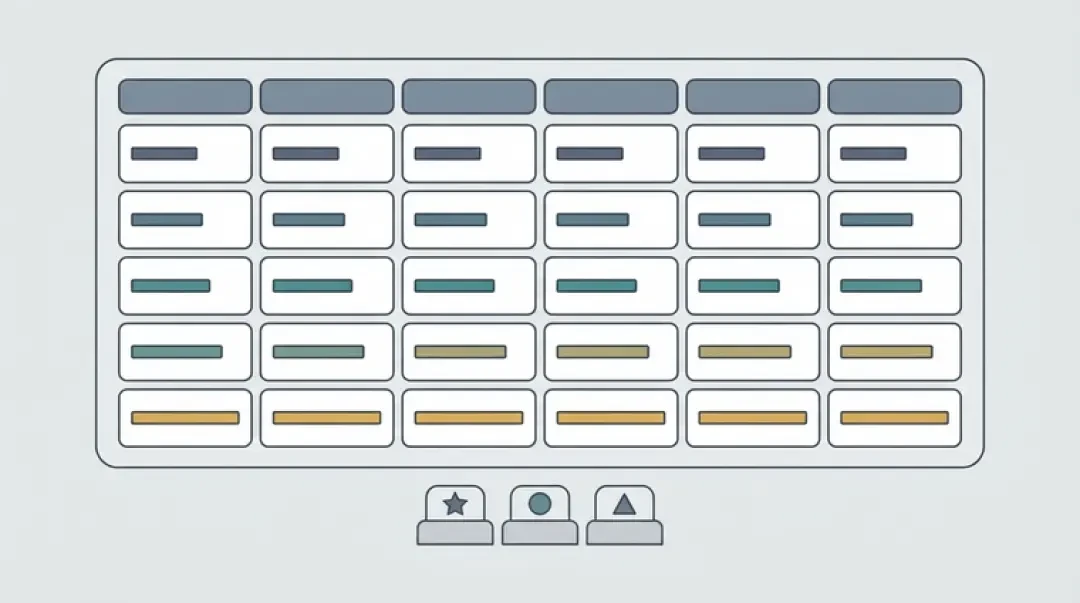
A Jeopardy game maker gives you a 5×5 board with five categories and five clue values in the standard ladder: 100, 200, 300, 400, 500. Most tools ask you to type one hundred cells by hand. This one starts from one sentence. You enter a topic, the generator writes the category names and the clue text, and you get a board you can play in the browser with no download and no signup.
The board is the easy part to get wrong. Five categories across and five rows down is the shape that fills a projector, keeps a scorekeeper honest, and finishes in a class period. The generator handles structure and rough wording. You handle the facts that matter to your classroom, your team, or your game night.
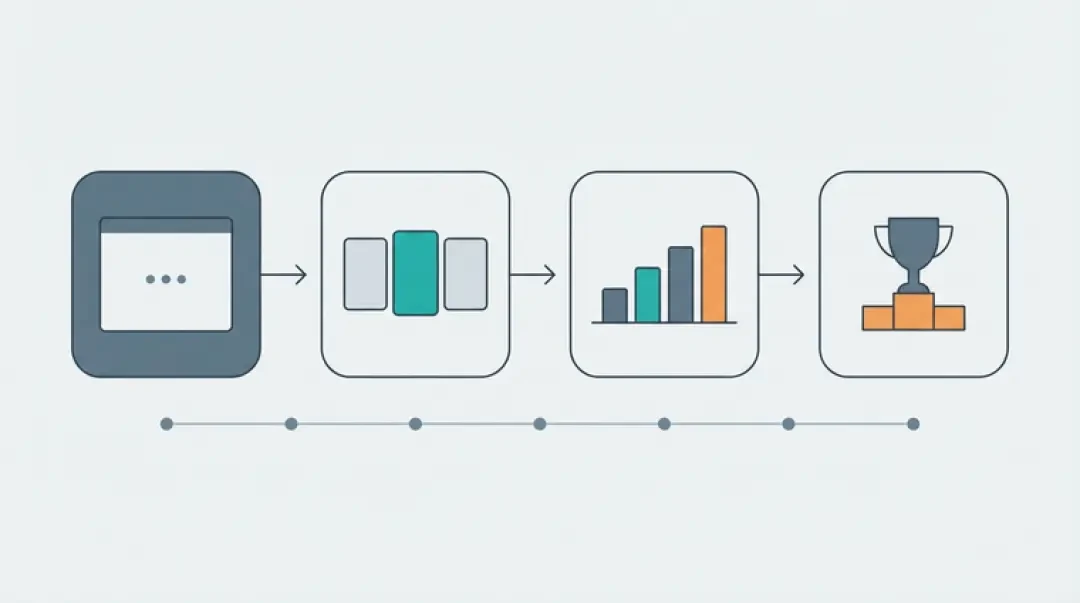
Make a Jeopardy Game in 3 Steps
The input box is the first thing on the page. Type a topic and press generate. The output is a 5×5 grid: five category headers and twenty-five clues, each assigned a value from 100 to 500. Generation takes a few seconds; the board then lives in the browser tab and is playable immediately.
What the generator writes: category names derived from the topic, clue text written as a statement or question, and a value for every cell following the standard ladder. What you still edit: wording that lands for a specific age group, anything that is a fact you are responsible for, and clues that depend on local context (your school, your team, last week's reading). Treat the first pass as a draft, not a finished quiz.
01
Name the topic. Enter one phrase — 'World War II', 'fractions', 'onboarding policy', '90s movies'. The narrower the topic, the more usable the first draft. Broad inputs like 'history' produce broad categories you'll rewrite anyway.
02
Review the generated categories and clues. Read all five category headers first. If two categories overlap, delete one and regenerate. Then walk the 100 row: those five clues should be the easiest on the board. If a 100-value clue requires specialized knowledge, move it down a row.
03
Play it. Click a category header to open the column, pick a value, read the clue, then reveal the answer. Award the points, close the cell, and move to the next team. The board tracks which cells are used.
Play a Sample Jeopardy Board (Live Demo)
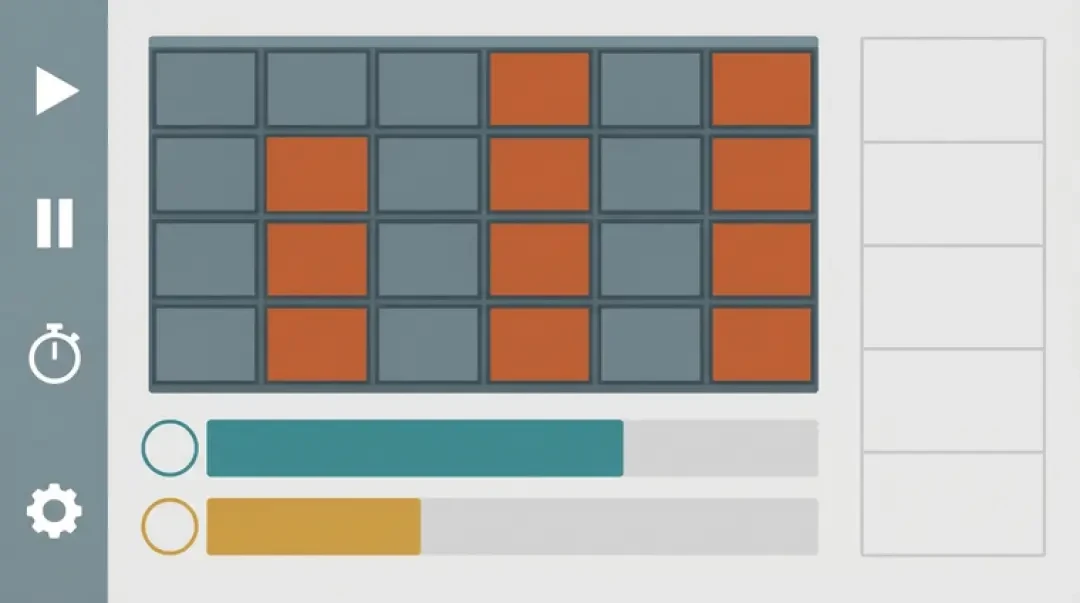
The demo below is a real board, not a screenshot. Every cell is clickable and every value scores. Use it to confirm the interaction model before you build your own: the board behaves the same way whichever topic you generate.
Walk it once, click by click. Click a category header — say the first one — and the column opens. Click the 100 value. The clue appears. Read it aloud, let the team answer, then reveal the correct response. If the team was right, add the value to their score; if wrong, subtract it and pass to the next team. Click the same cell again to mark it used. Repeat four more times, then move to the next column.
The scoring panel keeps three teams separate. Each team has a name field and a running total. You can edit a total mid-game if you misclicked or agreed to a house rule. There is no timer running by default; add one verbally if you want pressure.
- Click-to-open columnsCategory headers open the column inline. No page reload, no separate slide per clue.
- Value cellsEach cell shows its value until used, then dims. The board remembers what has been played.
- Reveal answerClue text appears first, answer second. The gap is where the team guesses.
- Three-team scoreboardEditable names and totals. Add or subtract by the cell value.
Custom Categories, Clues and Scores
Every part of the board is editable. You can replace a category wholesale — click the header, type a new name, and all five clues in that column stay attached until you rewrite them. That is usually the fastest path: fix the structure first, then fix the content column by column.
To rewrite a single clue, click the cell and edit the text. The value stays unless you change it. Changing the value ladder is a separate control: the default is 100 through 500, but you can set a different start value and the board recalculates all five rows. If you set the start to 200, the ladder becomes 200, 400, 600, 800, 1000. Keep the multiple consistent or the scorekeeper will make arithmetic errors by round three.
Scoring works with two or three teams out of the box. Each correct answer adds the cell's value to that team's total; each wrong answer subtracts it and moves play to the next team. You can also run it as a no-score review, where the class just answers and you advance.
| Field | What it controls | Typical mistake |
|---|---|---|
| Category name | The header across the top of one column | Writing a category that is actually a clue, e.g. 'Capital cities of Europe' instead of 'European capitals' |
| Clue text | The prompt shown when a cell opens | Putting the answer inside the clue |
| Value | Points awarded or deducted for that cell | Non-linear values (100, 300, 500, 700, 900) with an inconsistent step |
| Answer | The correct response revealed after the guess | Leaving it blank; the reveal is what makes the game teach |
| Team name | Label on the scoreboard | Renaming a team mid-game after points are already assigned |
Jeopardy Maker Free vs Paid
The free tier generates a board, lets you edit categories, clues, and values, and lets you play it in the browser. There is no signup wall before the board appears. You can build a board, play it, and close the tab without typing an email address.
Paid tiers in this category of tool usually add persistence: saved boards you can return to, shared boards other people can open on their own devices, and export to a format you can hand to a projector or print. They sometimes add larger team counts or a timer. Where the wall sits is the question to ask before you pay: if you only need one board for one session, the free path covers it. If you need the same board next term, or need thirty students to open it simultaneously, that is a persistence and sharing problem, and persistence is the feature you are actually buying.
| Capability | Free tier | What a paid tier typically adds |
|---|---|---|
| Generate a 5×5 board | Yes | Same |
| Edit categories, clues, values | Yes | Same |
| Play in the browser | Yes | Same |
| Save boards for later | Session only | Named, persistent boards |
| Share a link others can open | Not included | Shared board URL |
| Export or print | Not included | Export and print layout |
| Team count | Up to three | More teams, sometimes timed rounds |
How to Make Your Own Jeopardy Game for Class, Training or Game Night
The board is the same object in all three cases. What changes is one constraint per context, and getting that constraint right matters more than the topic.
For a classroom, the constraint is readability from the back of the room. Clue text has to be short enough to read off a projector at a glance. If a clue wraps past three lines on your screen, it will be unreadable in row six. Rewrite long clues into one sentence, move qualifiers into the category name, and keep the 100 row genuinely easy so the quiet students get a shot.
For corporate training, the constraint is accuracy review before the session. Run every clue past the subject-matter owner and check the answer field, not just the clue. A compliance quiz with a wrong answer is worse than no quiz. Also check that no clue accidentally implies a policy that is not actually in force — that is the failure mode that gets a training game pulled.
For game night, the constraint is that losing is funny. Categories should reward the people who know trivia and also the people who will guess confidently and be wrong. Include one category that is easy for everyone and one that is hard for everyone. Avoid pure recall categories where one person wins the whole board by the third clue.
- ClassroomReadable from the back of the room. Short clues, clear font size, easy 100-row.
- TrainingAccuracy review before the session. Every answer checked by someone accountable for the policy.
- Game nightCategories that are fun to lose at. One easy column, one hard column, one that rewards guessing.
Why a Generated Board Beats a Blank Slide Deck
The hard part of a quiz game is not typing. It is the structure: choosing five categories that do not overlap, distributing difficulty across five values, and keeping the whole thing finishable in the time you have. A blank slide deck gives you a canvas and no structure. You end up writing categories first, then discovering your 400-point clue is easier than your 200-point clue, then rebalancing everything.
The value ladder fixes that. One hundred points at the top means the first clue in each column should be answerable by most of the room. Five hundred means few or none. That gradient is the game. A flat set of hard questions is a test; a gradient is a quiz. Generating into a ladder means the distribution problem is solved before you write a word, and you spend your edit time on content rather than on shape.
Five by five is the shape that works because it matches a class period or a meeting slot. Twenty-five clues at two minutes each runs fifty minutes. Four by four leaves you with too few categories to cover a topic; six by six pushes past an hour before you have taken questions. Five is the size where a topic fits and a session ends.
Write clues by hand when the subject is high-stakes or context-dependent: certification exams, legal or medical training, anything where a wrong answer has consequences. Also write by hand when the joke is the point — generated wordplay is rarely funny the first time and never funny the second. Use the generator for structure and volume, then replace the cells where accuracy or tone matters most.
Walk into the world it belongs to
A sprite is a character with nowhere to stand. The last step is the one nobody else offers: take the sheet you just built and put it in a world someone can walk around in — a small island, a planet, a rainy street corner. Every world on this site was made from one written description and published as a page you can play.
Back to the 3D Game Builder
All 31 finished 3D worlds, games and scenes live on one page — every one of them playable.