The Best AI Anime Particle Effect Creator
Create anime art with atmospheric particles — sakura petals, fireflies, magical sparkles, ash. Not overlaid stickers, but particles integrated into the scene's physics.
Create anime particle effects that feel real
Sakura petals that follow the wind, fireflies that pulse, sparks that orbit — one sentence describes the physics, and the particles are rendered into the scene, not stamped on top of it. Start free on Neta Studio.
What It Does
The best AI anime particle effect creator does not add stickers to a finished image. Neta Studio generates particles as part of the scene itself — wind direction, gravity, light interaction, and density are specified in the prompt and rendered into the illustration. Cherry blossom petals blow through lantern light and change color. Fireflies pulse on a three-second cycle and bend their flight paths in a breeze. Sparks, embers, and light motes orbit characters and interfaces with their own physics. One sentence describes the atmosphere; the scene is rendered around it.
Particles Are Atmosphere, Not Decoration
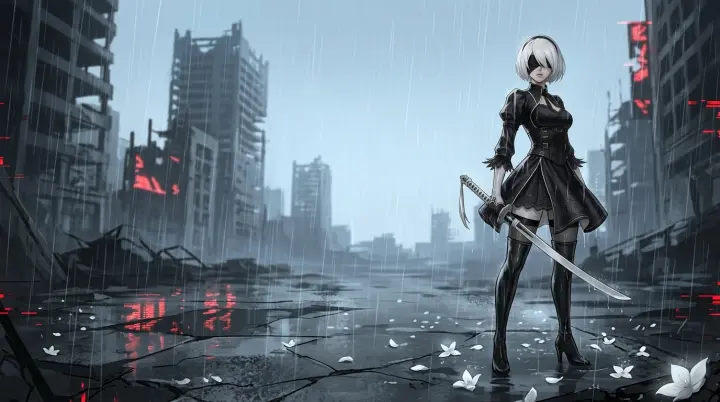
Cherry blossom petals are not pink dots scattered randomly. They follow wind currents. They rotate as they fall. They cast tiny shadows on the ground. They accumulate in corners and gutters. They are wet after rain and dry in sunlight. Ash drifts on thermals and settles on rooftops. Fireflies glow on a cycle and light the air around them. Every particle on Neta Studio obeys the physics you describe — and that is exactly what makes it feel real.
- Flat overlays, not particles — most AI tools stamp random dots on top of the finished image. They do not follow physics, so they read as confetti, not atmosphere.
- No light interaction — an overlay petal cannot pass through lantern light, turn amber for a moment, and fade back to pink in shadow.
- No accumulation — real petals gather in corners and gutters, get wet after rain, and dry in sunlight. Stamped particles never settle anywhere.
Neta Studio renders particles as part of the scene physics: wind direction, gravity, light interaction, and density are all specified in the prompt and rendered into the illustration. That is the difference between confetti and atmosphere.
What You Can Generate
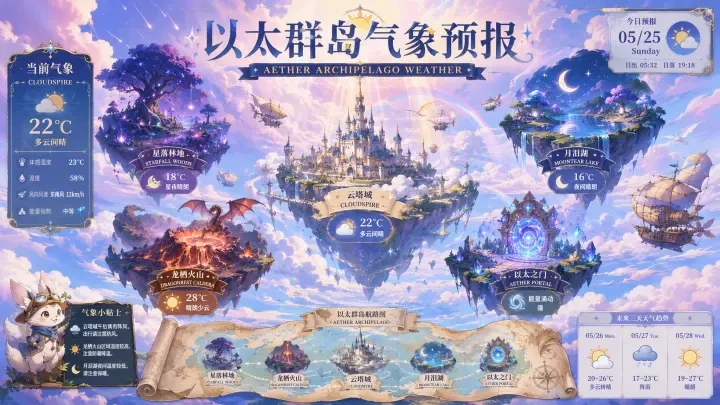
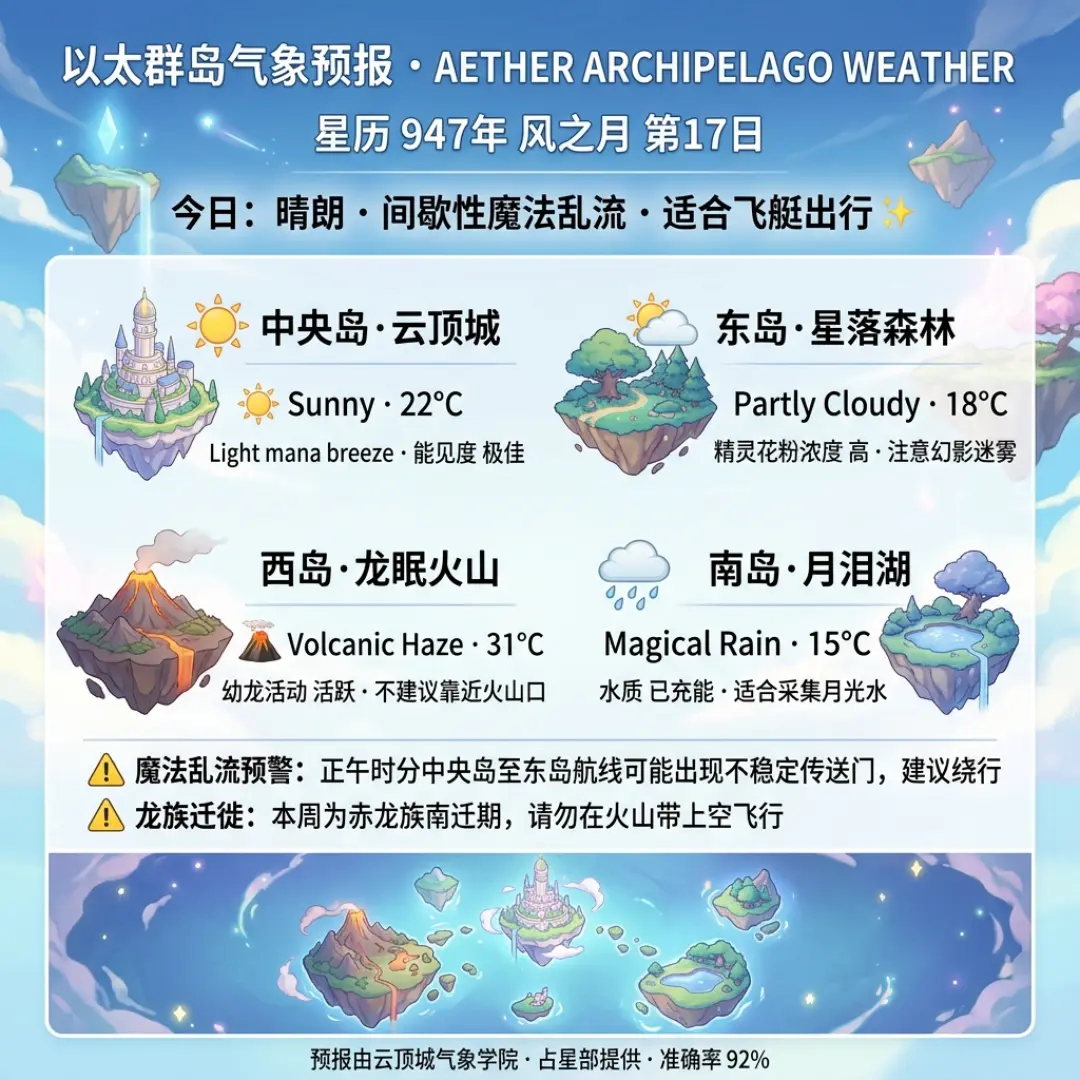
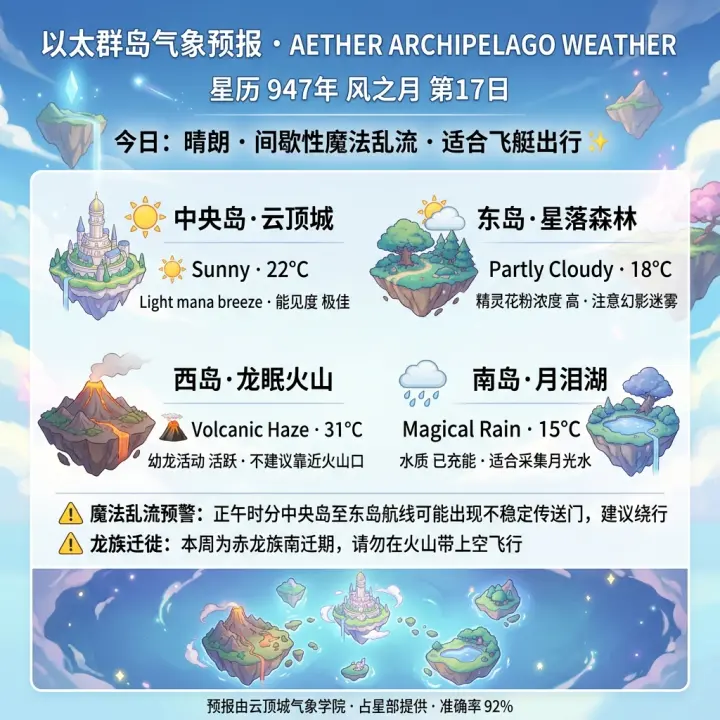
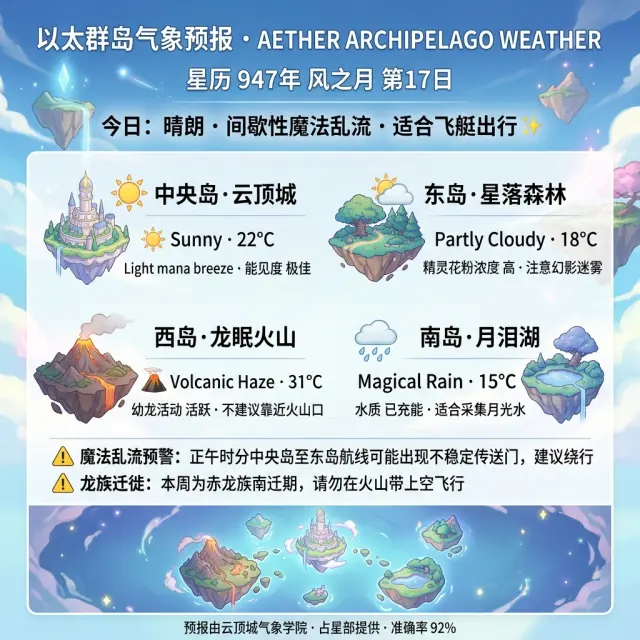
- Natural atmospheric particles — weather scenes with wind-driven particles. The Worldview Daily Weather Poster: Floating Islands is an environmental scene where weather particles follow the wind patterns, interact with the lighting, and accumulate naturally. Fork it for your own weather-particle scenes.
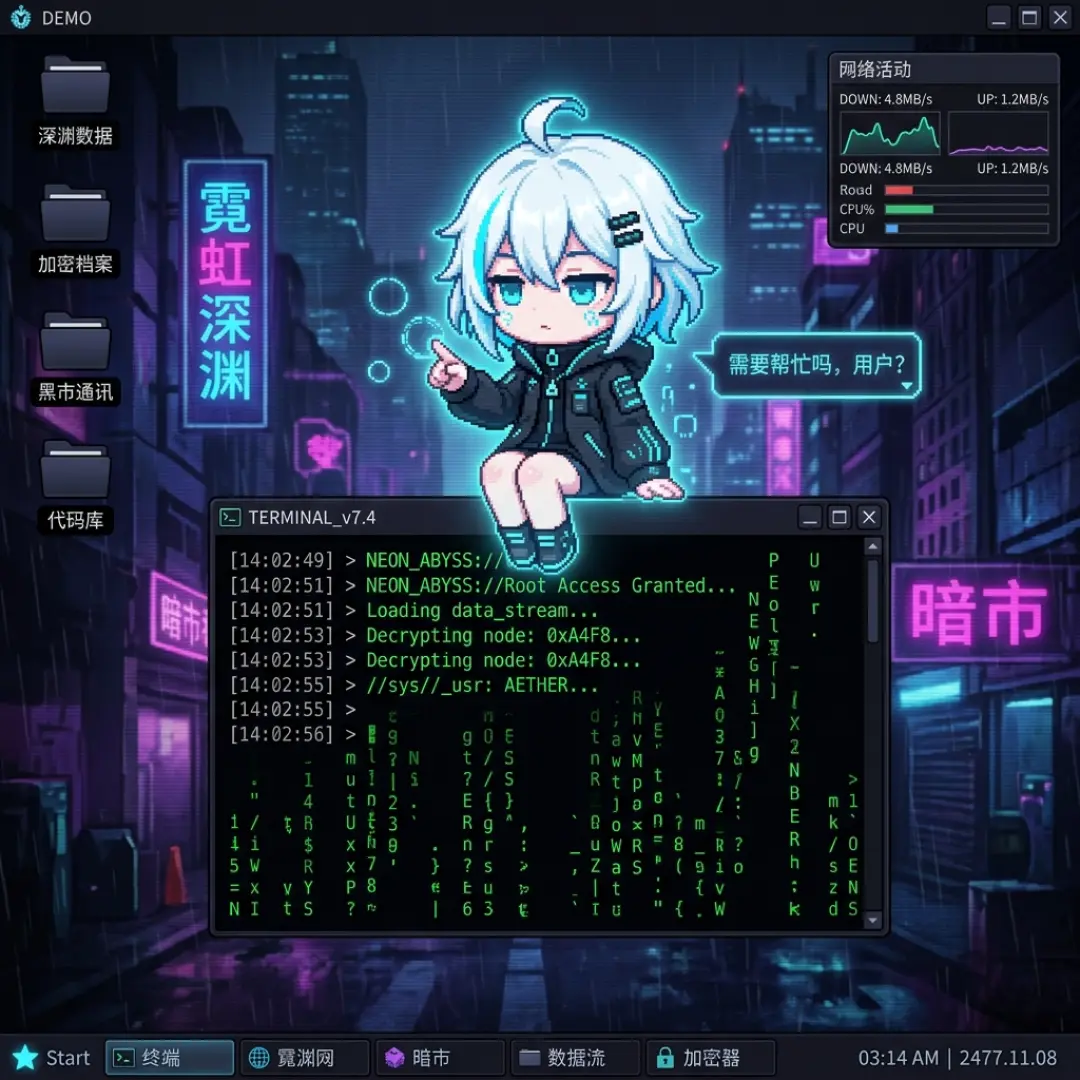
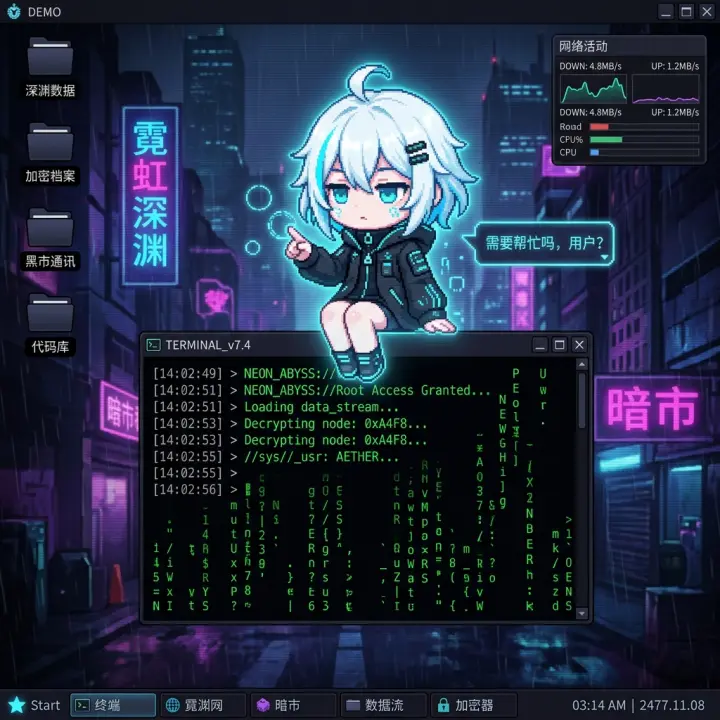
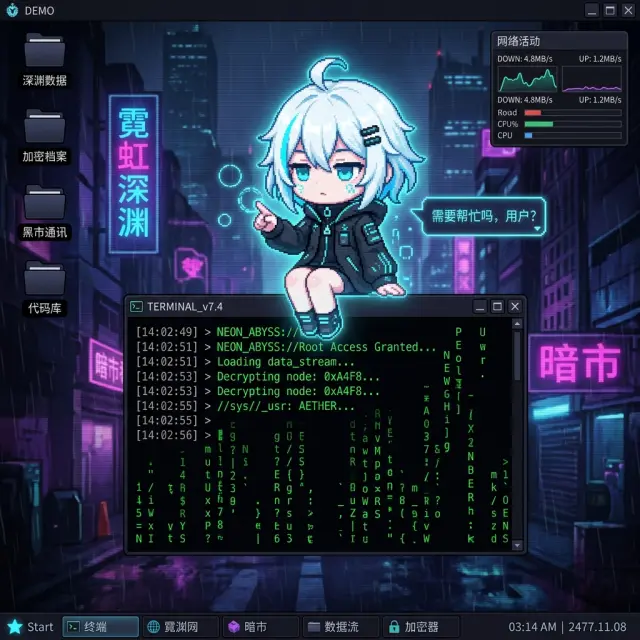
- Character-integrated particles — ambient particles that respond to a character's presence. Desktop Mascot: Zero is a cyberpunk virtual pet whose sparks, digital fragments, and light motes orbit her naturally. Fork it for your own particle-rich character designs.
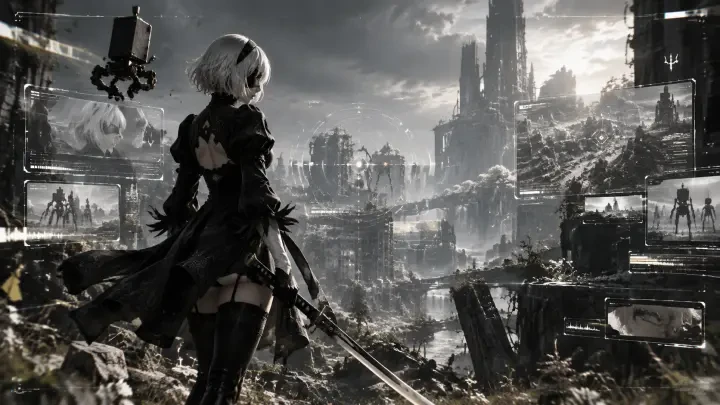
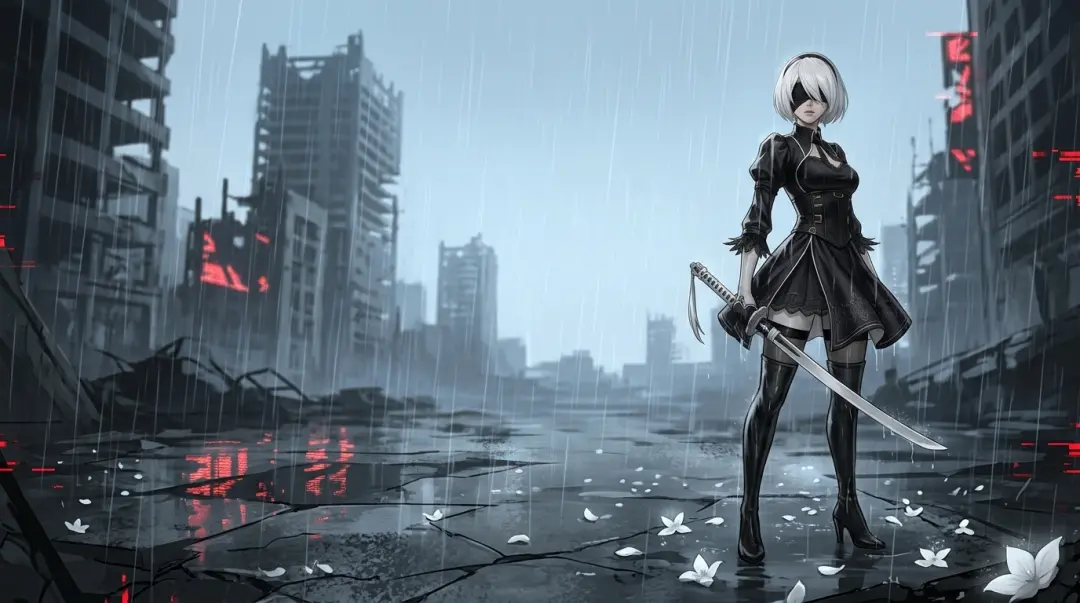
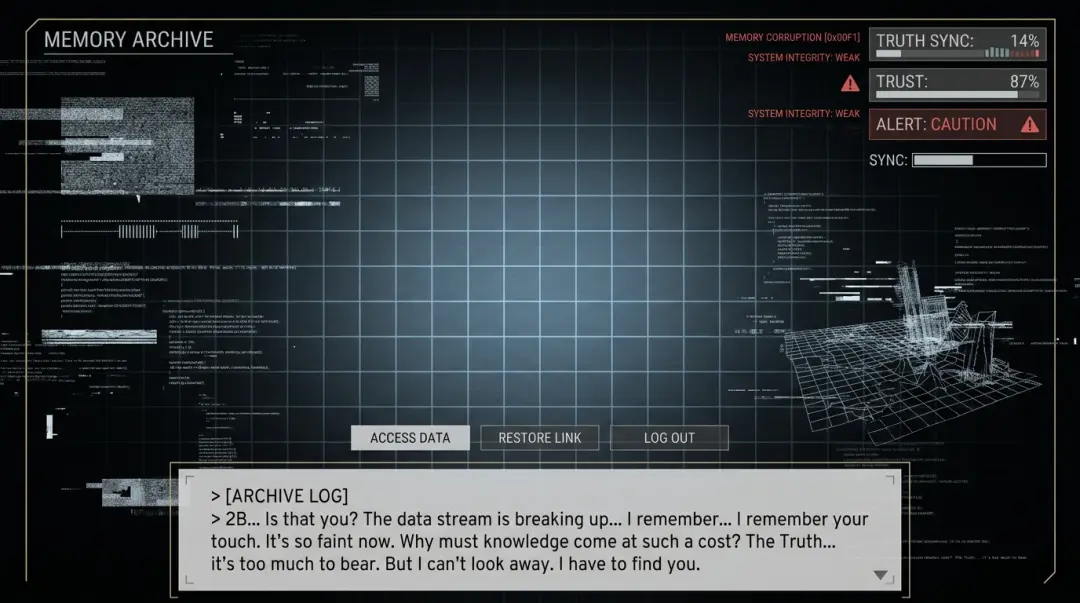
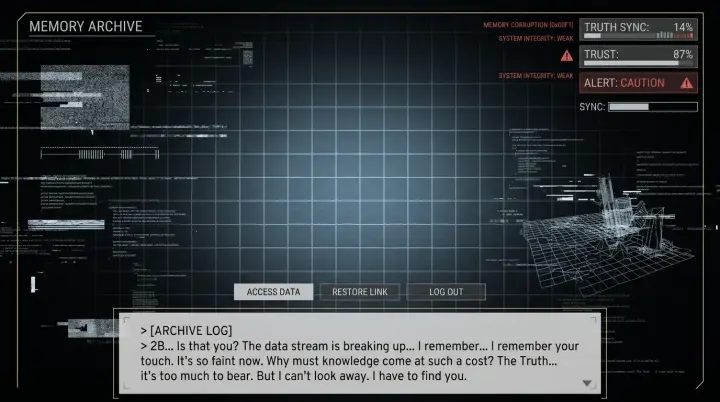
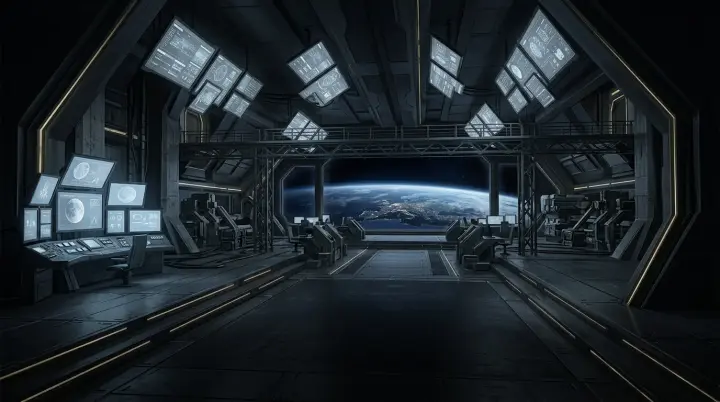
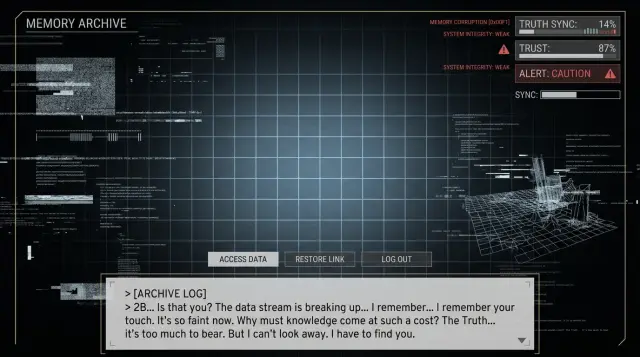
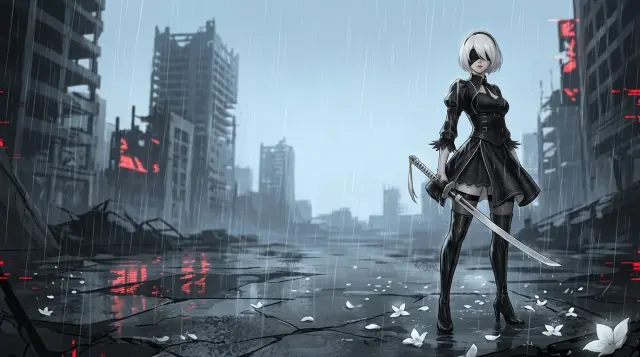
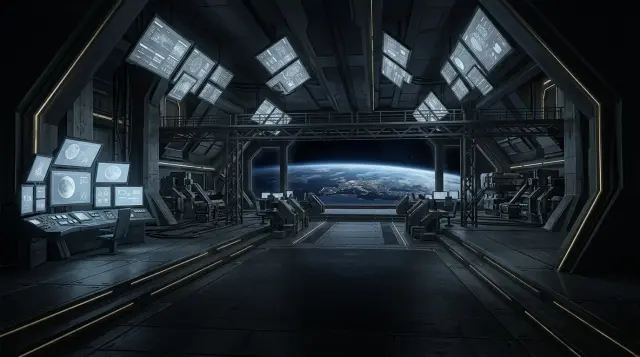
- Sci-Fi particle systems — digital particle effects with per-type physics. The YoRHa Agent UI Showcase and the YoRHa: Nier Automata worlds render data fragments, holographic sparks, and plasma discharge as part of the interface. Fork them for your own tech-aesthetic particle systems.
See it, fork it, get it — every particle-effect design on Neta Studio is forkable.
The Particle Physics Checklist
| Physics | What to specify | Example |
|---|---|---|
| Wind | Direction, speed, and gusts | "A gentle breeze from the right bends the fireflies' flight paths leftward" |
| Gravity | Fall speed, rotation, and drift | "Petals rotate slowly as they fall, drifting side to side on the way down" |
| Light | How particles interact with light sources | "Petals pass through lantern light, briefly illuminated amber, then back to pink in shadow" |
| Density | How many particles are visible | "10-15 falling petals, a loose cloud of 40 fireflies" |
| Accumulation | Where particles settle | "Petals accumulate in the leeward corner of the nearest lantern" |
Answer these five questions in your prompt and the AI renders particles with physical behavior — not decoration.
How to Prompt Particle Effects
Specify the physics, not just the particle type. "Shrine at twilight with fireflies and petals" gives you a generic postcard. A prompt that defines wind direction, flight pattern, glow radius, and rotation gives you atmosphere you can feel. Here is the exact difference:
Compare this to "shrine at twilight with fireflies and petals." The first prompt defines the particle physics — wind direction, flight pattern, glow radius, rotation — plus the light interaction (petals changing color in lantern light) and the accumulation behavior. The AI uses these to create physically integrated particles. Paste this structure into any Neta Studio prompt and the atmosphere follows.
How It Works
Pick a World
Start from any anime world — or fork a particle-rich template like the Worldview Daily Weather Poster: Floating Islands, Desktop Mascot: Zero, or the YoRHa: Nier Automata world. Every world ships with scenes that already have atmospheric particles to inherit.
Write One Sentence
Describe the scene and its particles: "a shrine courtyard at twilight, fireflies drifting between stone lanterns." One sentence is enough to start; the AI turns it into a scene with physics.
AI Generates the Scene
The AI renders the particles into the scene — wind direction, gravity, light interaction, and density all specified in your prompt — so the atmosphere is part of the illustration, not stamped on top.
Refine with Iterations
Tell the AI "make the wind stronger", "add embers from the lantern", "more petals, drifting left". Each iteration updates the particle physics while the scene keeps its identity.
Publish & Share
Publish the scene, share the link, or fork it to build a whole world of atmospheric moments. Any public template can be forked and remixed — that is how the platform grows.
Real Results
These are real works generated on Neta Studio — open them, inspect the outputs, and see exactly what physics-integrated particles look like. Every one of them is forkable.
Core Capabilities
- Physics-Integrated Particles — wind direction, gravity, light interaction, and density are specified in the prompt and rendered into the illustration; particles are part of the scene, not overlays.
- Light-Aware Rendering — petals passing through lantern light change color; fireflies illuminate the air around them; glow follows the scene's light sources.
- Accumulation Behavior — particles settle, pile up, and gather in corners and gutters exactly where physics puts them.
- Character & Interface Particles — sparks, data fragments, and light motes orbit characters and HUDs naturally, from desktop mascots to sci-fi terminals.
- Forkable Particle Templates — every particle-effect design is forkable: inherit the scene, describe your particle physics, get particles that feel real.
- Iterative Refinement — "make the wind stronger", "more petals", "embers from the lantern": each edit updates the physics while keeping the scene's identity.
Why Neta Studio
Neta Studio is not just another AI anime particle effect generator — it is a complete AI world-building platform where atmosphere is part of the scene physics and every template is forkable:
Particles with physics, not stickers — wind, gravity, light, and density are specified in the prompt and rendered into the illustration; the atmosphere is built into the scene.
Fork anything — public templates and worlds are forkable; inherit the scene, describe your particle physics, and get particles that feel real.
One sentence to an atmospheric scene — describe the scene and its particles once and get a rendered illustration without touching an image editor.
Community-first — unlimited worlds, public fork and remix, and a Discord learning community.
FAQ
What makes an anime particle effect look real? +
Physics. Real particles follow wind currents, rotate as they fall, interact with light, and accumulate in corners. Most AI tools stamp flat overlays on top of an image; Neta Studio renders particles as part of the scene — wind direction, gravity, light interaction, and density are all specified in the prompt.
How is this different from adding a particle overlay in Photoshop? +
An overlay is a fixed set of dots pasted on top of a finished image — it never interacts with light or settles anywhere. Neta Studio generates particles into the scene itself: petals change color as they pass through lantern light, fireflies glow and drift on a breeze, ash accumulates on rooftops. The physics is part of the render.
Can I generate particles around a character or interface? +
Yes. Desktop Mascot: Zero shows ambient sparks, digital fragments, and light motes orbiting a character; the YoRHa Agent UI Showcase and YoRHa: Nier Automata worlds show data fragments and holographic sparks living inside an interface. Fork those templates and describe your own particle behavior.
How do I write a particle prompt that works? +
Specify the physics, not just the particle type. Answer five questions: wind (direction and speed), gravity (fall and rotation), light (how particles interact with sources), density (how many), and accumulation (where they settle). The shrine courtyard example on this page is a working template for that structure.
Which works should I fork to start? +
Three: the Worldview Daily Weather Poster: Floating Islands for natural weather particles, Desktop Mascot: Zero for character-integrated particles, and the YoRHa Agent UI Showcase / YoRHa: Nier Automata worlds for sci-fi particle systems. Each one is forkable and already renders particles with physics.
Is this free to start? +
Yes. Neta Studio is free to start — describe a scene, fork a template, publish an atmospheric illustration, and share the link. No downloads, no setup.
Start Creating
See it, fork it, get it. One sentence in, an atmospheric anime scene out — sakura petals that follow the wind, fireflies that pulse, sparks that orbit. Free to start, no coding.